Blog
News, updates, and guides from Screenify Studio.

Multi-Device Mockup Studio: Stage Your Product Across Screens
Screenify Studio 2.0 stages two or three devices in one cinematic 3D mockup — glide a single camera across them and record live, all in one app.
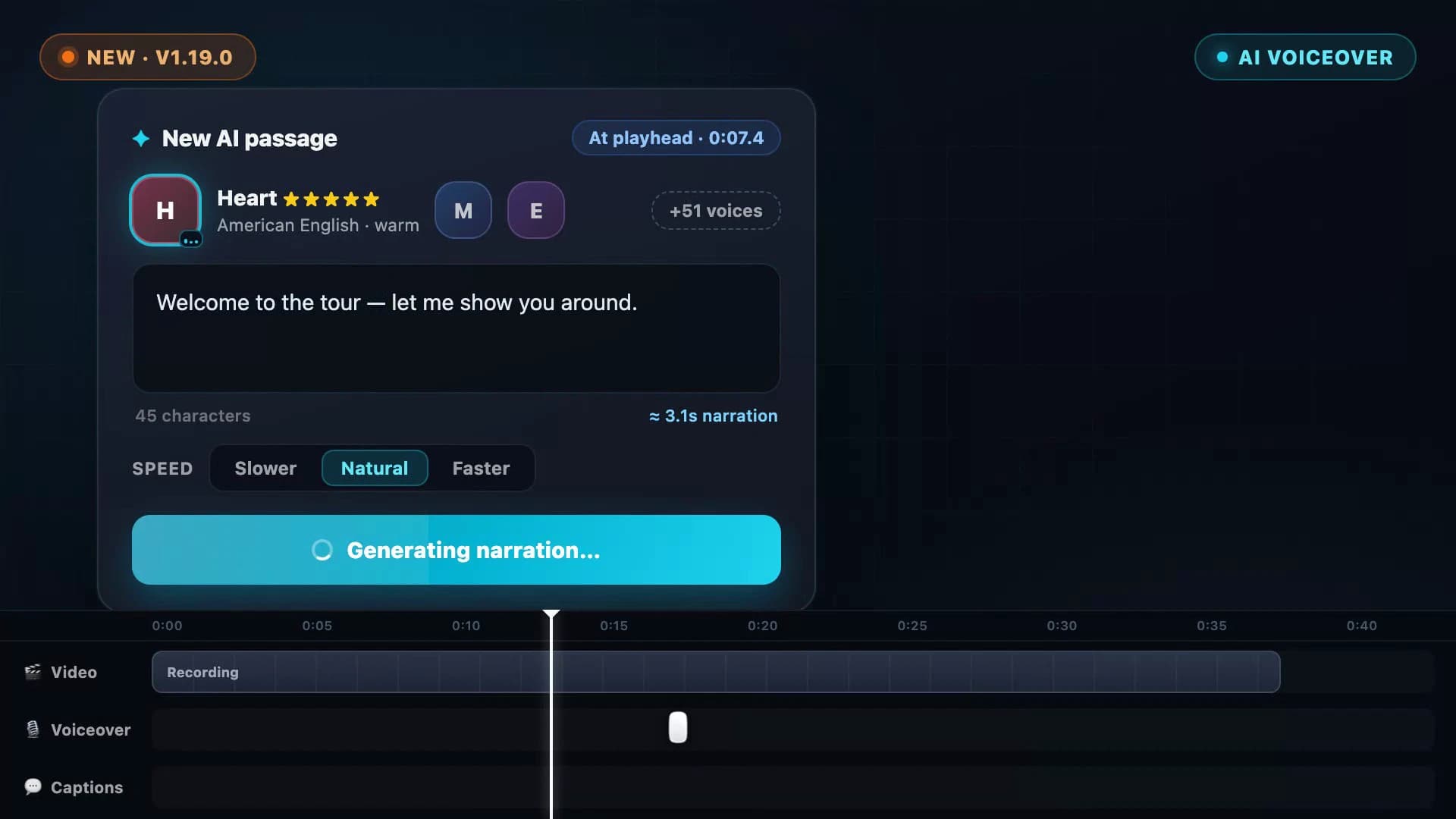
AI Voiceover: Type a Script, Hear Your Video Narrated
Screenify Studio 1.19 turns any script into natural narration — 54 on-device AI voices in 9 languages, with subtitles generated straight from what you wrote.
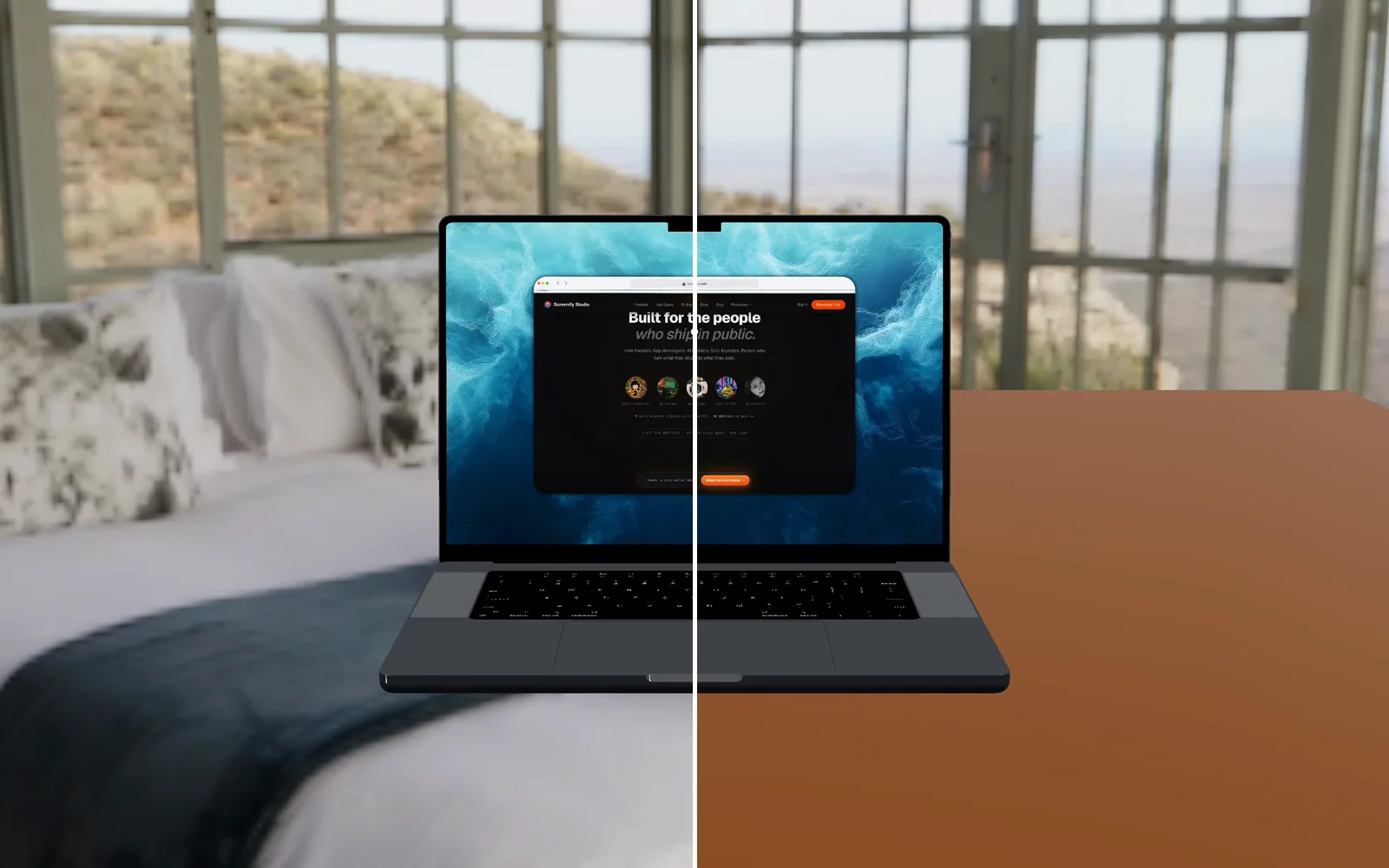
Your AI agent can now look at the video it made
Screenify's CLI and MCP server can read a video back to an agent: a frame as an image, what is said, what is on the timeline, and what a web demo clicked.
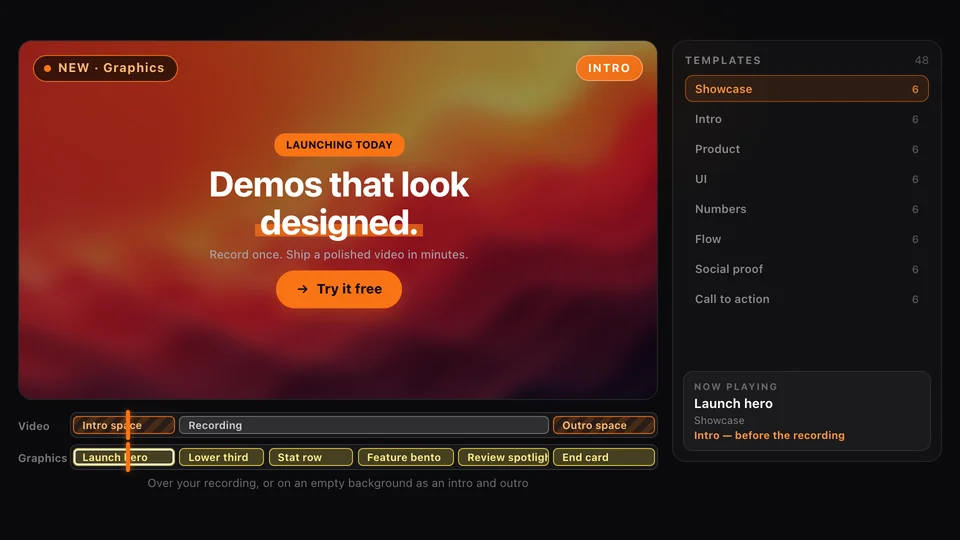
Graphics: Motion Templates for Your Product Demos
Screenify Studio 2.6 adds Graphics: animated lower thirds, stats, flows, pricing cards, intros and end cards you drop onto a demo in one click.
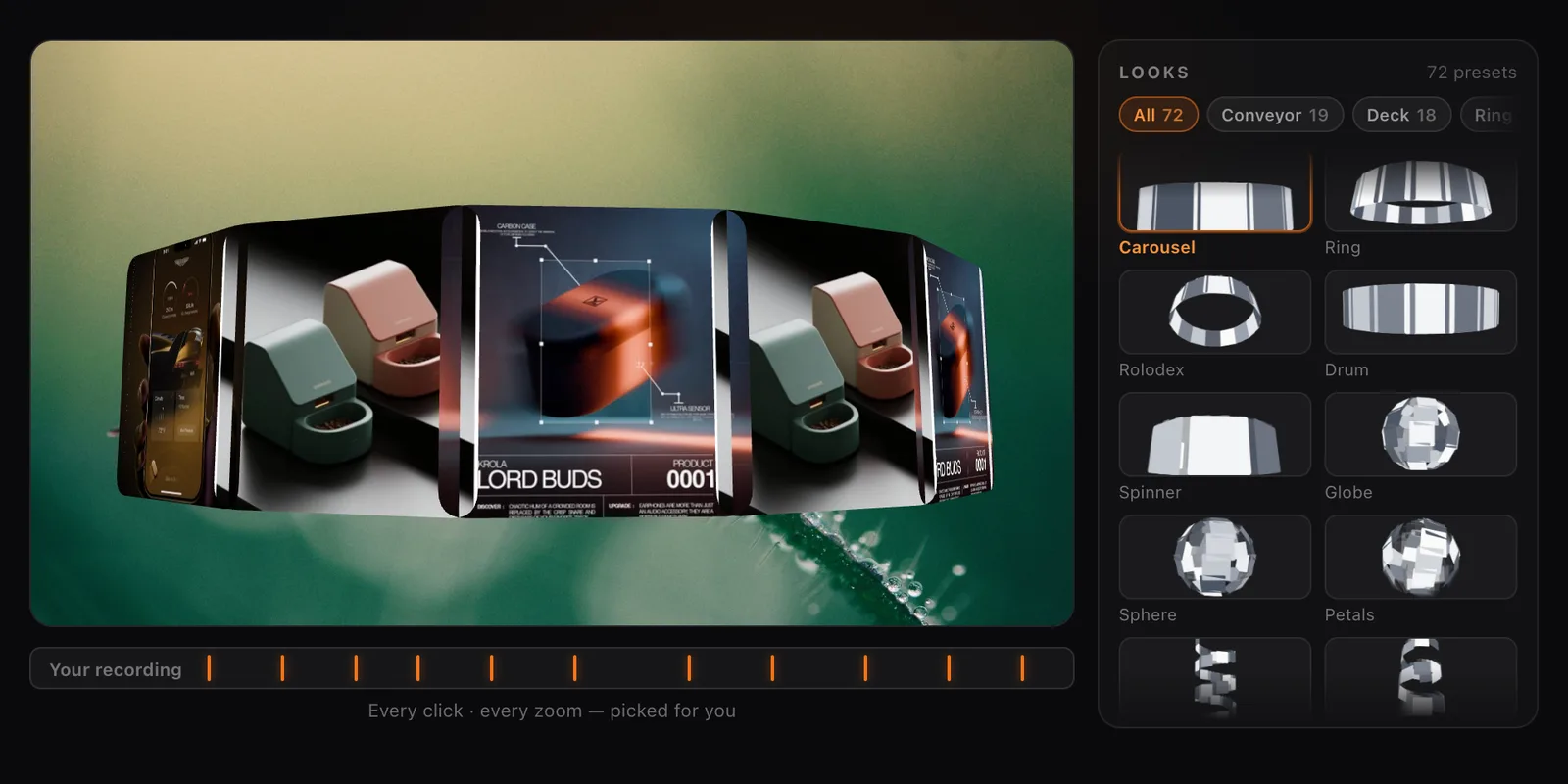
Collage Clips: Turn Screenshots into a 3D Intro
Screenify Studio 2.4 turns a set of screenshots, or the key frames of a recording, into a moving 3D collage you can use as an intro, outro or overlay.
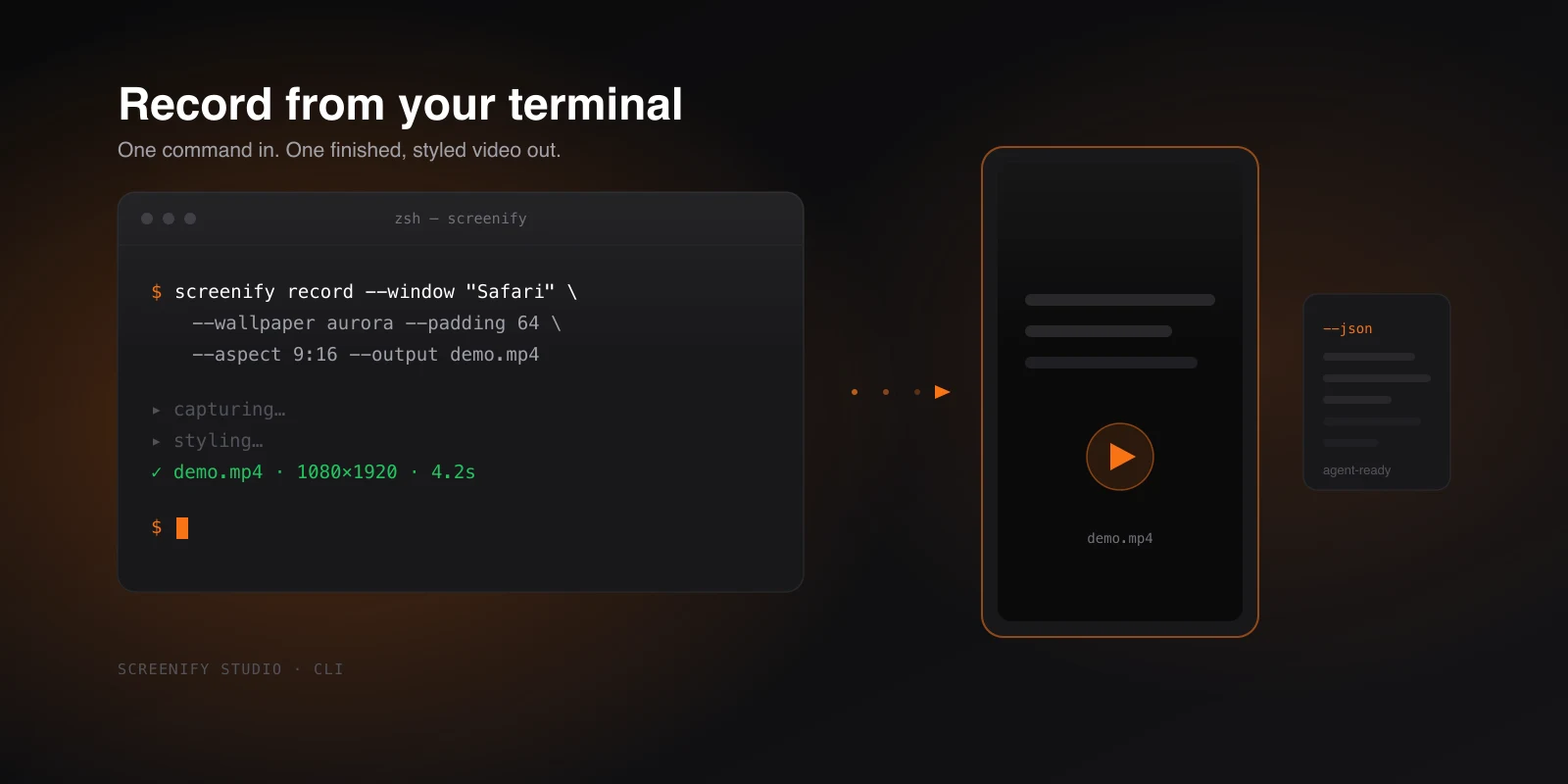
Meet the Screenify CLI: Record From Your Terminal
Screenify now runs from the command line — record and export a studio-quality MP4 in one command, fully scriptable, and built for AI agents.
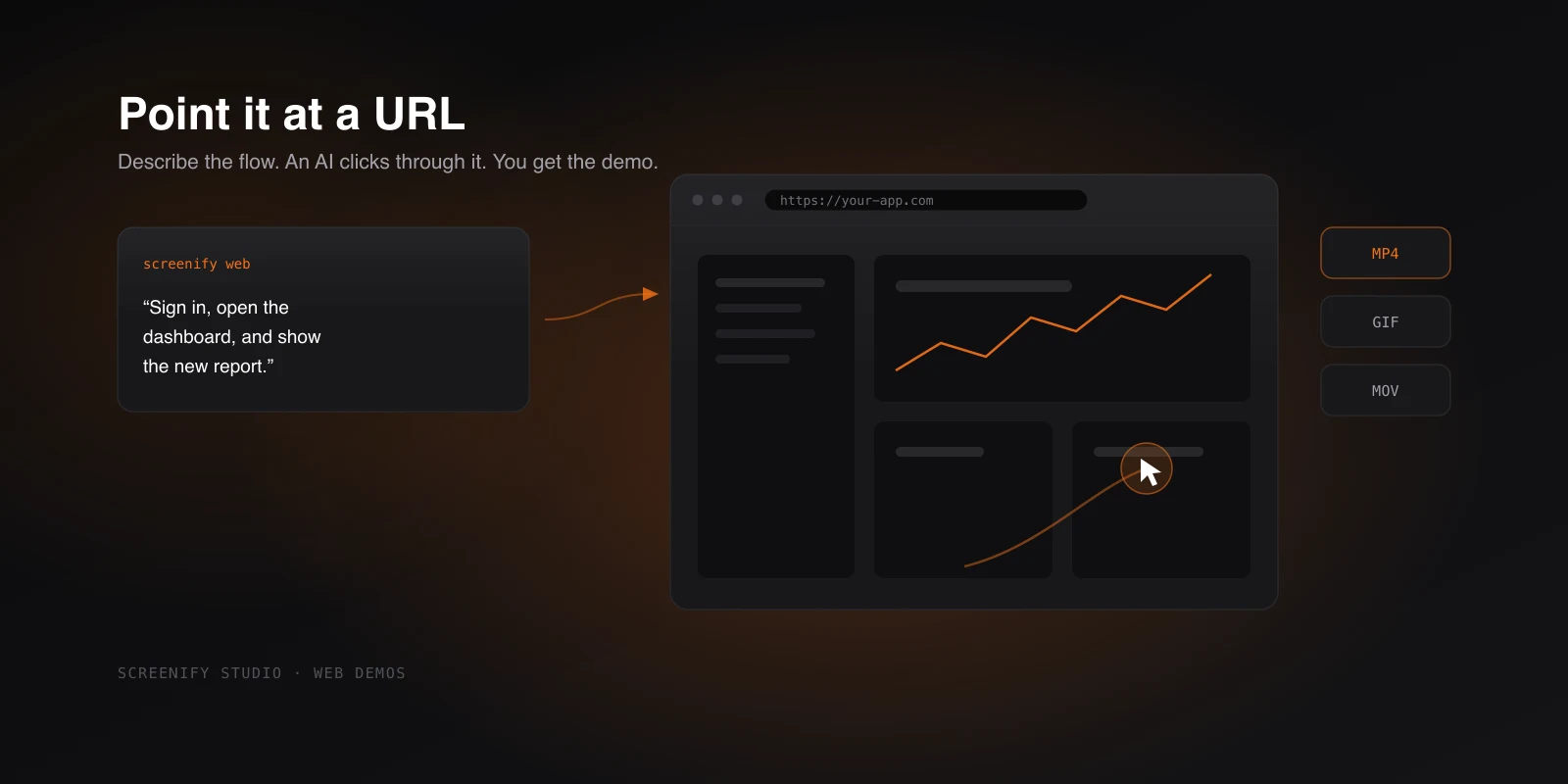
Record Any Web App as a Demo, Directed by AI
Point Screenify at any URL to capture a polished web demo from the terminal — record it yourself or let an AI click through, then export to GIF or MOV.
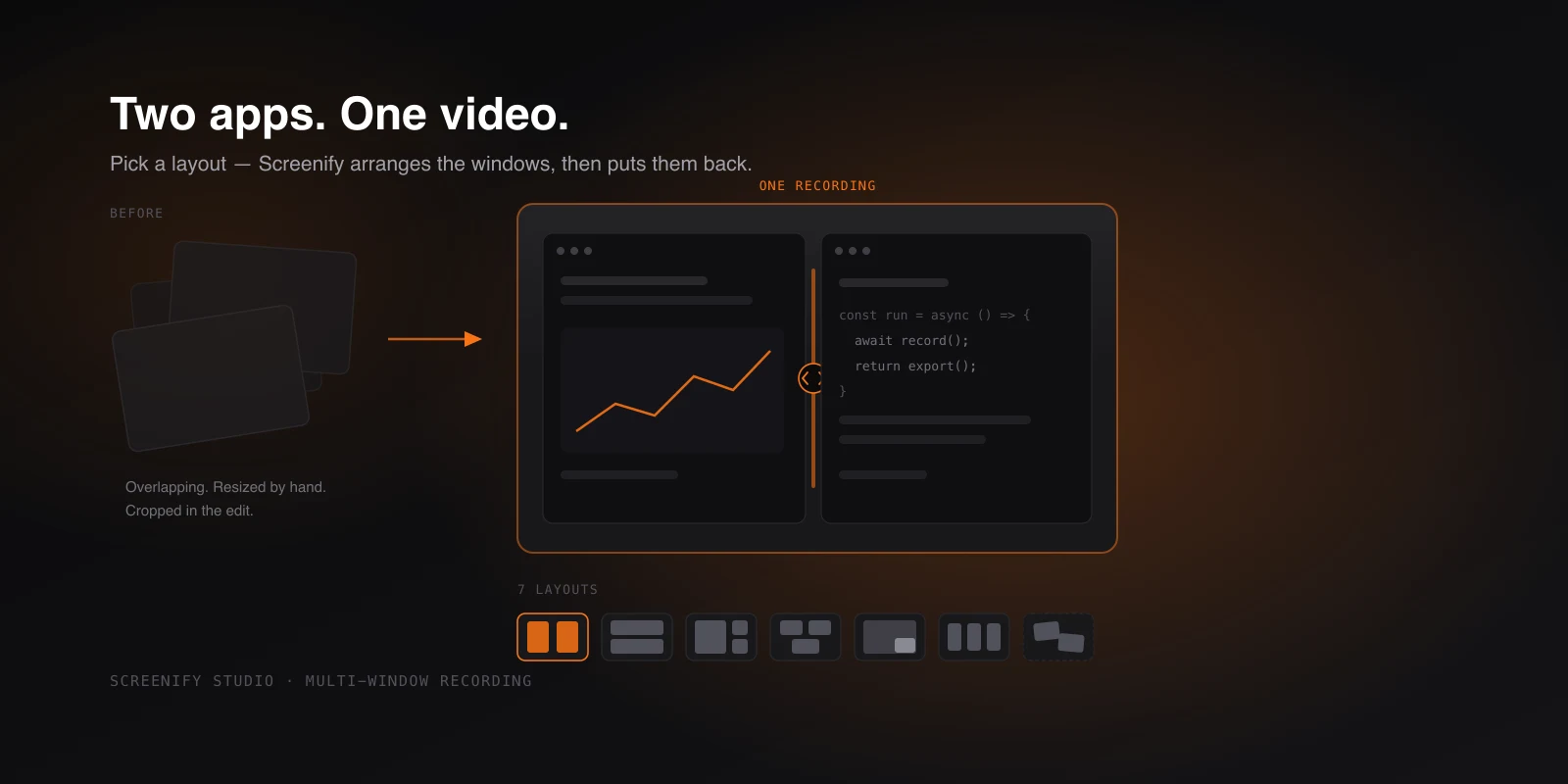
Record Two Apps Side by Side, in One Video
Capture several app windows as one video — pick a layout, drop your windows in, and Screenify arranges them on screen, then puts them back after.
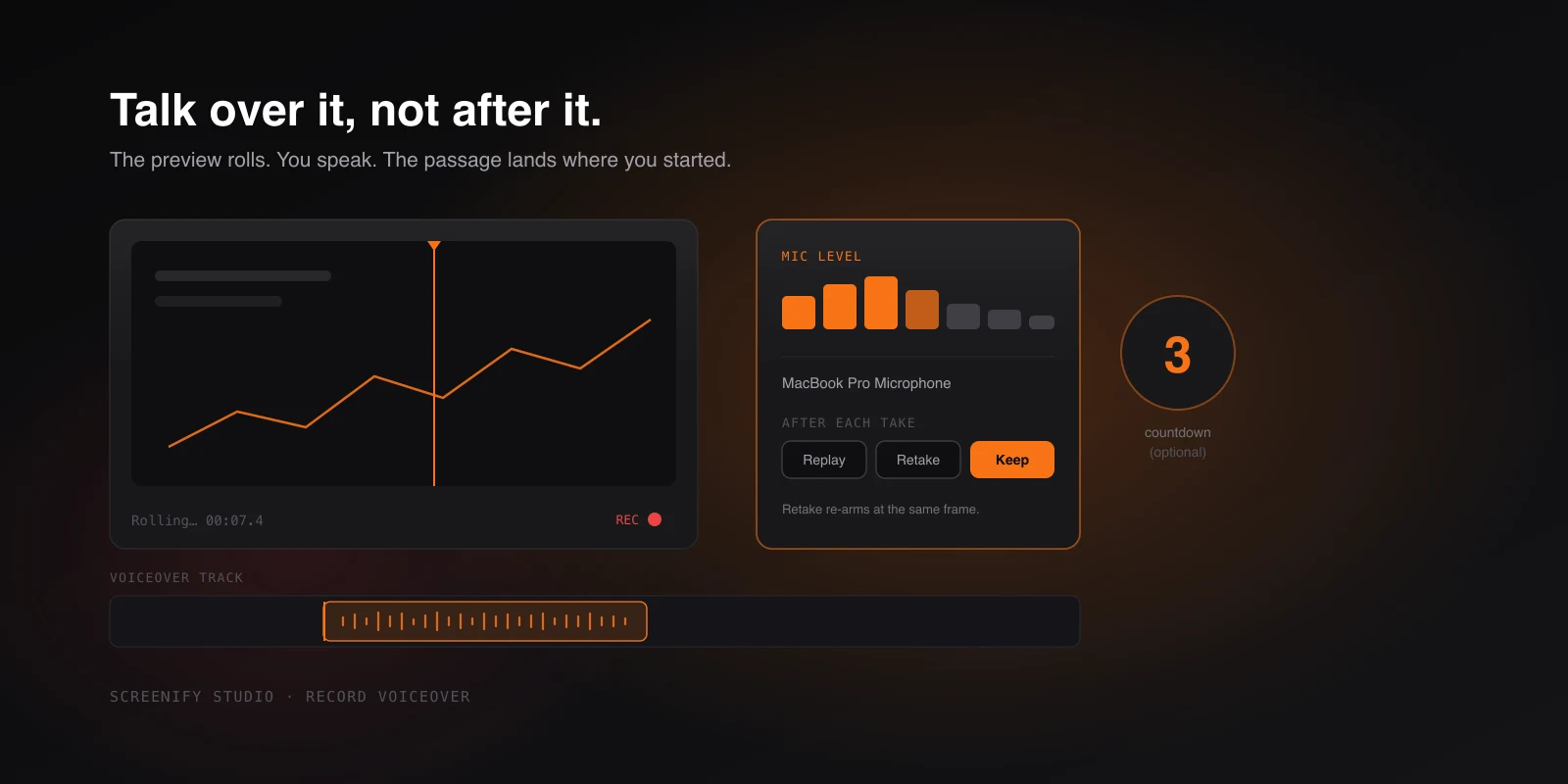
Narrate While You Watch It Back
Record narration in the editor while the preview plays — countdown, live mic meter, instant retakes, and audio that lands exactly where you started.
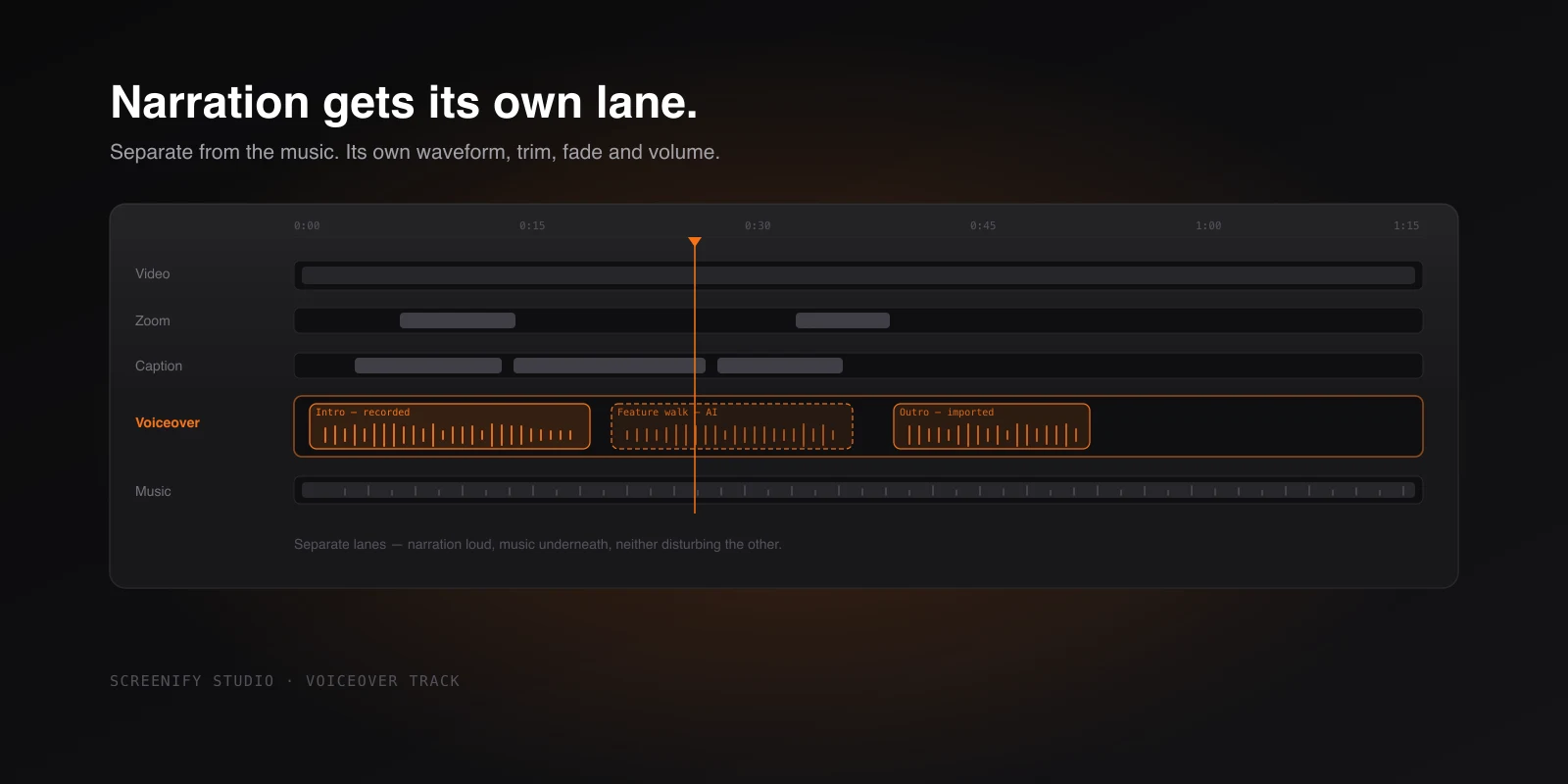
Narration Gets Its Own Lane
A dedicated Voiceover track, separate from background music — waveform, trim, fade, volume, and captions generated from any passage on it.
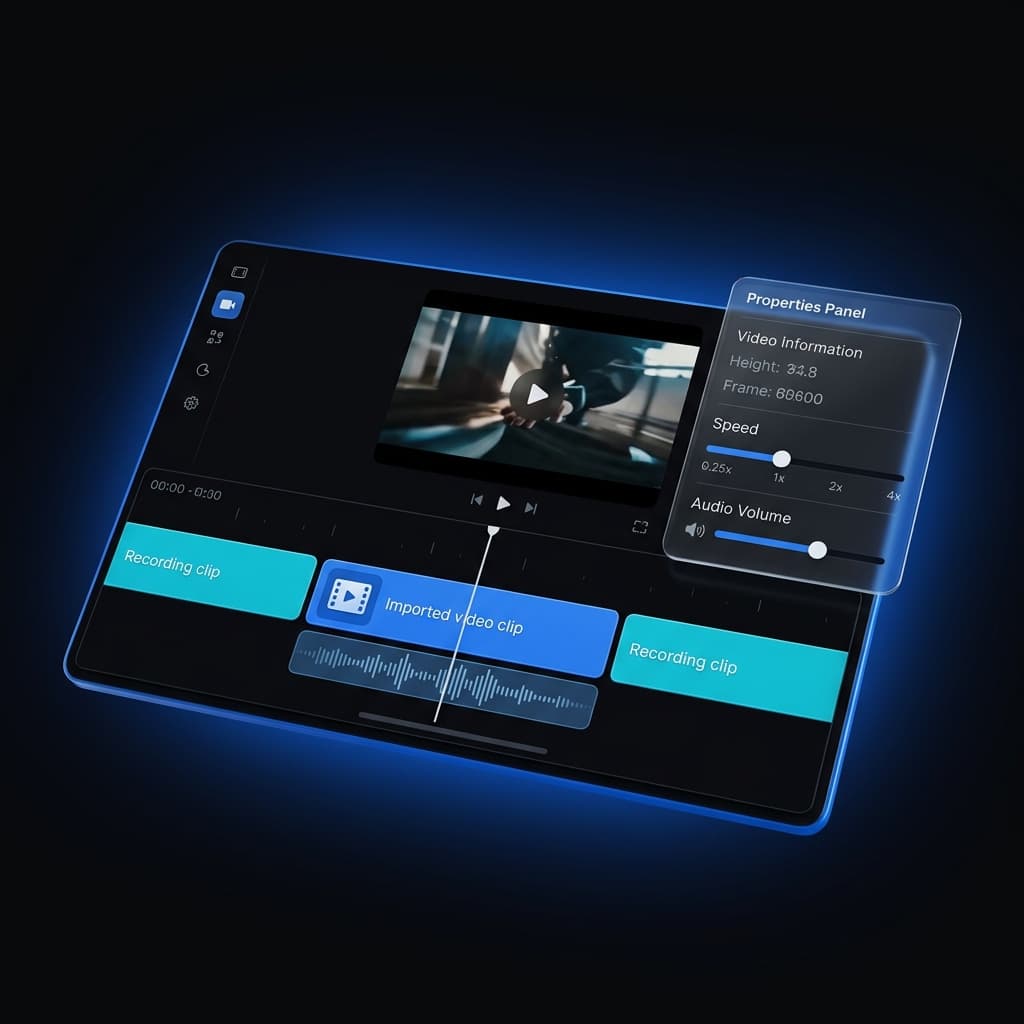
Multi-Clip Recording, Fully Editable
Record your screen, simulator, or device in several takes and append them into one project — then fine-tune every clip on its own.
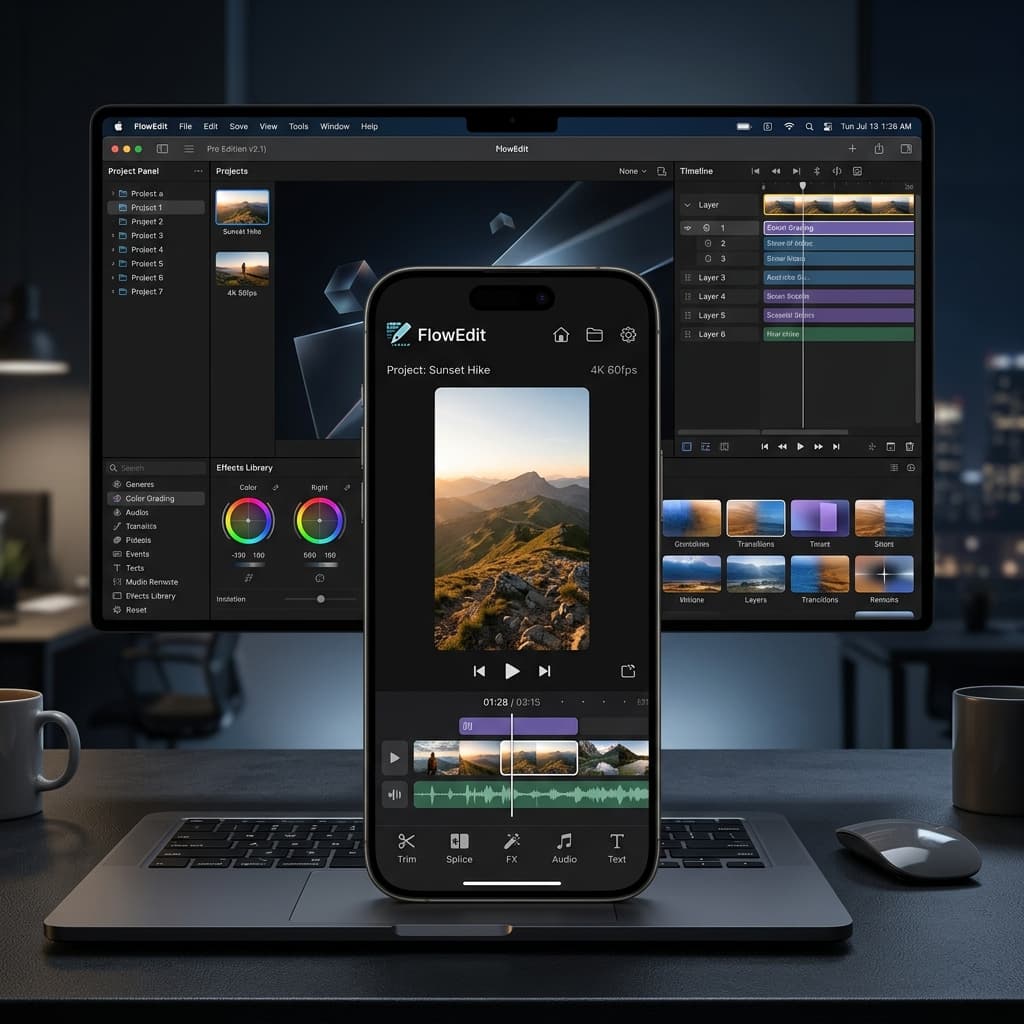
Photorealistic iOS & iPad 2D Device Frames
Elevate product walkthroughs with 81 photorealistic frames across 20 iPhone/iPad models, featuring mismatch warnings and CDN loading.