Blog
News, updates, and guides from Screenify Studio.

Multi-Device Mockup Studio: Stage Your Product Across Screens
Screenify Studio 2.0 stages two or three devices in one cinematic 3D mockup — glide a single camera across them and record live, all in one app.
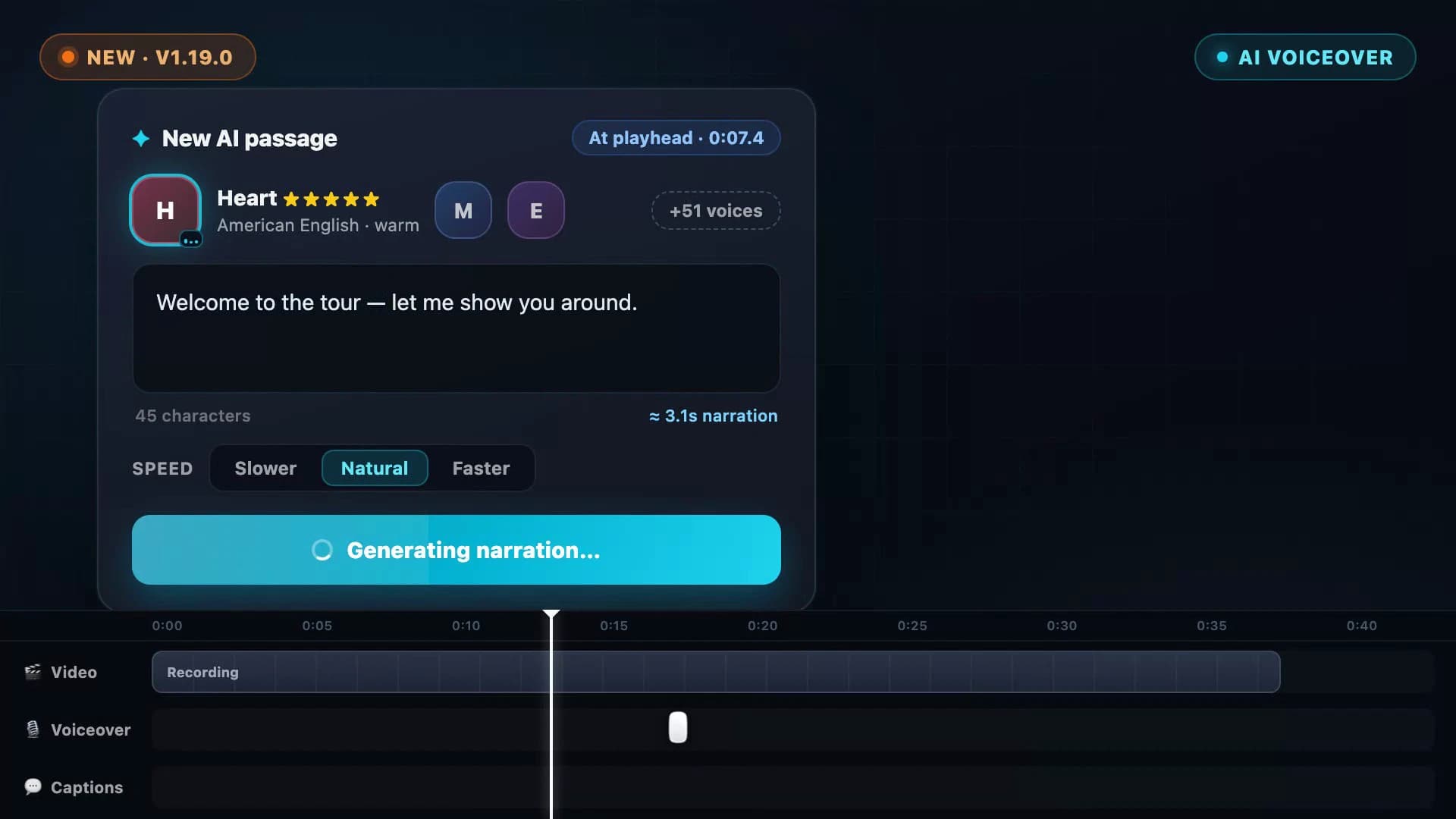
AI Voiceover: Type a Script, Hear Your Video Narrated
Screenify Studio 1.19 turns any script into natural narration — 54 on-device AI voices in 9 languages, with subtitles generated straight from what you wrote.
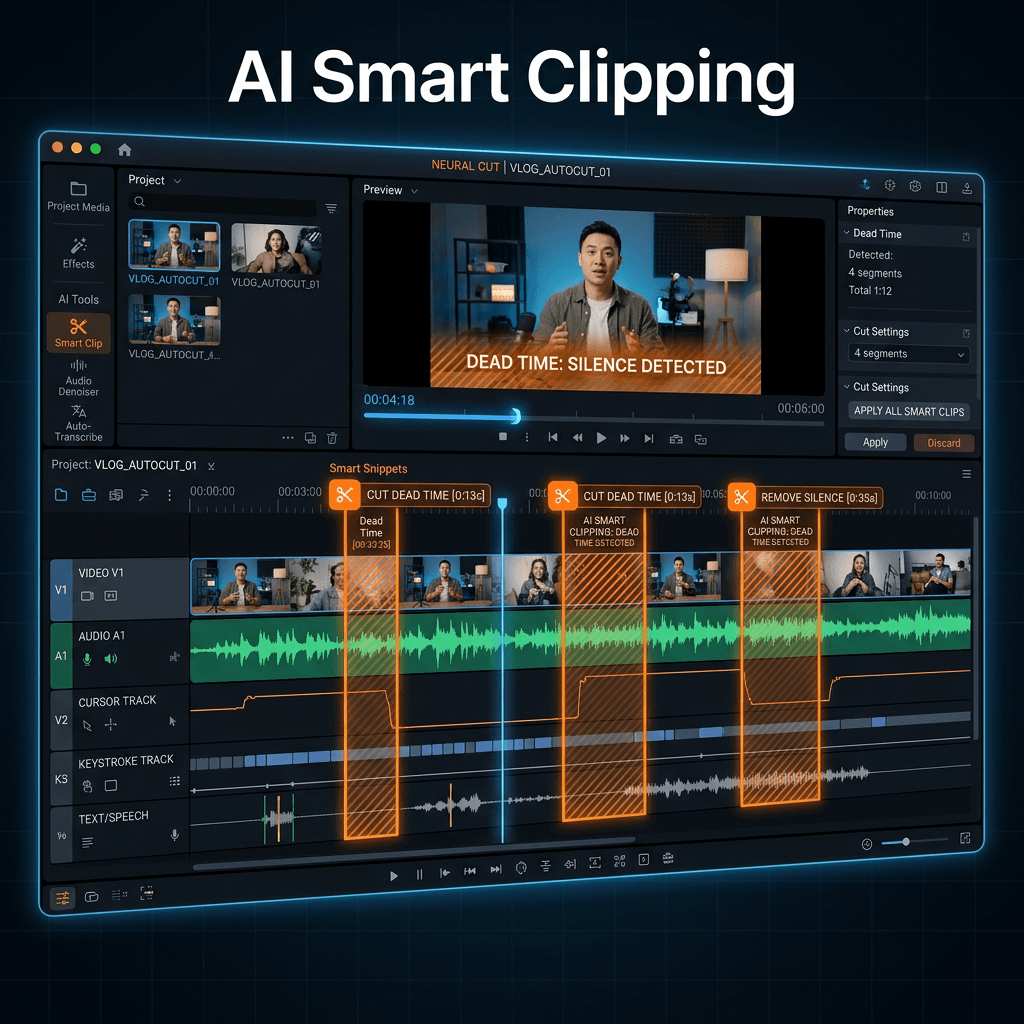
AI Smart Clipping: Auto-Remove Dead Time From Recordings
Cut silence, hesitations, and cursor-idle moments from screen recordings in seconds. Multi-signal AI analysis, three presets, runs 100% on-device.
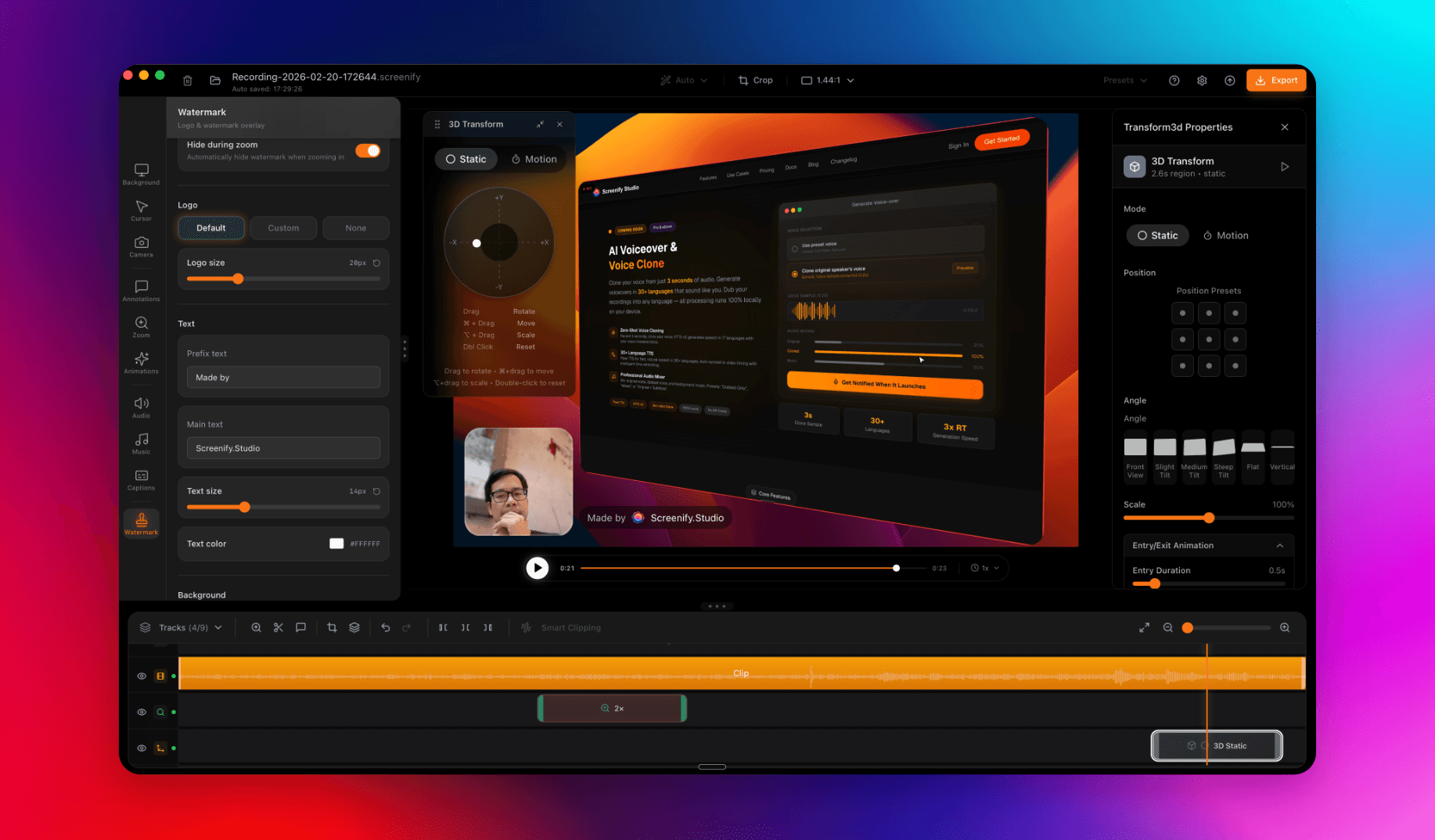
Welcome to Screenify Studio: Polished Product Demos for Mac
Why we built another screen recorder, what makes Screenify different, and how to make the most of it as a developer, creator, or product team.
How to Hide the Mouse Cursor in a Mac Recording
Four ways to remove the pointer from a screen recording on macOS — before recording, after recording, and the trick that works when nothing else does.
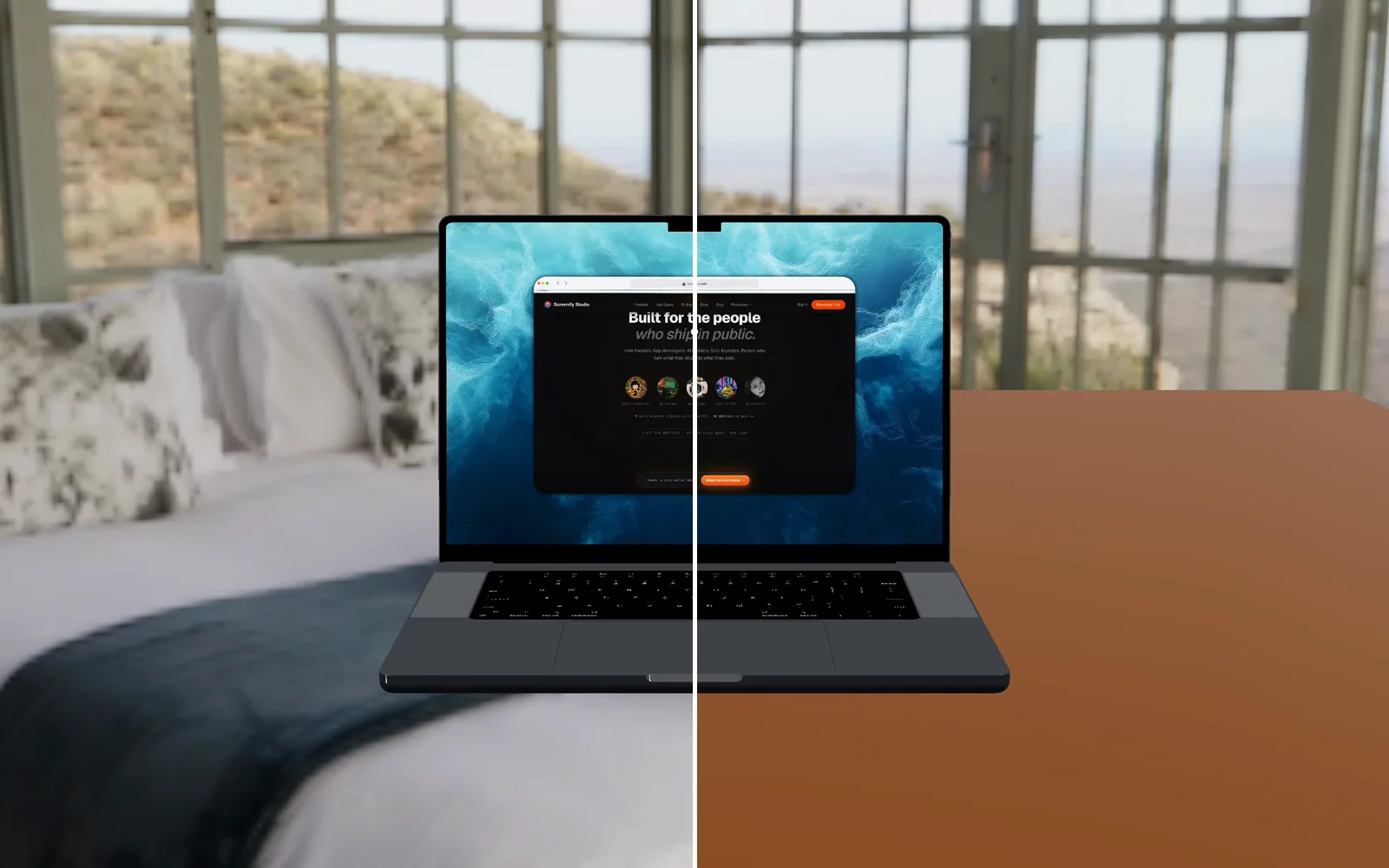
Your AI agent can now look at the video it made
Screenify's CLI and MCP server can read a video back to an agent: a frame as an image, what is said, what is on the timeline, and what a web demo clicked.
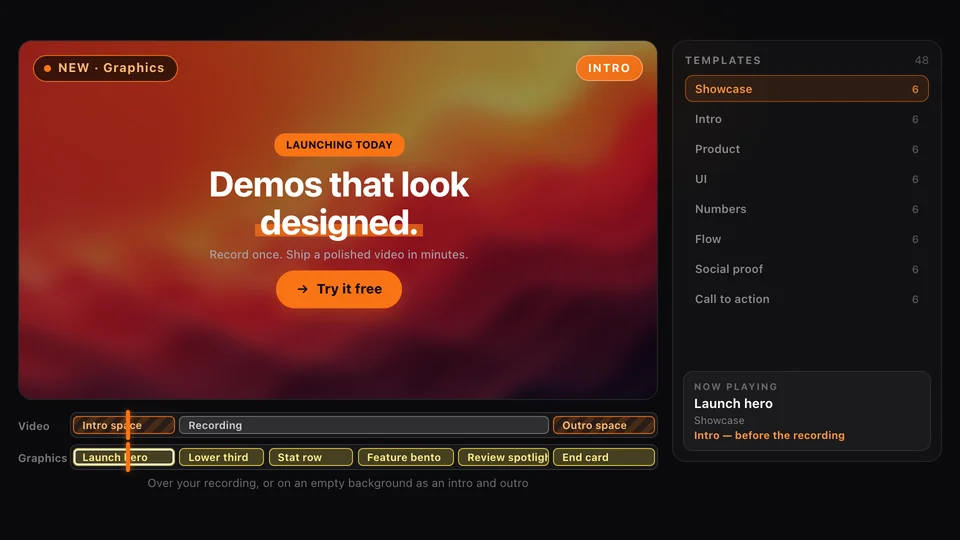
Graphics: Motion Templates for Your Product Demos
Screenify Studio 2.6 adds Graphics: animated lower thirds, stats, flows, pricing cards, intros and end cards you drop onto a demo in one click.
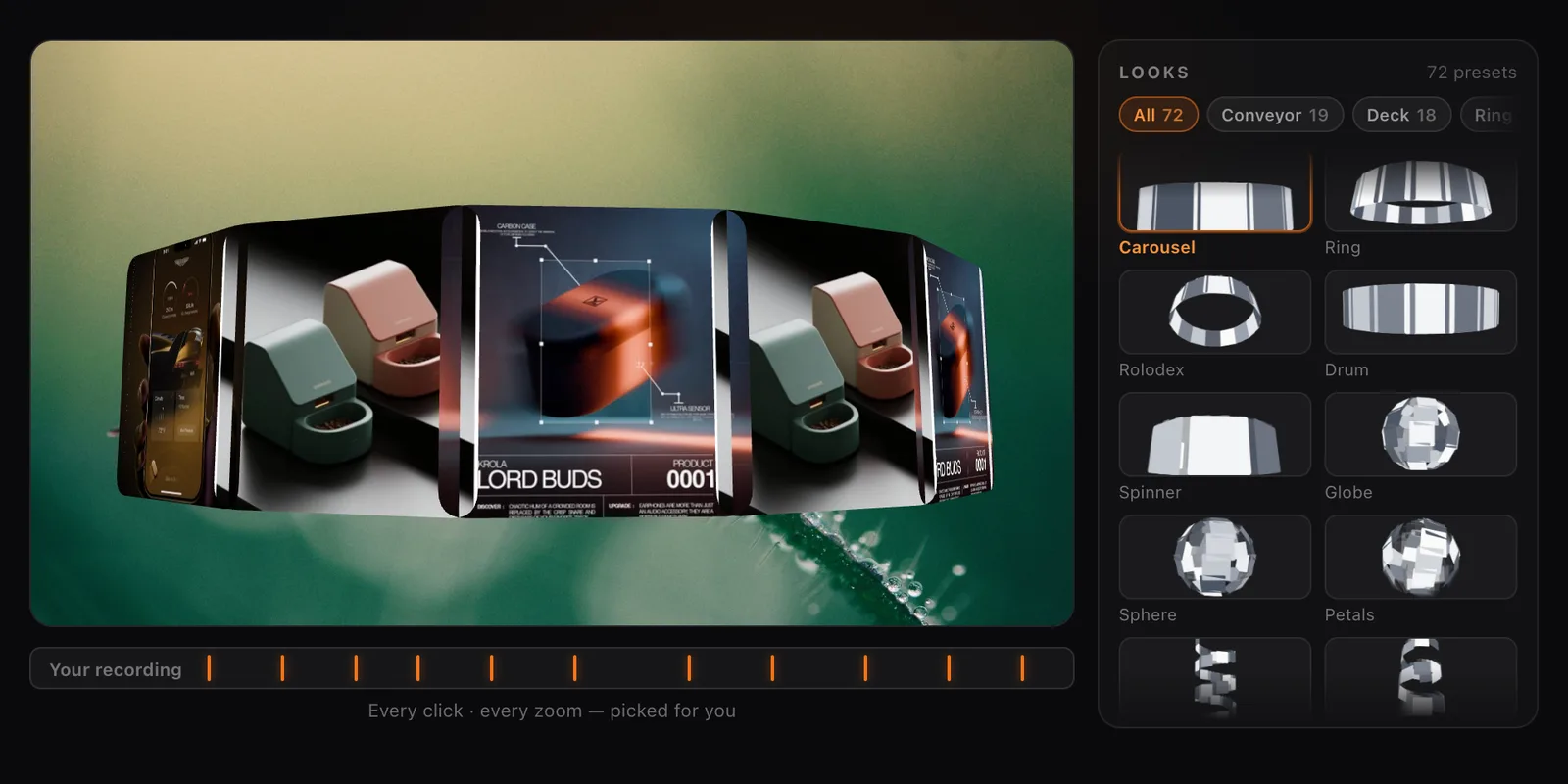
Collage Clips: Turn Screenshots into a 3D Intro
Screenify Studio 2.4 turns a set of screenshots, or the key frames of a recording, into a moving 3D collage you can use as an intro, outro or overlay.
Smooth Camera Movement Techniques for Screencasts
Pan, zoom, follow, and hold — how cinematic camera language applies to screen recordings, with easing, speed, and tool comparisons.
Screen Recording ROI for Content Creators
How content creators measure ROI on screen recording tools, time investment, and which paid features actually pay back the subscription.
Screen Recording for Product Managers
How product managers use screen recording for PRD walkthroughs, async stakeholder updates, user research synthesis, and faster decisions.
How to Screen Record with Clipchamp (Windows)
Step-by-step Clipchamp tutorial for Windows: install, record screen plus webcam, edit, and export 1080p free with no watermark.