Record Any Web App as a Demo, Directed by AI
Point Screenify at any URL to capture a polished web demo from the terminal — record it yourself or let an AI click through, then export to GIF or MOV.
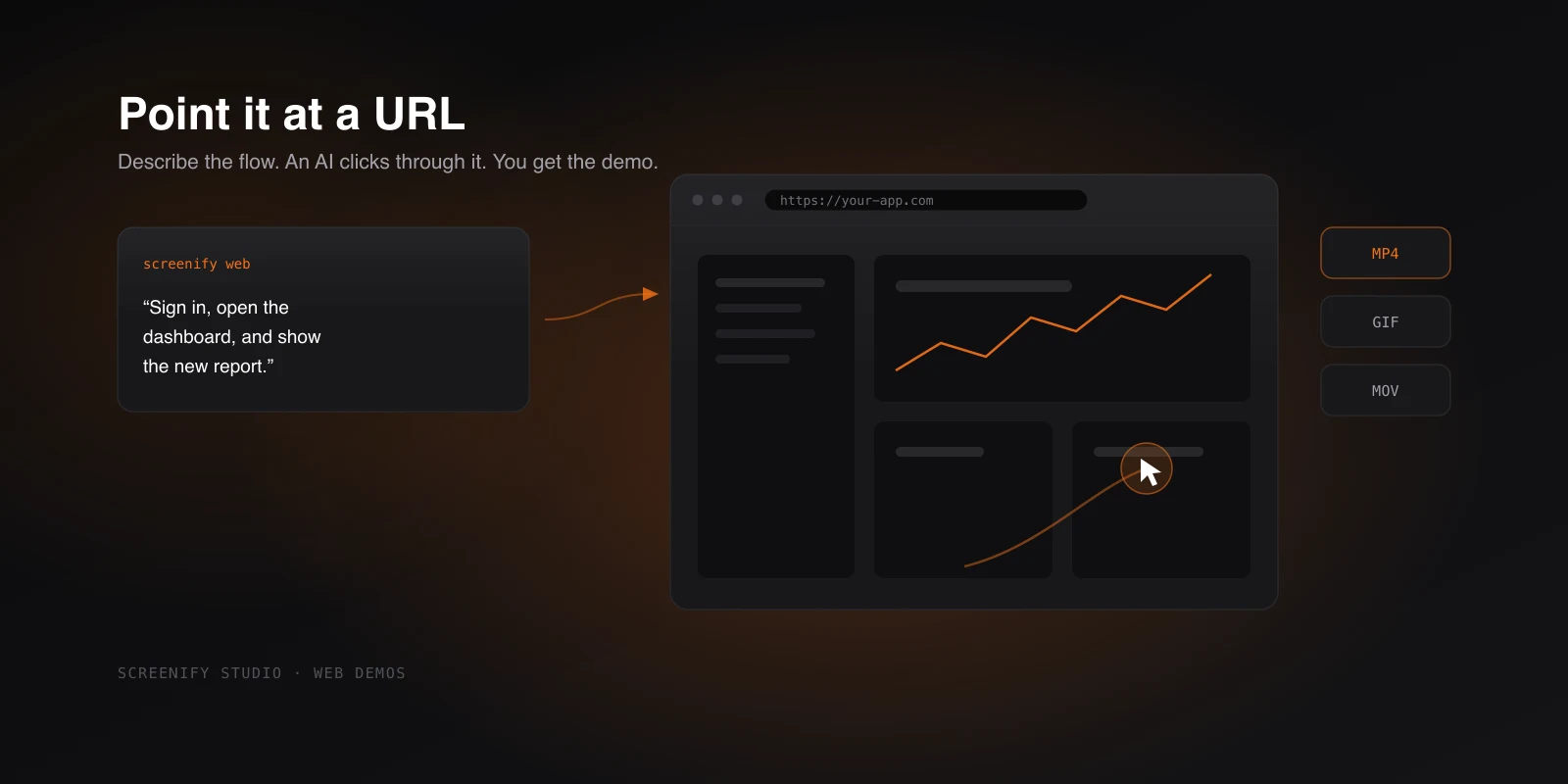
Capturing a clean product demo of a web app used to mean screen-recording yourself clicking through the flow, fumbling a step, starting over, and then trimming the dead air at both ends. The result was rarely as smooth as the product deserved. Now you can point a command at a URL — or describe the flow in plain language and let an AI perform it for you — and get back a finished walkthrough.
This builds on the Screenify command-line tool, which lets you record and produce video straight from the terminal. The web workflow takes that foundation and aims it at one specific job: turning a live web app into a demo without a single manual take. It shipped in v1.14.0.
Point it at a URL
Hand the screenify command a web address and it opens the site, captures your walkthrough, and applies the same polish the editor is known for. The cursor moves with smooth motion instead of the jittery path a real hand traces, and every click triggers an automatic zoom so viewers see exactly what you tapped. You drive the navigation; Screenify handles the cinematography around it.
A command like screenify web https://yourapp.com is enough to start — the URL is the only thing the workflow truly needs. From there you click through the screens you want to show, and the recording comes out looking deliberate rather than improvised.
The practical win is that you stop fighting your own hands. There's no need to rehearse a perfectly steady mouse path or hit a click target on the first try for the framing to look right. The motion smoothing and click zoom do that part, so a single honest run through your app reads like a storyboarded demo.
Let an AI walk through your app
The bigger shift is that you don't have to do the clicking at all. Describe what you want shown — in plain language, the way you'd brief a teammate — and an AI clicks and scrolls through the site for you, then hands back a finished video.
So instead of recording yourself navigating from the dashboard to the billing page and toggling a setting, you write that down as the instruction and let the agent carry it out. It performs the steps, the recording captures them with the same cursor motion and click zoom, and you get a complete walkthrough at the end.
This is genuinely useful when the demo is repetitive or when you need the same flow recorded many times — onboarding tours, feature highlights, the exact reproduction of a path through your app. Describing the flow once and regenerating it beats re-recording yourself every time something on the page changes.
Try Screenify Studio — free, unlimited recordings
Auto-zoom, AI captions, dynamic backgrounds, and Metal-accelerated export.
For the AI to drive anything, it needs a provider key. You set that in the app under Settings → Command Line — no terminal configuration, no environment variables to wrangle. Once the key is in place, the agent can perform the navigation you describe.
Behind a login
Most web apps worth demoing live behind authentication, and a demo of the marketing page isn't the product. The web workflow handles this directly: sign in first, then record the real signed-in experience. The walkthrough reflects what an actual user sees once they're in — their data, their dashboard, the screens that only exist past the login wall — rather than a logged-out shell or a contrived test account view.
That means a billing flow, an account settings page, or a feature gated to paid users can all be captured as they really appear, which is usually the whole point of the demo.
Cinematic by recipe or by AI
Beyond the cursor motion and click zoom, you can layer richer cinematic effects onto the key moments of a web demo — 3D camera tours, spotlights, blur-to-hide for anything sensitive on screen, and callout highlights that draw the eye. There are also camera moves: a camera that glides along with the cursor as you navigate, or sweeps across the frame for an opening shot.
You can apply these by recipe or have the AI direct them for you, picking the moments that deserve emphasis. That's a deep topic on its own, so rather than unpack every effect here, see Agent Timeline Effects and the AI Director for how the direction works and what each effect does.
Ship it in any format
A demo is only finished when it's in the format the destination wants, so the web workflow gives you more than MP4. You can export to GIF or MOV alongside MP4, with ready-made sizes for YouTube, TikTok, Reels and more — pick the platform and the dimensions come preset instead of being something you calculate by hand.
Two things happen automatically that save the most tedious work. First, dead time is trimmed out of web demos automatically, so the pauses while a page loads or while the agent reads the screen don't bloat the final cut — the tightening happens for you. Second, demos created from the command line open in the editor with their effects fully visible and editable. Nothing is baked in or hidden. If the auto-trim cut something you wanted, or you'd like to nudge a zoom or restyle a callout, you open the same project in the editor and adjust it like any other recording.
That combination — generate from the terminal, refine in the editor — means the AI-driven run is a strong starting point rather than a take-it-or-leave-it render. If you'd rather stay in the terminal for the whole loop, recording and auto-editing from the command line walks through the produce-without-touching-the-editor path.
Closing
Web demos have always been the kind of work that's easy to do badly and slow to do well. Pointing a command at a URL collapses the slow part, and letting an AI perform the flow collapses it further — you describe the demo and get a polished, signed-in, ready-to-ship video with the dead time already gone.
If you want to try the AI-driven side, drop your provider key into the app under Settings → Command Line first, then point the web workflow at your app. Download Screenify Studio to start turning URLs into demos, or read Web Demos and AI Director for the full command reference.

Try Screenify Studio
Record your screen with auto-zoom, AI captions, dynamic backgrounds, and Metal-accelerated export. Free plan, unlimited recordings.
Download Free



