Photorealistic iOS & iPad 2D Device Frames
Elevate product walkthroughs with 81 photorealistic frames across 20 iPhone/iPad models, featuring mismatch warnings and CDN loading.
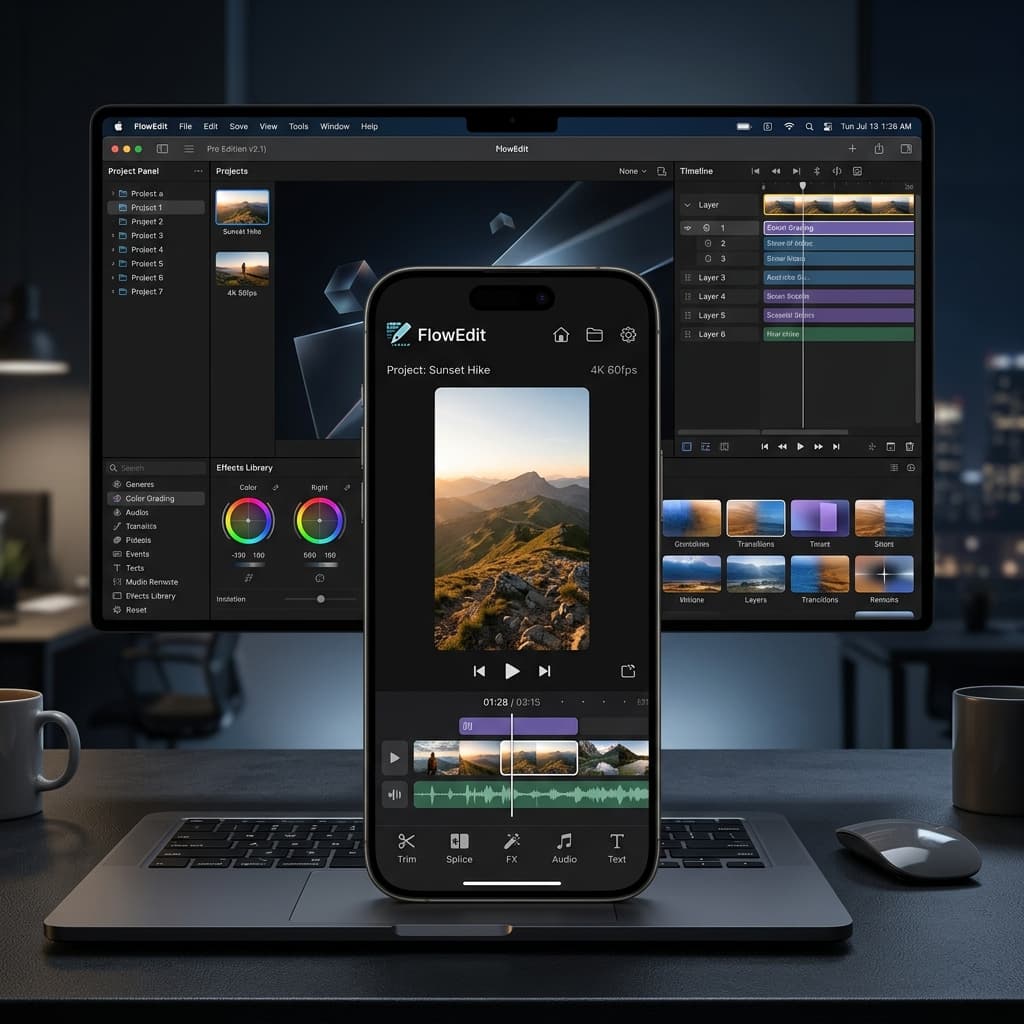
We are thrilled to announce a major upgrade to Screenify Studio's device mockup capabilities: Photorealistic 2D Device Frames. Starting with the latest release, you can wrap your mobile app recordings in high-fidelity, color-accurate device shells that look like professional studio mockups.
Previously, Screenify wrapped iOS screen captures in simplified, CSS-rendered vector approximations. While clean, they lacked the realism of a physical phone. With this update, we are introducing official device frames that bring stunning, true-to-life presentation to your product walkthroughs and marketing videos.
Realism in Every Frame
Instead of relying on basic rounded rectangles, the new device frame pipeline clips your screen recordings behind photorealistic, transparent PNG assets. Each asset is custom-calibrated to match Apple’s precise device aesthetics—including active physical features like the notch and Dynamic Island, button placements, and canonical finishes.
Whether you're recording on the latest iPhone or showcasing a tablet layout, your content automatically snaps into place, aligning screen edges and bezel curvatures perfectly.
Key Features
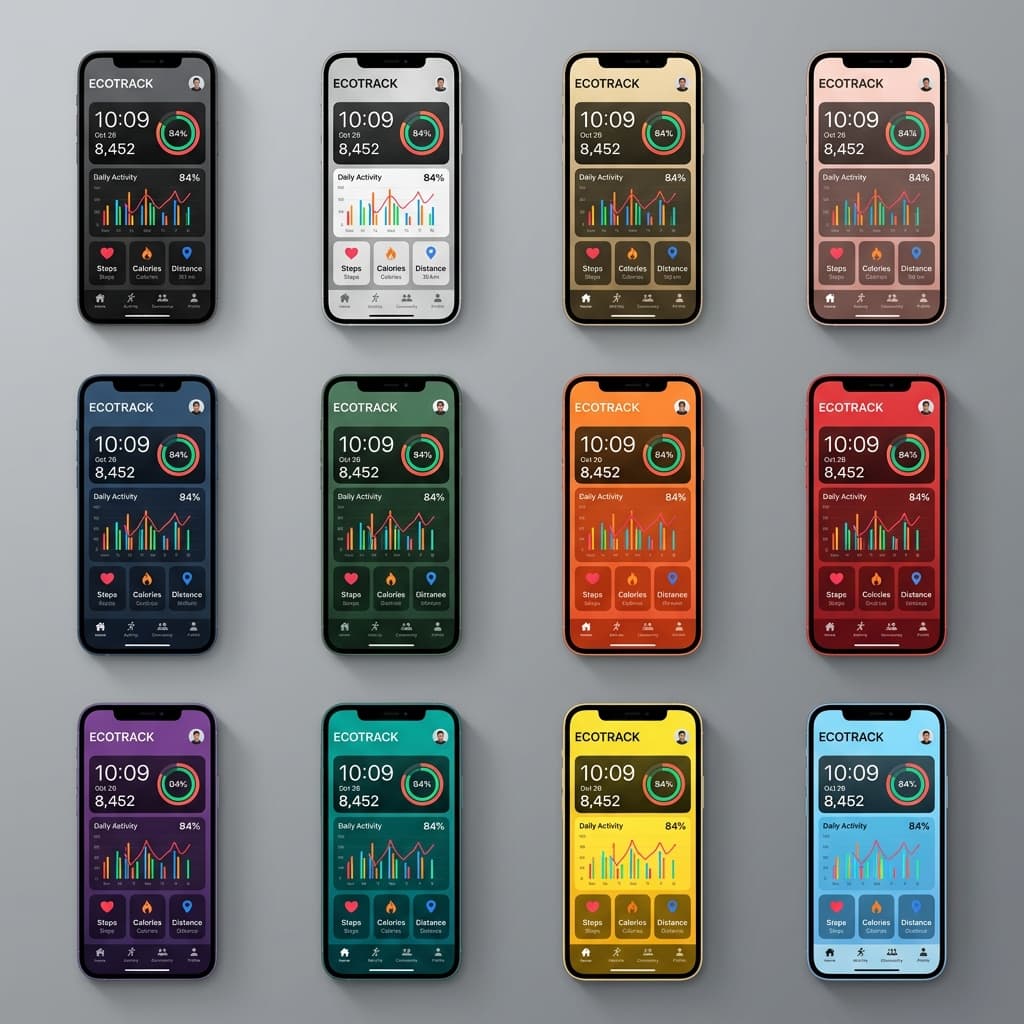
- 20 Supported Devices: Includes 16 iPhone models (spanning iPhone 14 through iPhone 17 series, including iPhone 17 Air) and 4 iPad models (iPad Pro 13, iPad Pro 11, iPad Air, and iPad Mini).
- 81 Color Variants: Choose from official color swatches such as Desert Titanium, Cosmic Orange, Space Gray, and Silver. Dropdowns display actual photoreal swatches to make selection seamless.
- Frame-Follows-3D: Thanks to our updated rendering engine, if you apply tilt or perspective modifications using
Transform3DorZoom3D, the photorealistic frame moves, tilts, and scales in unison with the underlying recording as a single cohesive unit. - Aspect Ratio Smart-Gating: The editor automatically filters device frames based on your recording orientation. When recording in portrait mode, only iPhone shells are shown, while landscape recordings expose MacBook and iPad options.
Behind the Scenes: Zero-Bundle CDN
To support this massive asset catalog without bloat, we designed a zero-bundle asset pipeline. Instead of shipping over 80 high-resolution PNGs within the app bundle, Screenify Studio downloads frames lazily from our CDN as you select them.
The editor downloads and caches them locally, showing a graceful vector placeholder during the brief transfer. This ensures that the desktop application bundle remains lightweight and fast to download. Both our Metal GPU export pipeline and the standard exporter read directly from this shared cache, guaranteeing that what you preview is exactly what you export.
For creators looking to experiment with interactive camera sweeps, combining these lightweight 2D frame assets with our Cinematic 3D Device Motions gives you the ultimate hybrid toolkit: fast editing previews paired with high-end exporting detail.
Island Mismatch Warnings
Have you ever recorded a video on an iPhone 17 Pro Max and wrapped it in an iPhone 17 Air frame, only to notice the Dynamic Island or notch overlap looks misaligned?
Screenify now includes automatic Mismatch Detection. By analyzing the resolution of your recording, it detects the origin device geometry. If you select a frame with a different Dynamic Island height or notch profile, the editor displays a friendly warning:
[!TIP] The mismatch warning card lets you snap back to the correct device framework with a single click, preventing overlapping elements.
Design Best Practices for Mobile Demos
To get the most out of the new photorealistic device mockups, keep the following guidelines in mind when editing your projects:
- Match the Color to Your Brand: Use the color picker dropdown to select device swatches that complement your application's UI theme. For instance, Space Gray pairs well with dark mode developer utilities, while Silver highlights clean, white-themed consumer applications.
- Verify Simulators First: If you are capturing app mockups via Xcode, make sure you configure the simulator layout appropriately. Check out our comprehensive guide on iOS Simulator screen recording to learn how to hide debugging panels, strip simulator status bar clutter, and set custom aspect ratios before importing your footage into Screenify.
- Leave Breathing Room: Because photorealistic device frames add a realistic bezel margin (reserving about 12.5% of the frame around your recording), make sure your application's critical call-to-actions are not placed too close to the screen edges. This prevents interactive elements from getting visually clipped by the curved corners of the device bezel.
Troubleshooting Mockup Alignment
If you notice minor alignment issues or black lines around your mockup borders, check your export configuration. Standard exports scaling to canvas sizes like 1080p may introduce minor sub-pixel rounding errors.
To resolve this, ensure that your canvas resolution matches the target aspect ratio of the device frame (commonly 19.5:9 for iPhones). You can also toggle the Dynamic Island offset settings in the sidebar to push or pull the recording layout vertically until the frame border sits completely flush with the video edges.
Get Started Today
Make your app previews and product tutorials stand out with industry-leading mockups. The new photorealistic frames are available now for all users on macOS.
New to device mockups? Our guide on adding an iPhone mockup frame to your screen recordings compares every approach, from manual overlays to automatic frames.
Download Screenify Studio or update directly from the app menu to explore the new device mockup catalog.

Try Screenify Studio
Record your screen with auto-zoom, AI captions, dynamic backgrounds, and Metal-accelerated export. Free plan, unlimited recordings.
Download Free



