Blog
News, updates, and guides from Screenify Studio.

Multi-Device Mockup Studio: Stage Your Product Across Screens
Screenify Studio 2.0 stages two or three devices in one cinematic 3D mockup — glide a single camera across them and record live, all in one app.
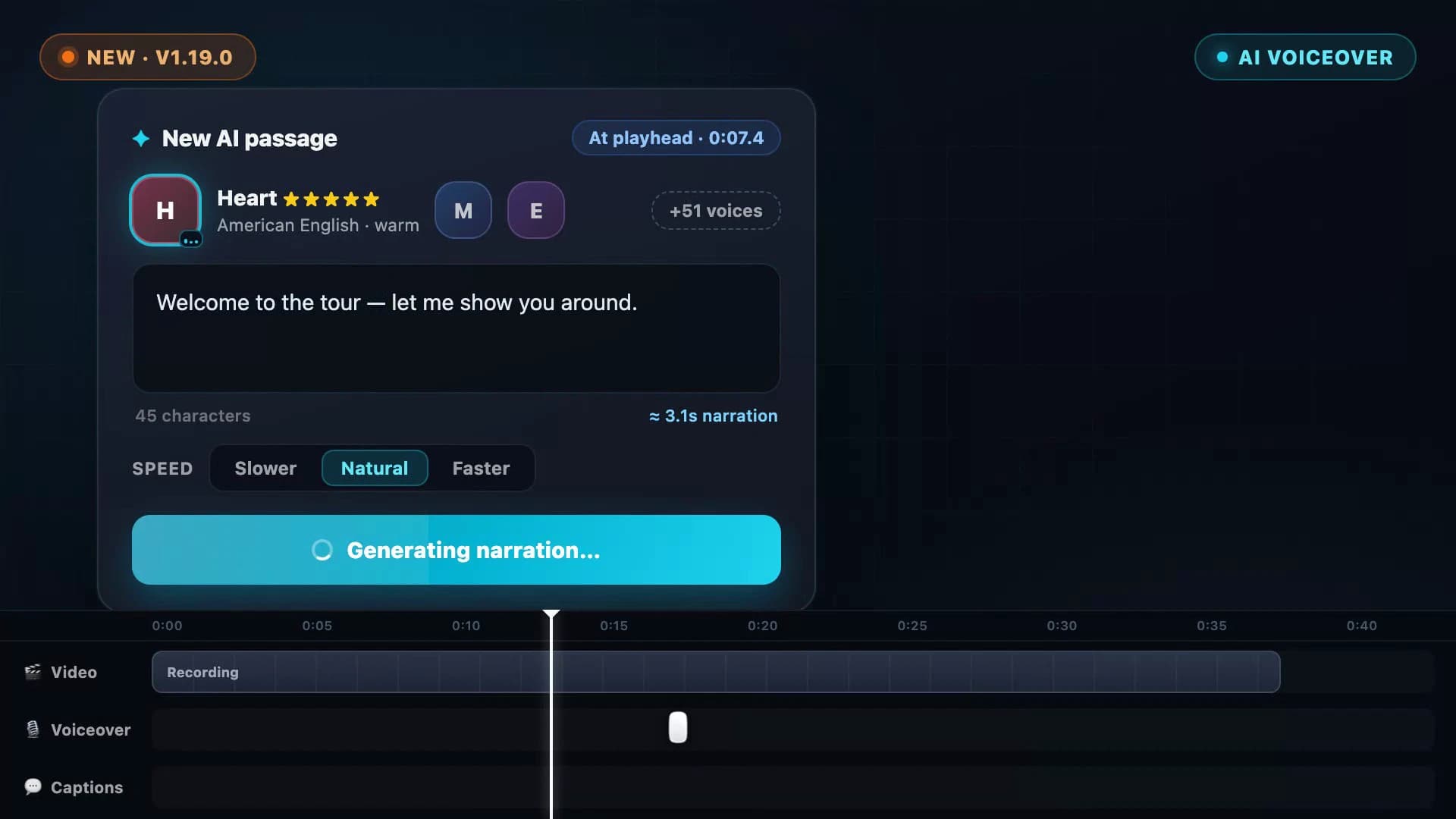
AI Voiceover: Type a Script, Hear Your Video Narrated
Screenify Studio 1.19 turns any script into natural narration — 54 on-device AI voices in 9 languages, with subtitles generated straight from what you wrote.
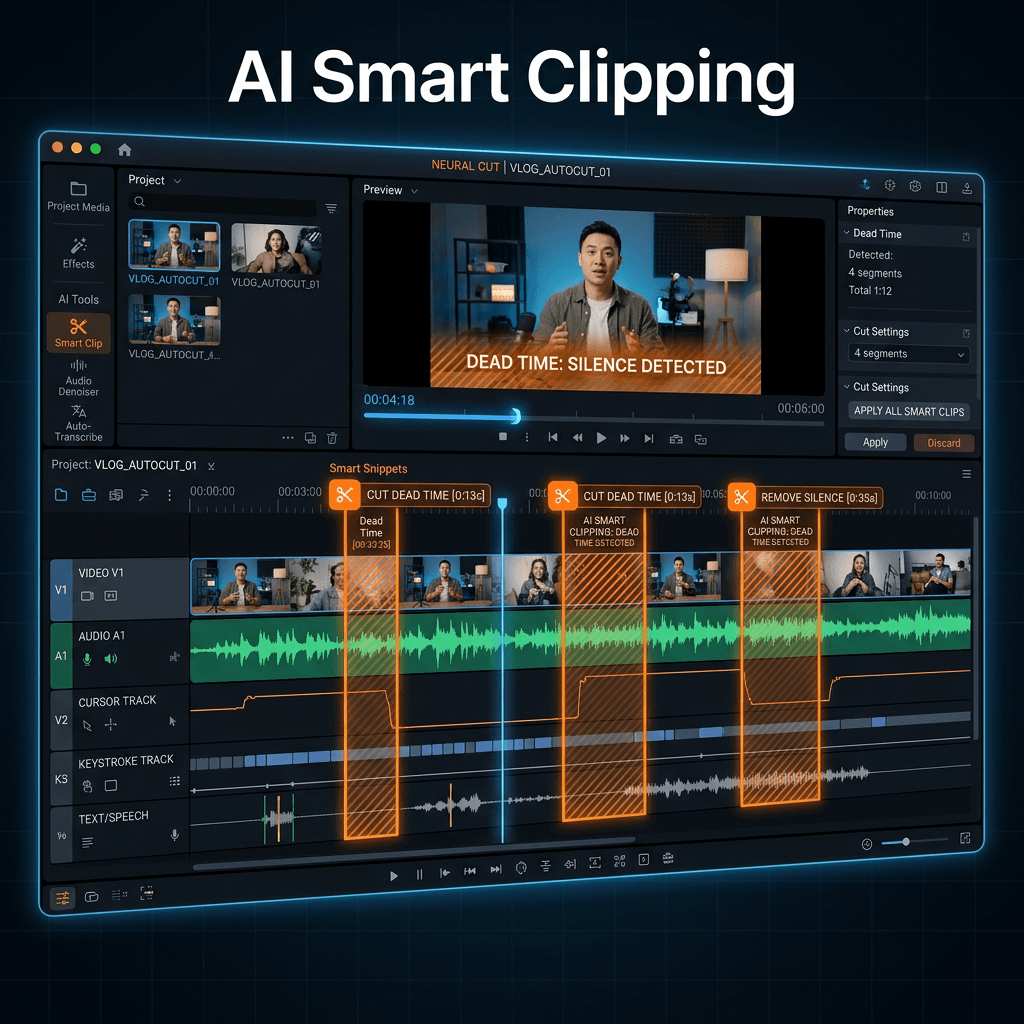
AI Smart Clipping: Auto-Remove Dead Time From Recordings
Cut silence, hesitations, and cursor-idle moments from screen recordings in seconds. Multi-signal AI analysis, three presets, runs 100% on-device.
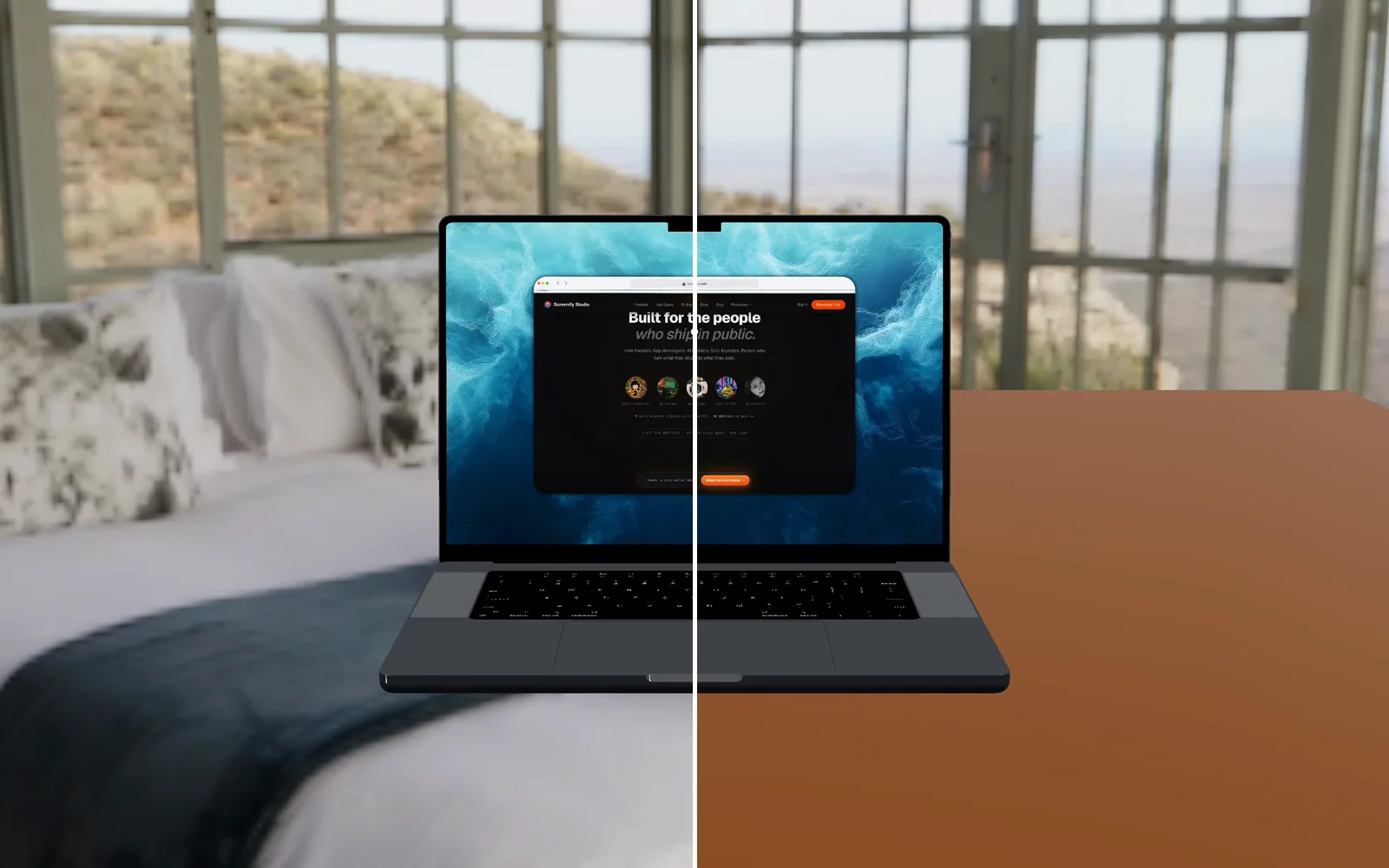
Your AI agent can now look at the video it made
Screenify's CLI and MCP server can read a video back to an agent: a frame as an image, what is said, what is on the timeline, and what a web demo clicked.
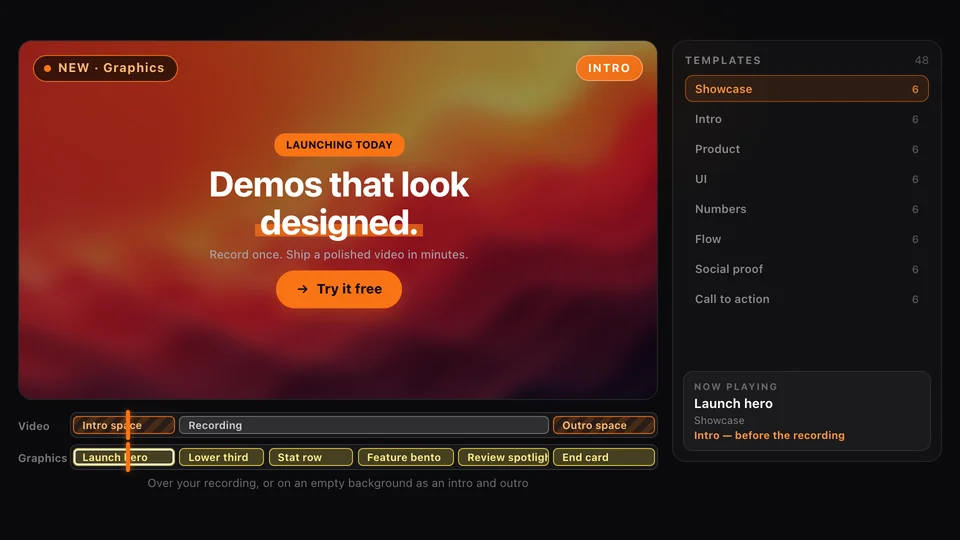
Graphics: Motion Templates for Your Product Demos
Screenify Studio 2.6 adds Graphics: animated lower thirds, stats, flows, pricing cards, intros and end cards you drop onto a demo in one click.
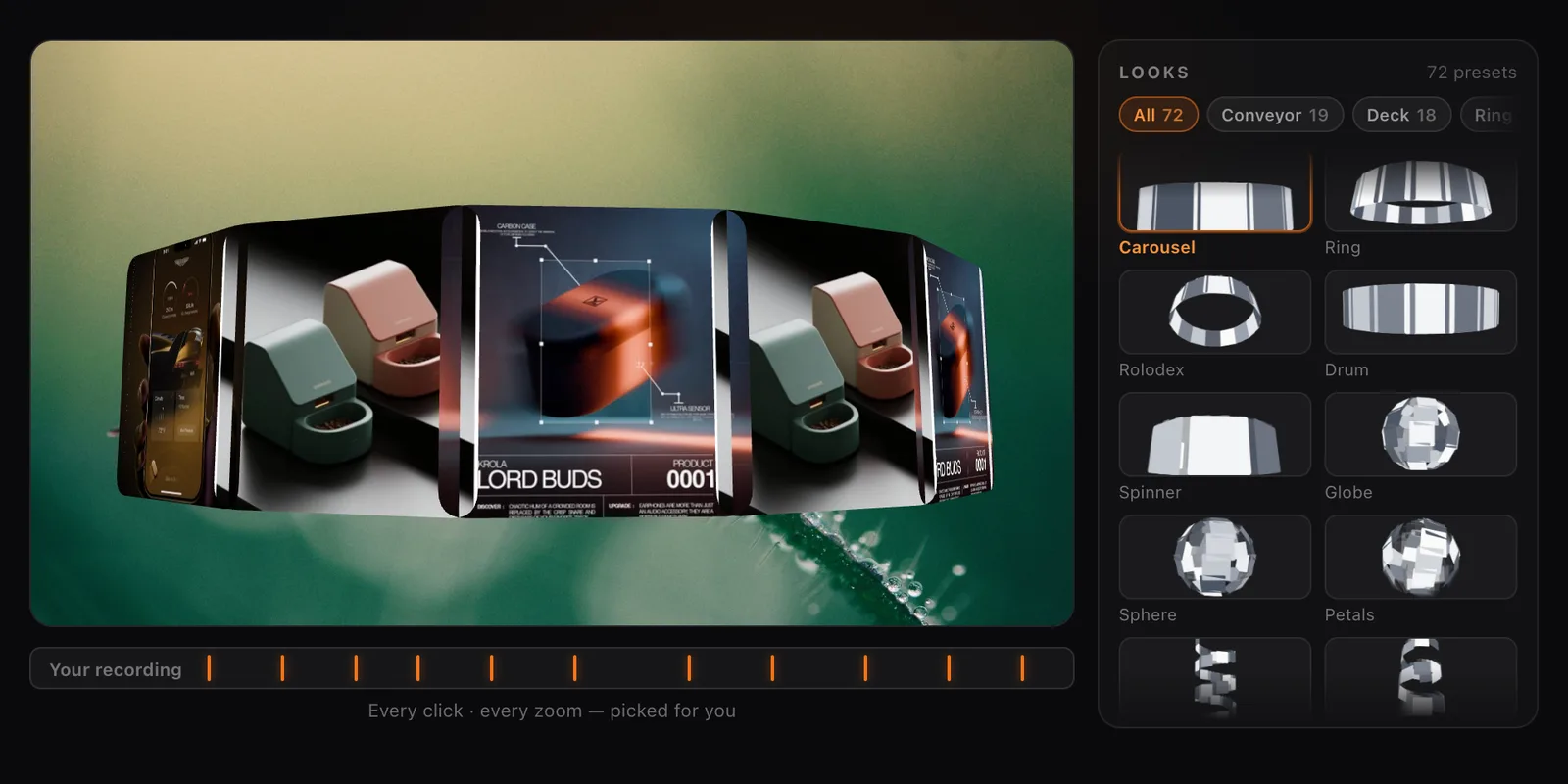
Collage Clips: Turn Screenshots into a 3D Intro
Screenify Studio 2.4 turns a set of screenshots, or the key frames of a recording, into a moving 3D collage you can use as an intro, outro or overlay.
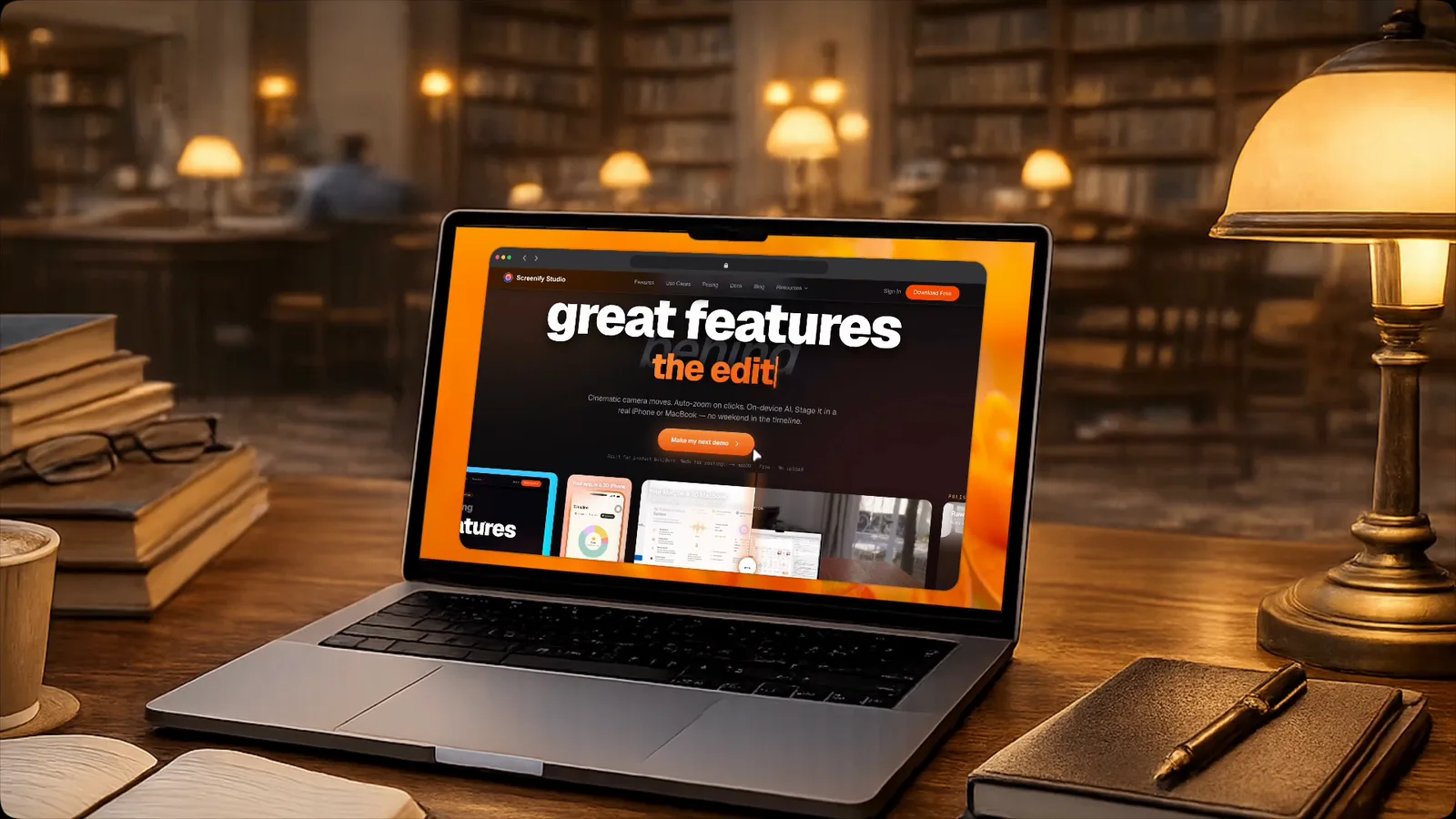
Screenify is now an MCP server
Connect Screenify to Claude, Claude Code or Cursor and ask for the finished video — recorded, styled and exported, without touching a terminal.
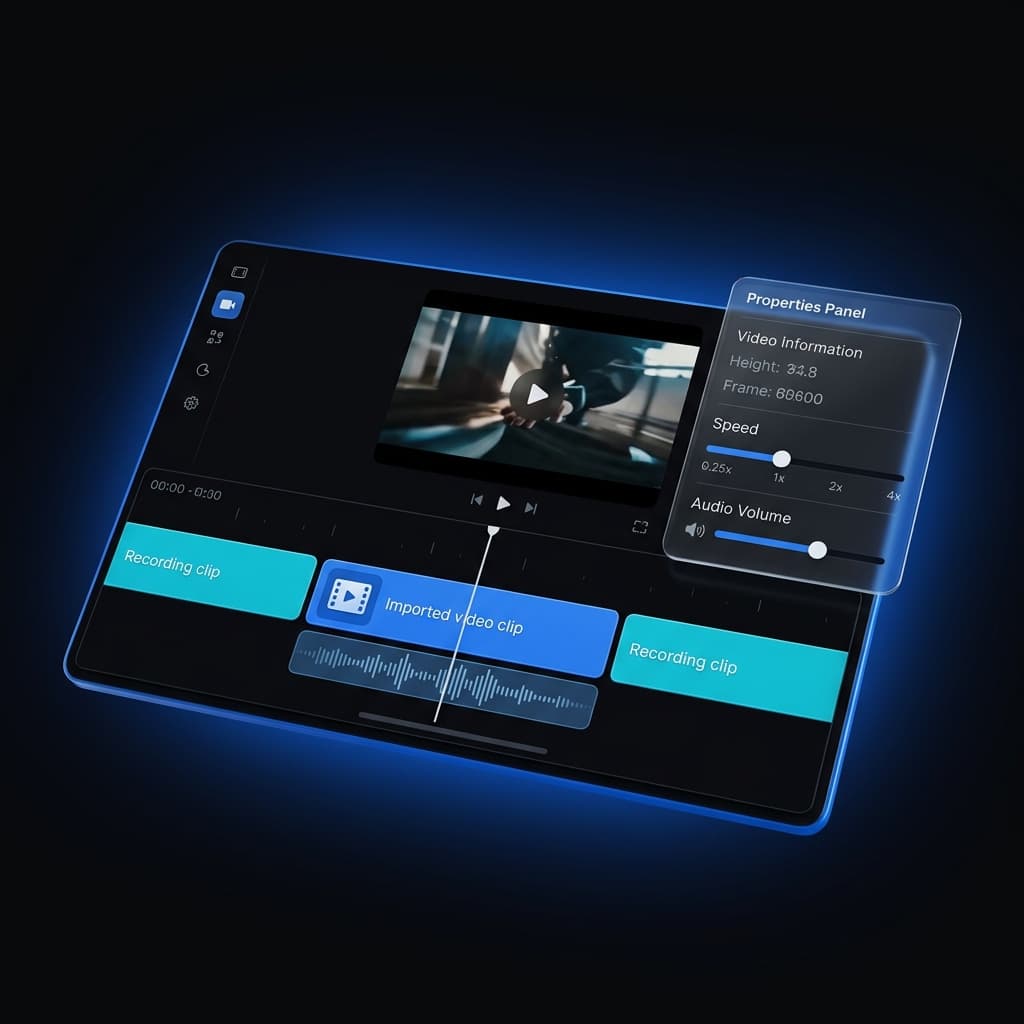
Multi-Clip Recording, Fully Editable
Record your screen, simulator, or device in several takes and append them into one project — then fine-tune every clip on its own.
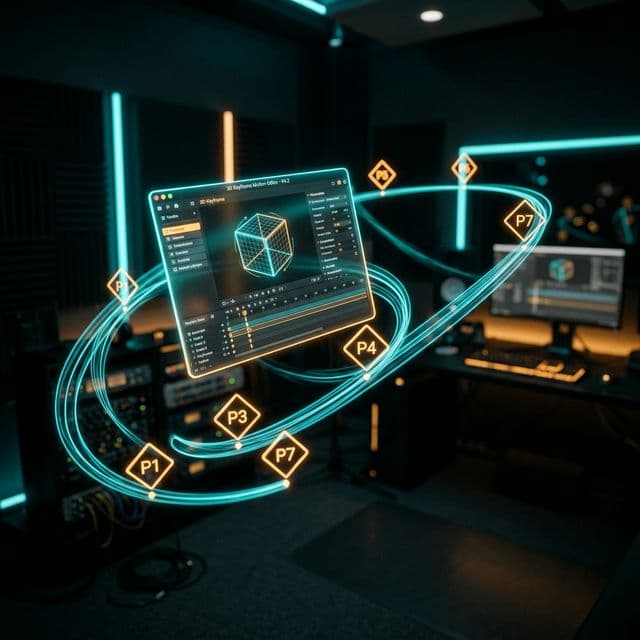
Advanced 3D Keyframing: Total Creative Control Over Your Camera Path
Move beyond simple A-to-B animations. Sprint 88 introduces multi-point keyframing for Transform3D, allowing you to design complex, multi-phase 3D camera movements.
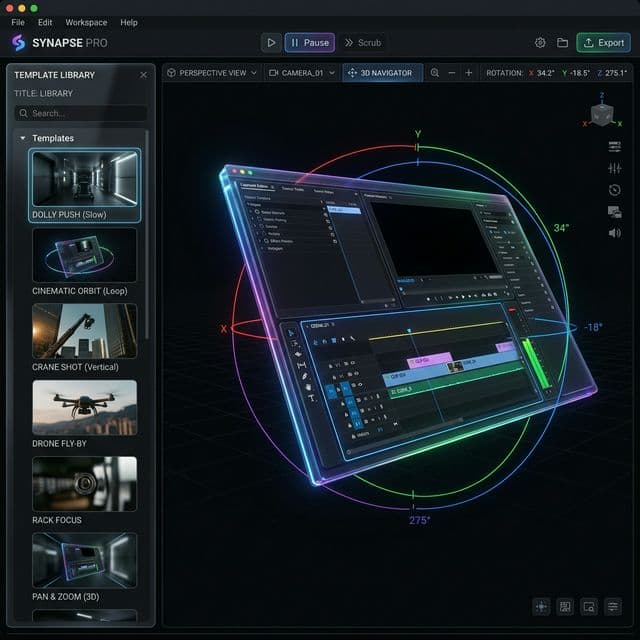
Cinematic 3D Motion Templates: Take Your Screen Recordings to the Next Level
Introducing 26 professional camera motion templates for Transform3D. Achieve cinematography-grade animations instantly with Dolly, Pan, and Orbit presets.
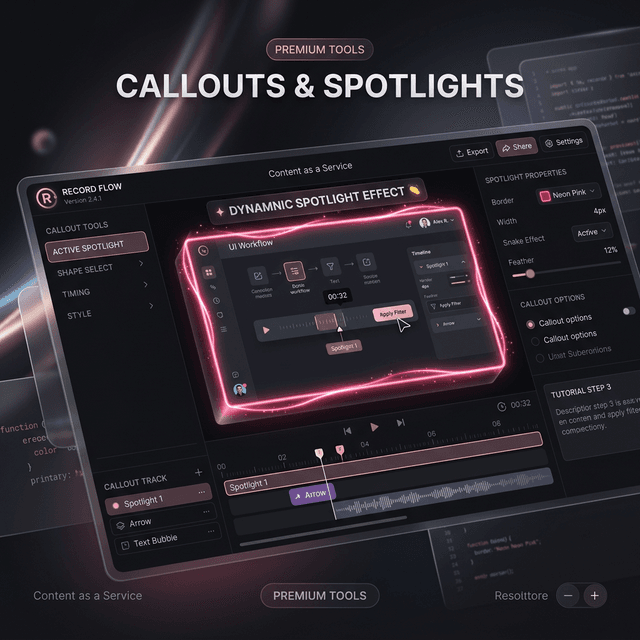
Mastering the Spotlight: Introducing Pro Callouts & 3D Effects
Creating professional demos shouldn't be tedious. Our new Callout system combines Zoom, Dimming, and 3D effects into a single, high-performance track.
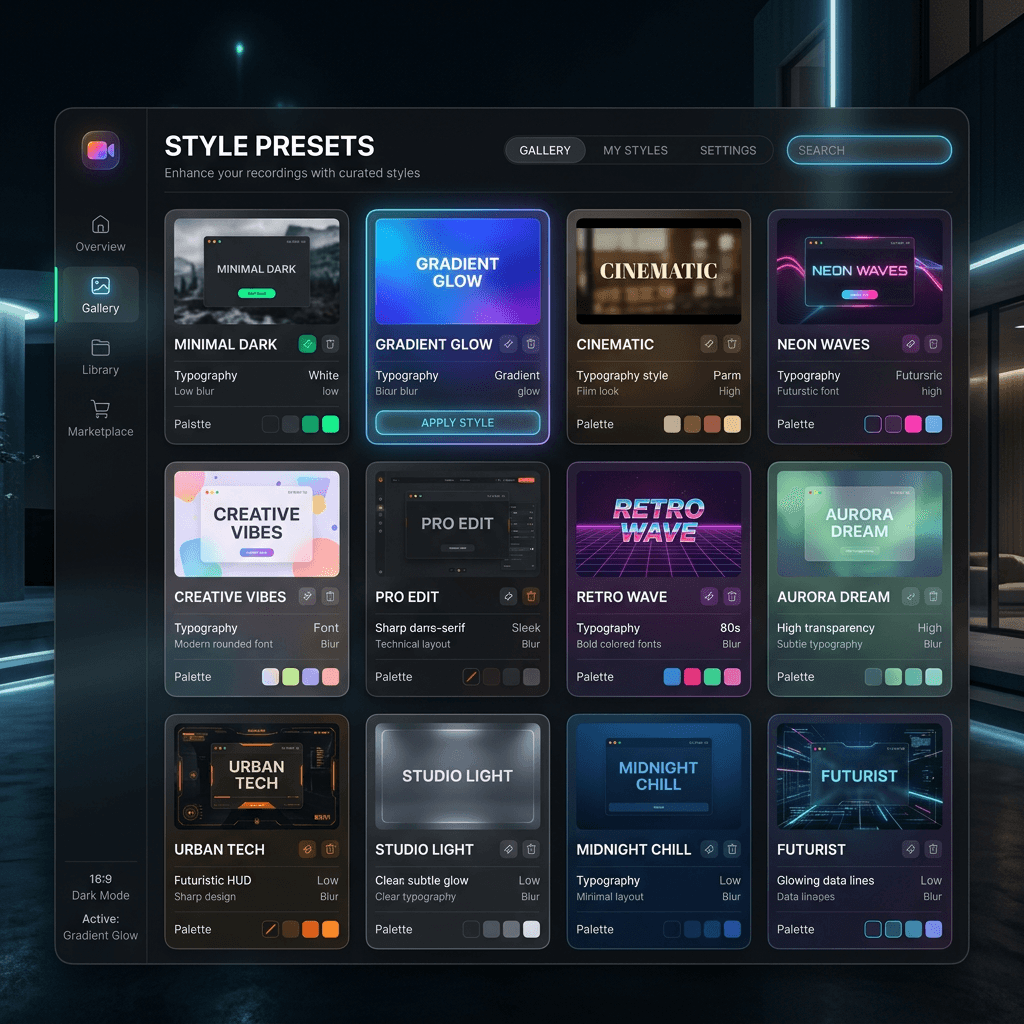
Introducing Style Presets: One-Click Professional Aesthetics
Stop wasting time fine-tuning shadows and backgrounds. Screenify Studio now features a powerful Style Preset system to help you achieve pro-level looks instantly.