Introducing Style Presets: One-Click Professional Aesthetics
Stop wasting time fine-tuning shadows and backgrounds. Screenify Studio now features a powerful Style Preset system to help you achieve pro-level looks instantly.
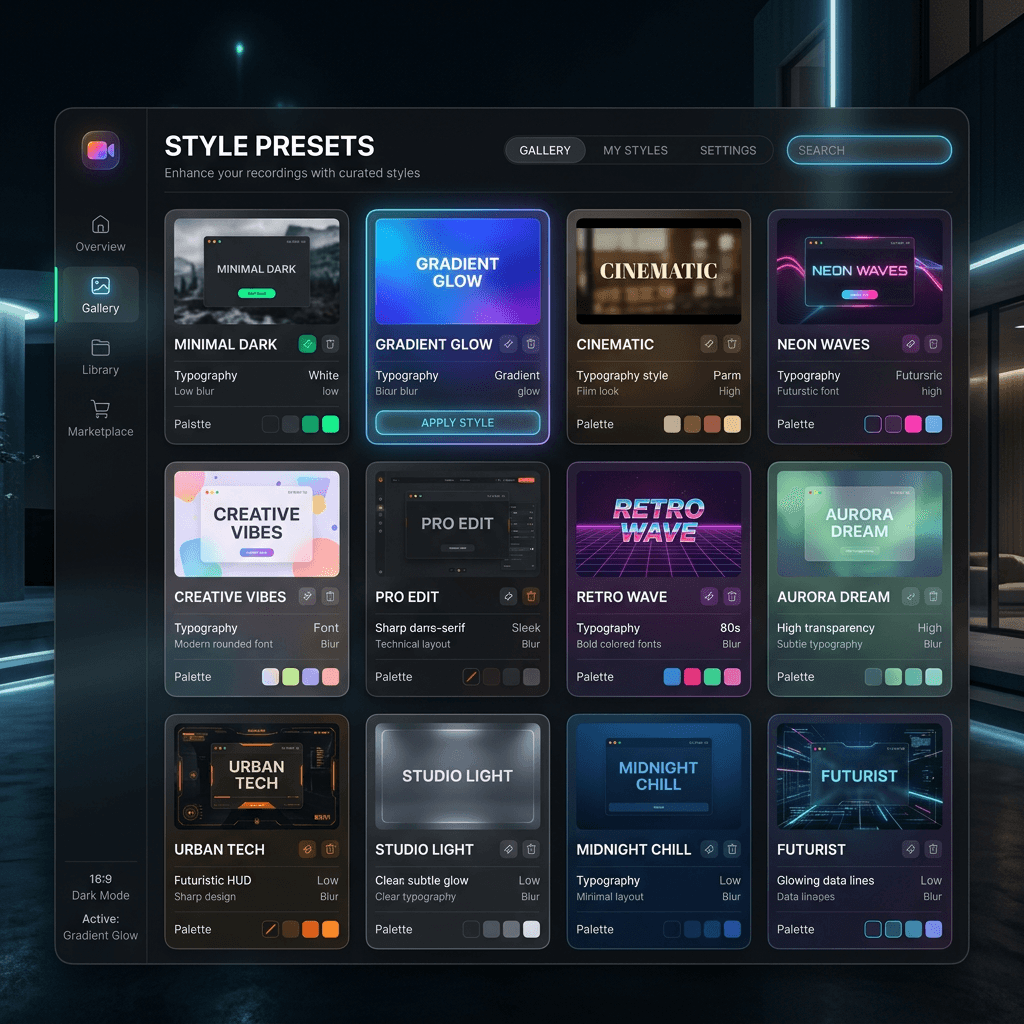
Creating a professional-looking screen recording used to mean spending minutes tweaking dozens of settings: wallpaper selection, shadow intensity, border radius, camera positioning, and more. For many users, this complexity was overwhelming.
Today, we’re excited to introduce Style Presets—a massive leap forward in making high-end video production accessible to everyone.
What are Style Presets?
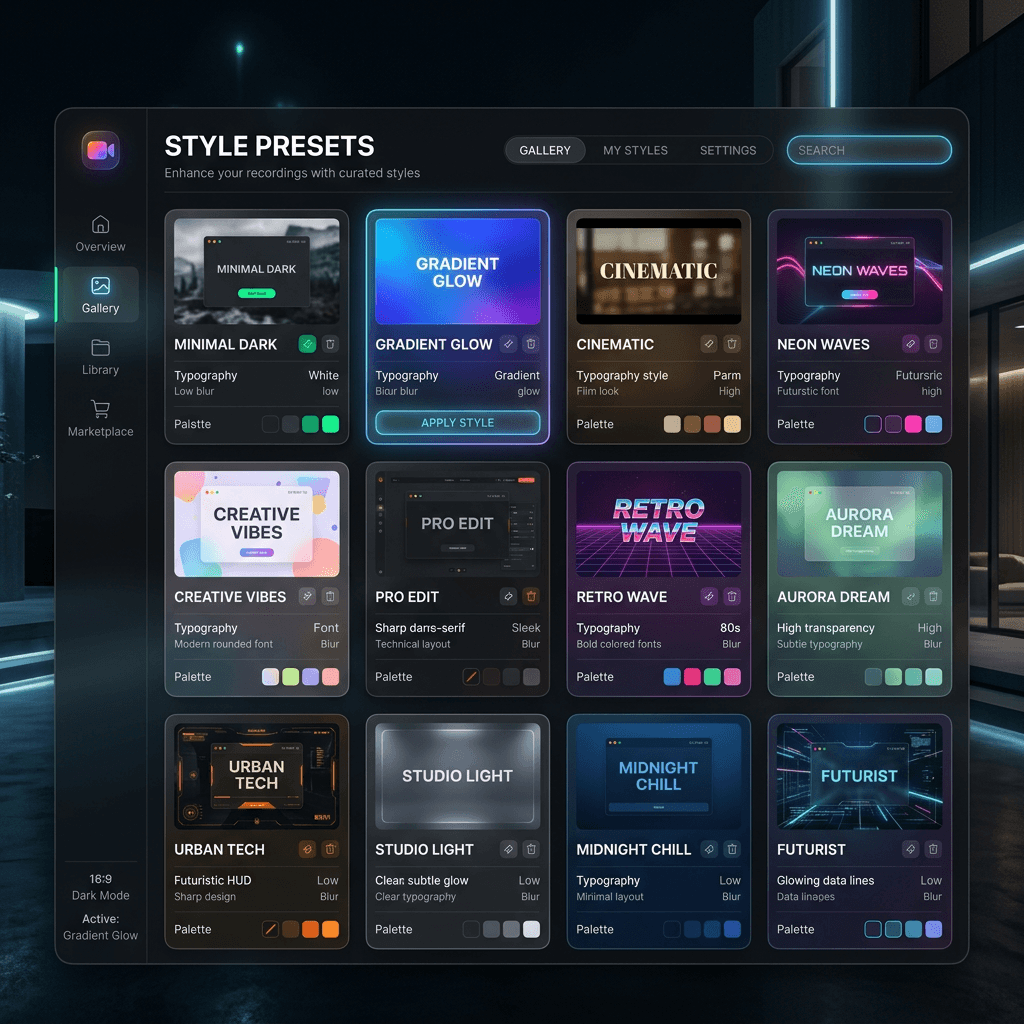
A Style Preset is a "visual snapshot" of your editor settings. It captures the entire look and feel of your project—everything from your wallpaper and window styling to your cursor effects and camera layouts—and allows you to apply it to any recording with a single click.
Unlike standard templates, our presets are content-independent. They don't mess with your video clips, trims, or annotations. They only handle the "Style Layer," ensuring your video looks stunning without affecting your edits.
The Built-in Library
We’re launching with 10 professionally curated presets designed for different use cases:
- Minimal Dark: A clean, distraction-free aesthetic with deep shadows and subtle rounded corners.
- Gradient Glow: For those who want their videos to pop with vibrant colors and soft aura effects.
- Cinematic Dark: Adds a touch of film-like grain, vignette, and gentle animations for a premium feel.
- Social Vertical: Automatically optimizes your layout for 9:16 mobile viewing, perfect for TikTok or Reels.
- Tutorial Pro: High-visibility cursor effects and persistent camera layouts designed for educators.
Save Your Own Signature Style
The real power of the system lies in User Presets. Once you’ve dialed in the perfect look for your brand or YouTube channel, you can save it as your own preset.
Next time you record, simply select your custom style from the dropdown, and you're ready to export. Consistency across your content has never been this easy.
Technical Foundation
Under the hood, Style Presets are powered by a lightweight JSON system that snapshots the frontend editor state. When you apply a preset, Screenify intelligently batches the updates to your project configuration, ensuring a smooth transition without any performance lag.
Whether you're a pro looking to speed up your workflow or a beginner wanting to look like a pro, Style Presets are here to transform how you create.
Download Screenify Studio v1.5.0 to try Style Presets today!

Try Screenify Studio
Record your screen with auto-zoom, AI captions, dynamic backgrounds, and Metal-accelerated export. Free plan, unlimited recordings.
Download Free



