Blog
News, updates, and guides from Screenify Studio.

Multi-Device Mockup Studio: Stage Your Product Across Screens
Screenify Studio 2.0 stages two or three devices in one cinematic 3D mockup — glide a single camera across them and record live, all in one app.
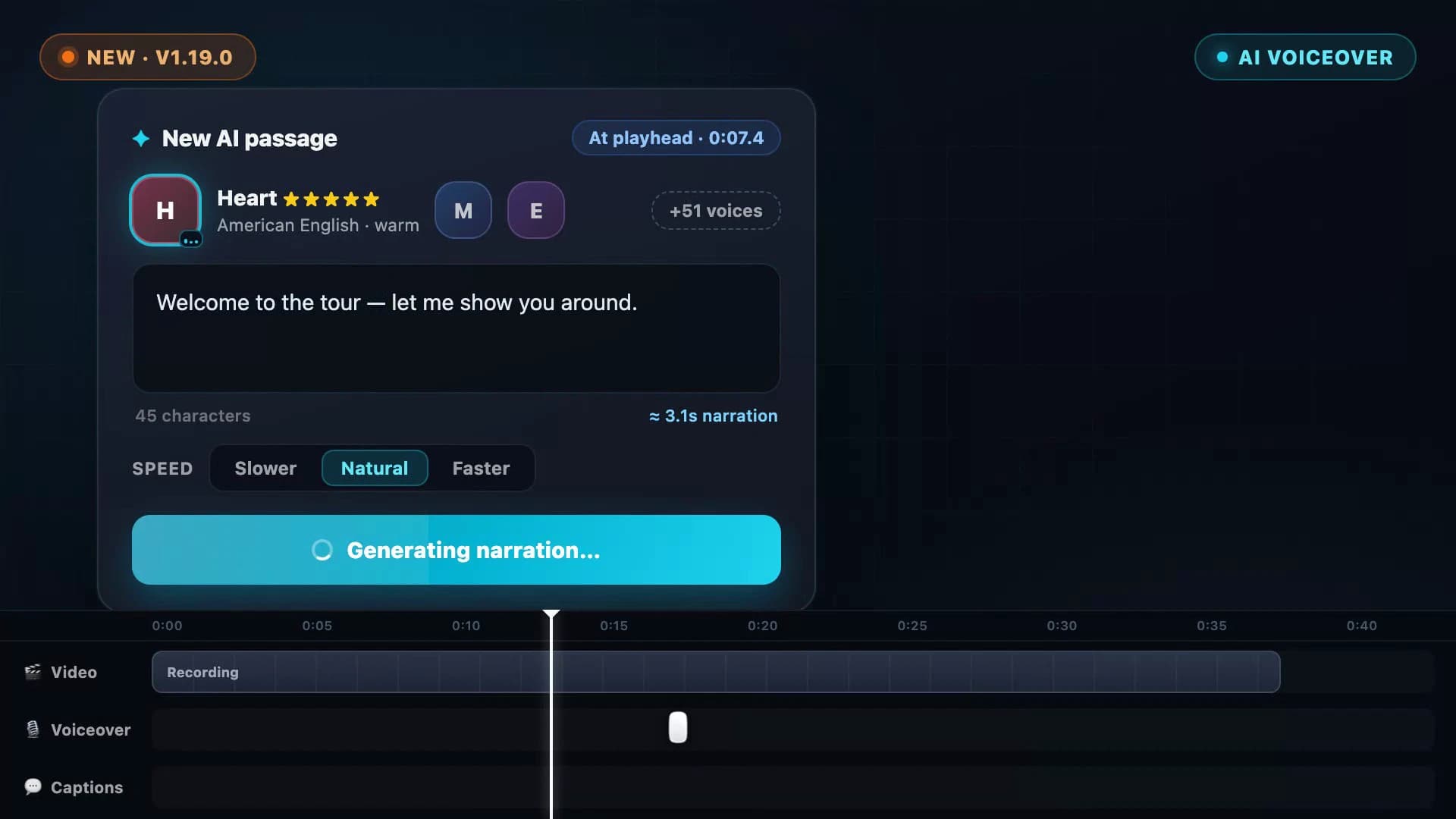
AI Voiceover: Type a Script, Hear Your Video Narrated
Screenify Studio 1.19 turns any script into natural narration — 54 on-device AI voices in 9 languages, with subtitles generated straight from what you wrote.
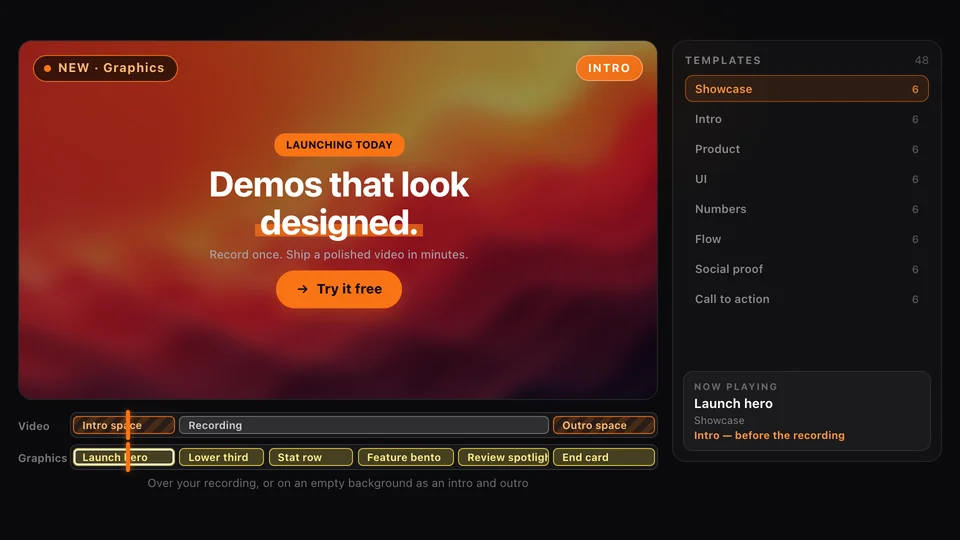
Graphics: Motion Templates for Your Product Demos
Screenify Studio 2.6 adds Graphics: animated lower thirds, stats, flows, pricing cards, intros and end cards you drop onto a demo in one click.
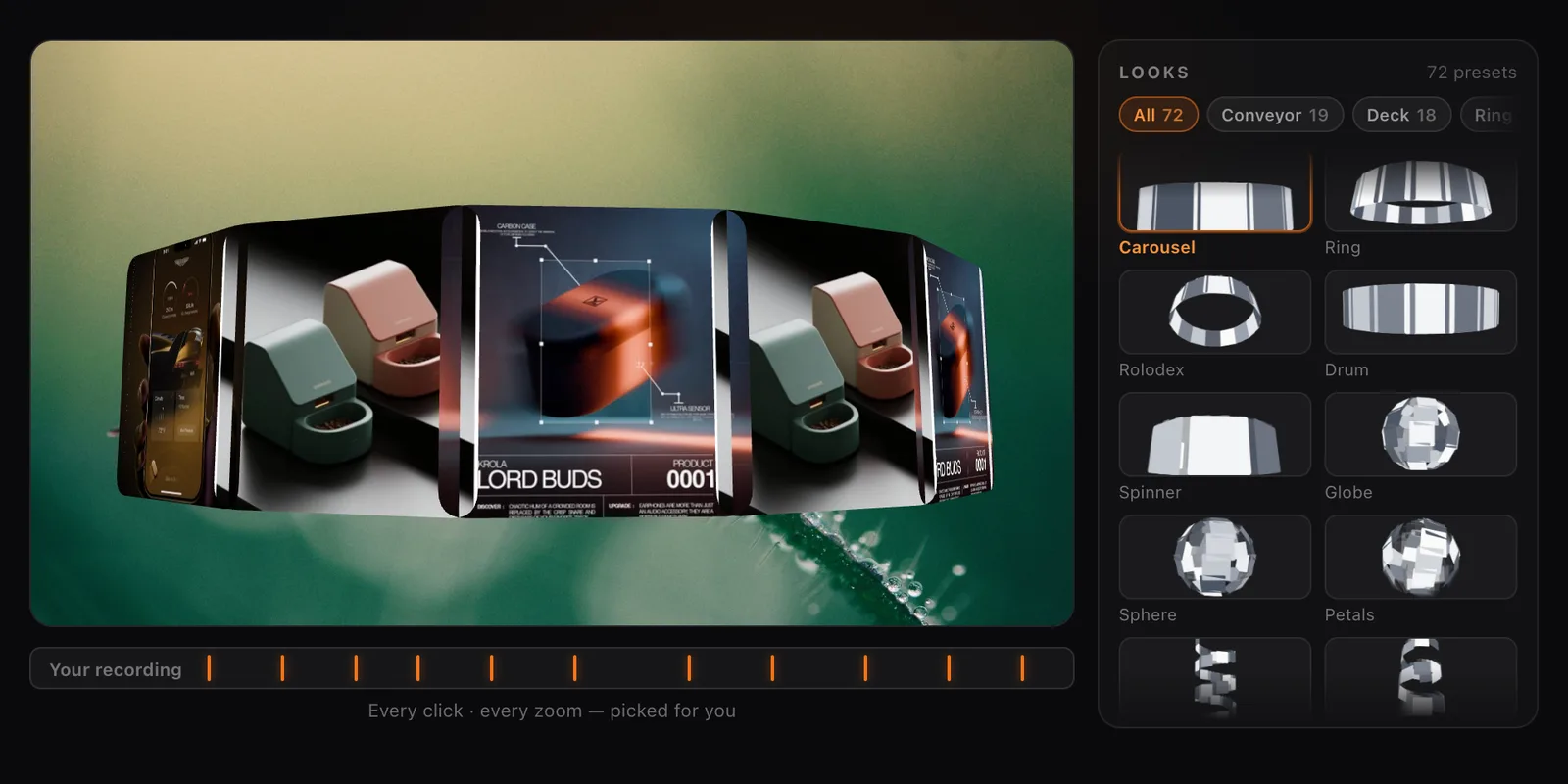
Collage Clips: Turn Screenshots into a 3D Intro
Screenify Studio 2.4 turns a set of screenshots, or the key frames of a recording, into a moving 3D collage you can use as an intro, outro or overlay.
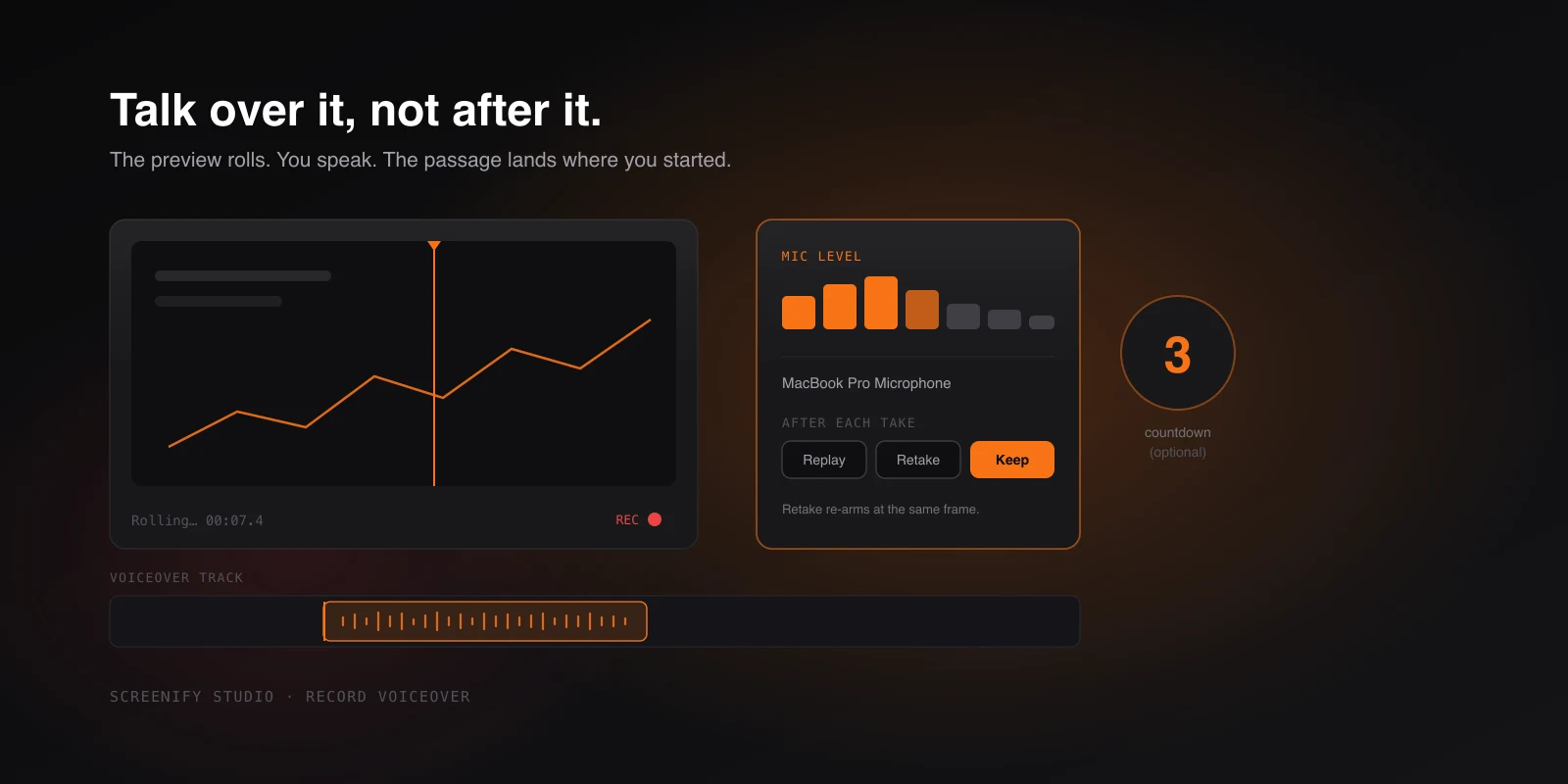
Narrate While You Watch It Back
Record narration in the editor while the preview plays — countdown, live mic meter, instant retakes, and audio that lands exactly where you started.
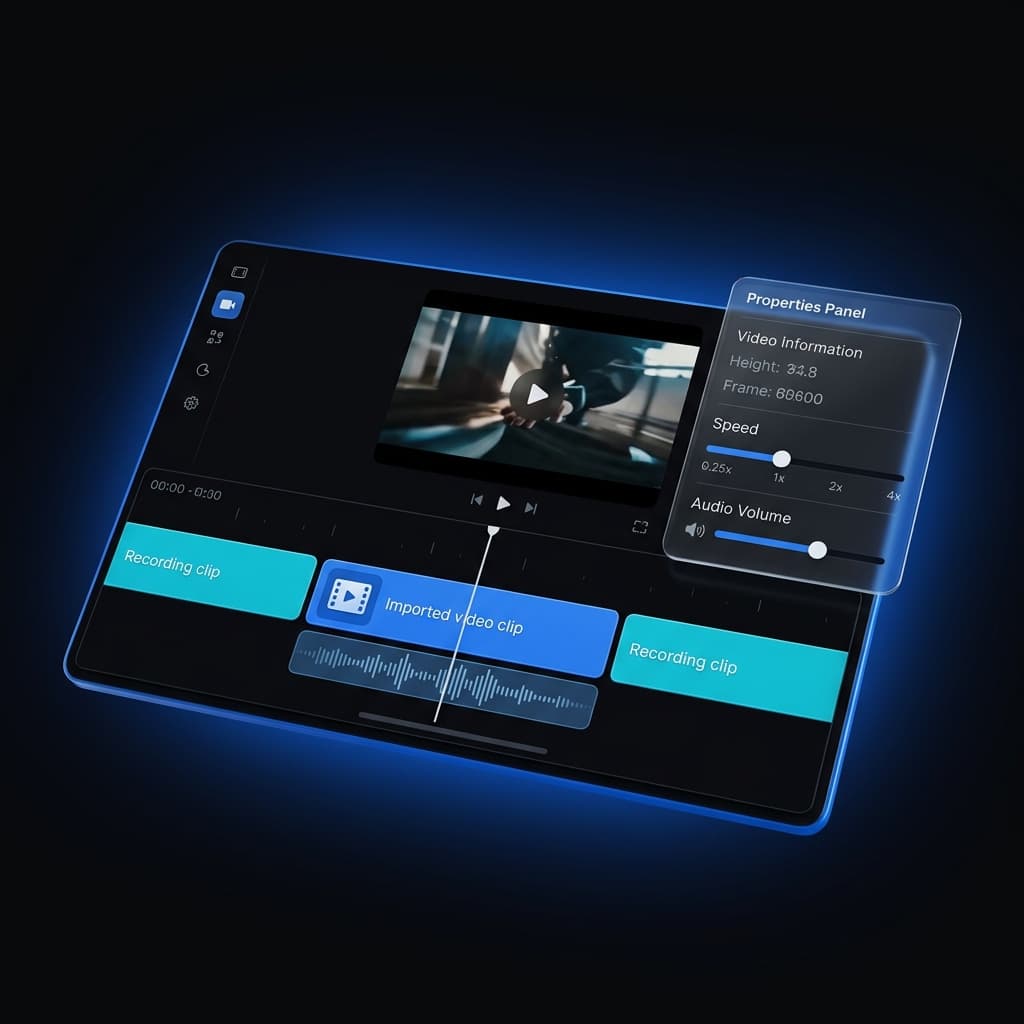
Multi-Clip Recording, Fully Editable
Record your screen, simulator, or device in several takes and append them into one project — then fine-tune every clip on its own.
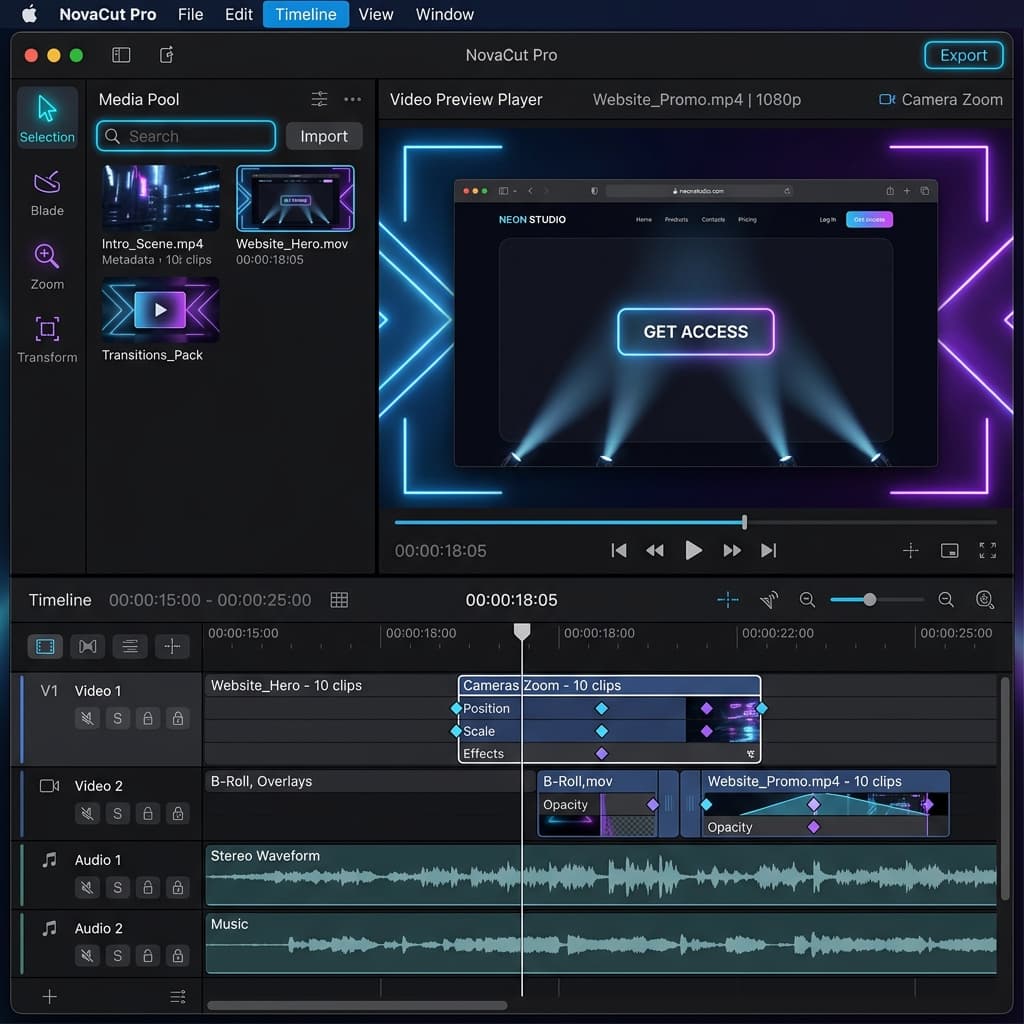
Automate Video Effects with AI Director
Create studio-quality software walkthroughs using our new Agent Timeline Effects framework, featuring custom camera waypoints and AI Director.
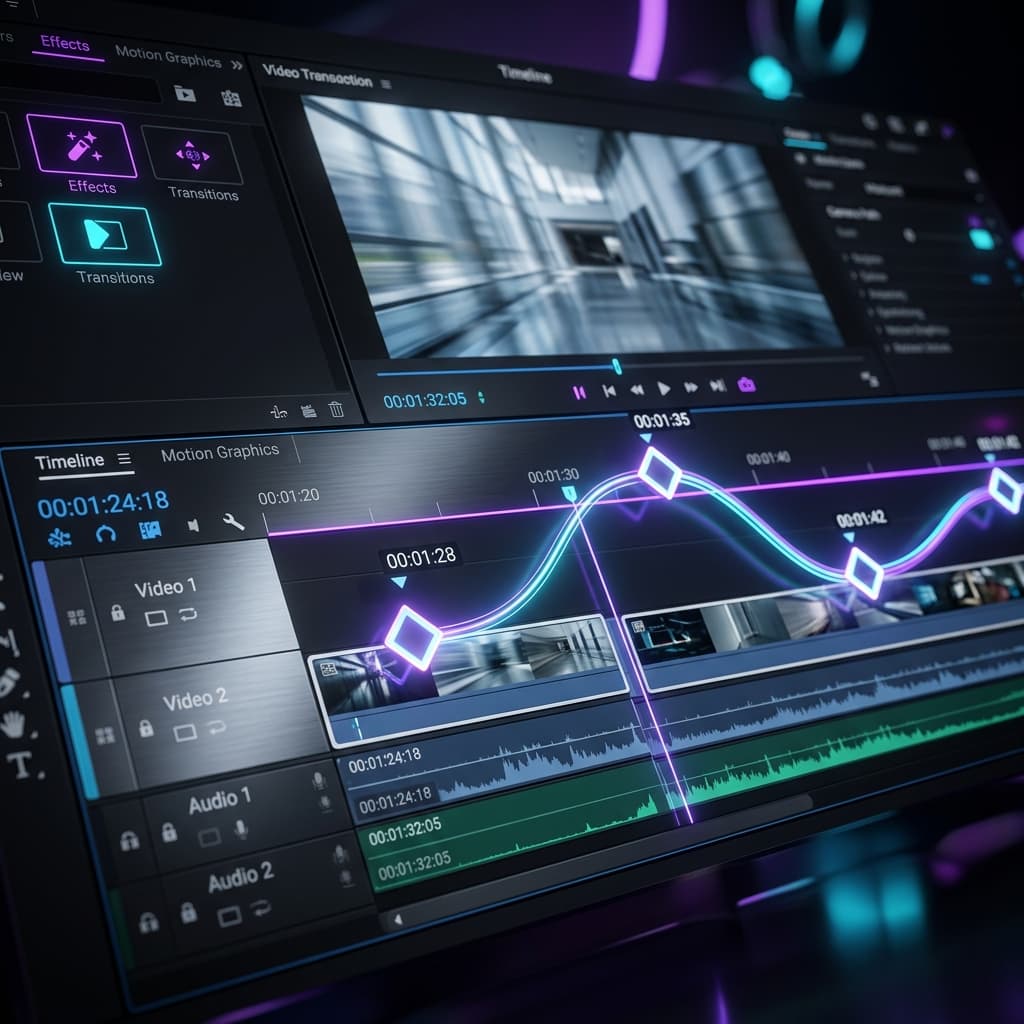
Mastering Camera Paths: Advanced Zoom Keyframes are Here
Take total control of your screen recordings with multi-point zoom keyframes. Precision timing, custom easing, and professional camera paths are now at your fingertips.

Draw to Zoom: Introducing Storyboard Mode and AI Smart Suggest
Creating professional zoom animations is now as easy as drawing a rectangle. Experience the new Storyboard mode with AI-powered Smart Suggestions.
Record a New Clip Directly Into Your Existing Project
Append brand-new screen recordings directly to your open project. Record, stop, and see your new clip appear instantly on the timeline.
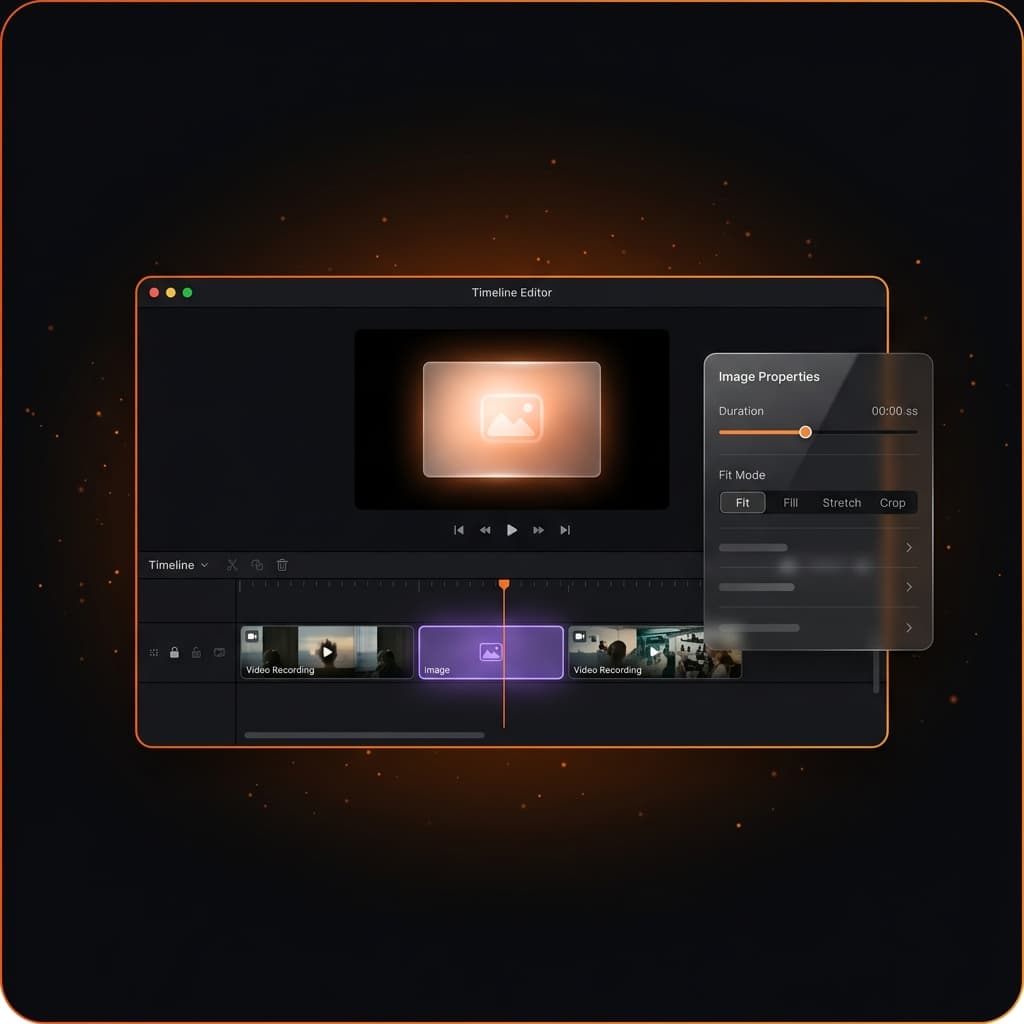
Insert Image as a Timeline Segment
Insert images as first-class timeline segments in Screenify Studio. Add title cards, diagrams, and slides between clips — all track effects apply.
Insert Video as a Timeline Segment
Import MP4 and MOV files as first-class timeline segments. Our latest update adds speed control, audio mixing, fit modes, and drag-and-drop for video imports.