Professional iOS Simulator Recording: No More Window Bezels
Create pixel-perfect iOS app demos with our professional simulator recording engine. Zero-bezel capture, customizable device frames, and 120Hz precision.
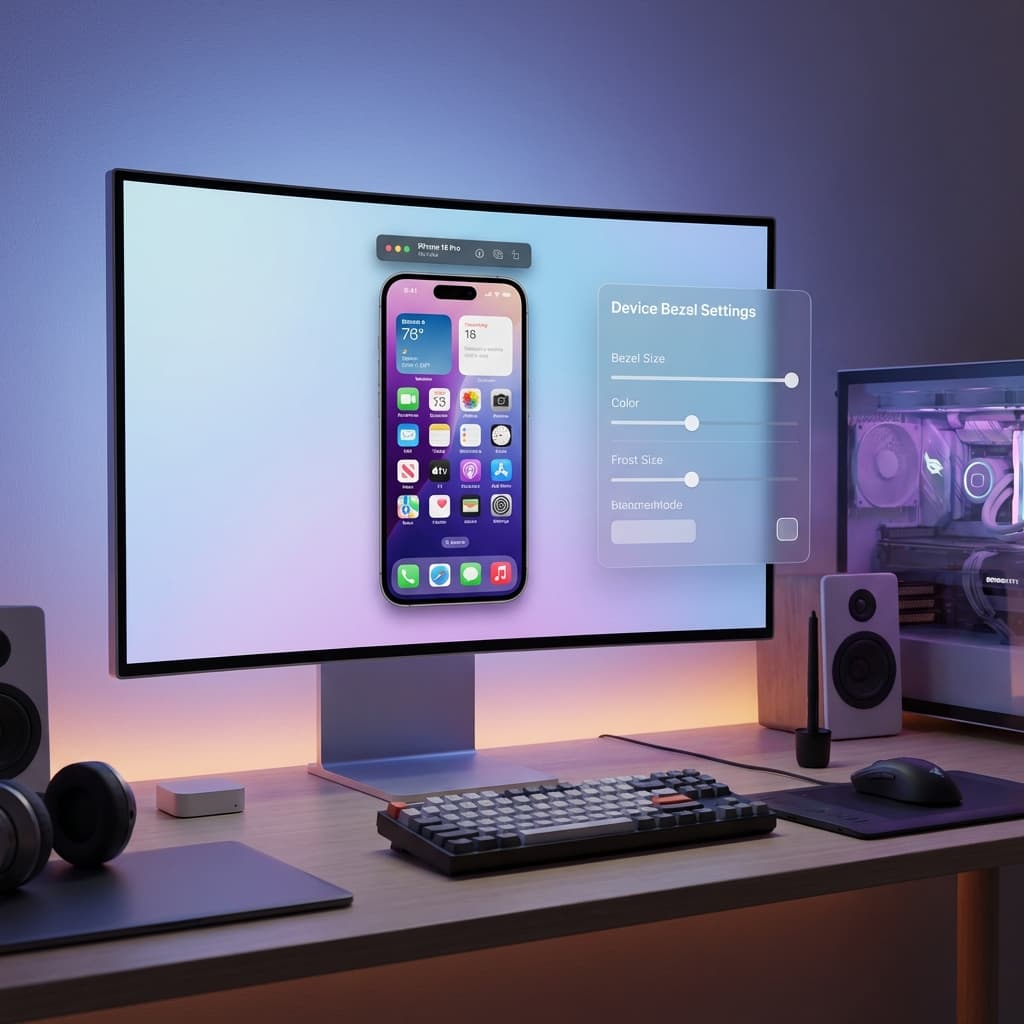
For iOS developers and designers, the simulator is your second home. However, traditional screen recording tools often leave you with messy window bezels, title bars, and non-native aspect ratios that make your demos look unfinished.
Today, we're introducing a specialized iOS Simulator Recording engine in Screenify Studio, designed specifically for professional app showcases.
1. Direct Framebuffer Capture (No Windows)
Rather than capturing a region of your screen, Screenify Studio talks directly to the Apple Simulator service.
- Zero-Bezel Output: By using
simctl, we capture the device's framebuffer directly. Your video shows exactly what's on the device screen—nothing else. - Native Resolution: Every pixel mapped 1:1, ensuring your app's UI remains razor-sharp from top to bottom.
- Resize Proof: You can move or resize the simulator window while recording; Screenify continues to capture the internal feed without a single frame drop.
2. Professional Device Frame Templates
A raw screen recording can look "floating." Give your demo a physical presence with our new Device Bezel system.
- 17+ Model Presets: Instantly apply a frame for any modern Apple device, from the iPhone 16 Pro Max to the latest iPad Pro.
- Programmatic Customization: Our frames are rendered dynamically on the GPU. You can change frame colors, adjust bezel thickness, and toggle the Dynamic Island with a single click.
- Creative Padding: Add soft background padding around your device to create a "studio" look that’s ready for social media or landing pages.
3. Developer-Focused Precision
We know that small details matter to developers. That's why we've rebuilt our capture pipeline for simulation specifically:
- 120Hz Cursor Tracking: High-DPI displays can make traditional cursor tracking look "skippy." We poll at 120Hz to ensure every click and gesture is perfectly smooth.
- Auto-Scaled Cursors: Simulator screens are often much higher resolution than your macOS desktop. We automatically scale your cursor to 150% for simulator recordings so your viewers can actually see where you're clicking.
- High-Fidelity Audio: We use the cpal engine for microphone recording, providing low-latency, studio-grade audio that's perfectly synced with your simulator video.
4. Hardware-Accelerated Export
Leveraging our Metal-accelerated pipeline, adding a device frame won't slow down your export:
- GPU Bezel Rendering: The frame, shadows, and device details are all drawn in a single GPU pass.
- Perspective Sync: If you use our Transform3D effects, the device frame moves and tilts together with the screen content in perfect 3D perspective.
- HDR Support: Maintain the vibrant colors and deep blacks of your app UI through our wide-color-gamut rendering engine.
[!IMPORTANT] No Extra Hardware Required: This feature works entirely through software. As long as you have the Xcode Simulator installed, you're ready to create world-class app videos.
Ready to showcase your app in the best possible light? Update Screenify Studio today and try the new iOS Simulator Recording features.
Pixel-perfect app demos start here. Download Screenify Studio.

Try Screenify Studio
Record your screen with auto-zoom, AI captions, dynamic backgrounds, and Metal-accelerated export. Free plan, unlimited recordings.
Download Free



