Cinematic 3D Device Motions: How to Create Apple-Grade Mobile App Previews
Elevate your mobile app presentations. Discover how Screenify Studio’s new 3D Device Stage, custom environment lighting, and cinematic Device Motion track (Sprint 103) turn standard screen captures into high-converting stories.
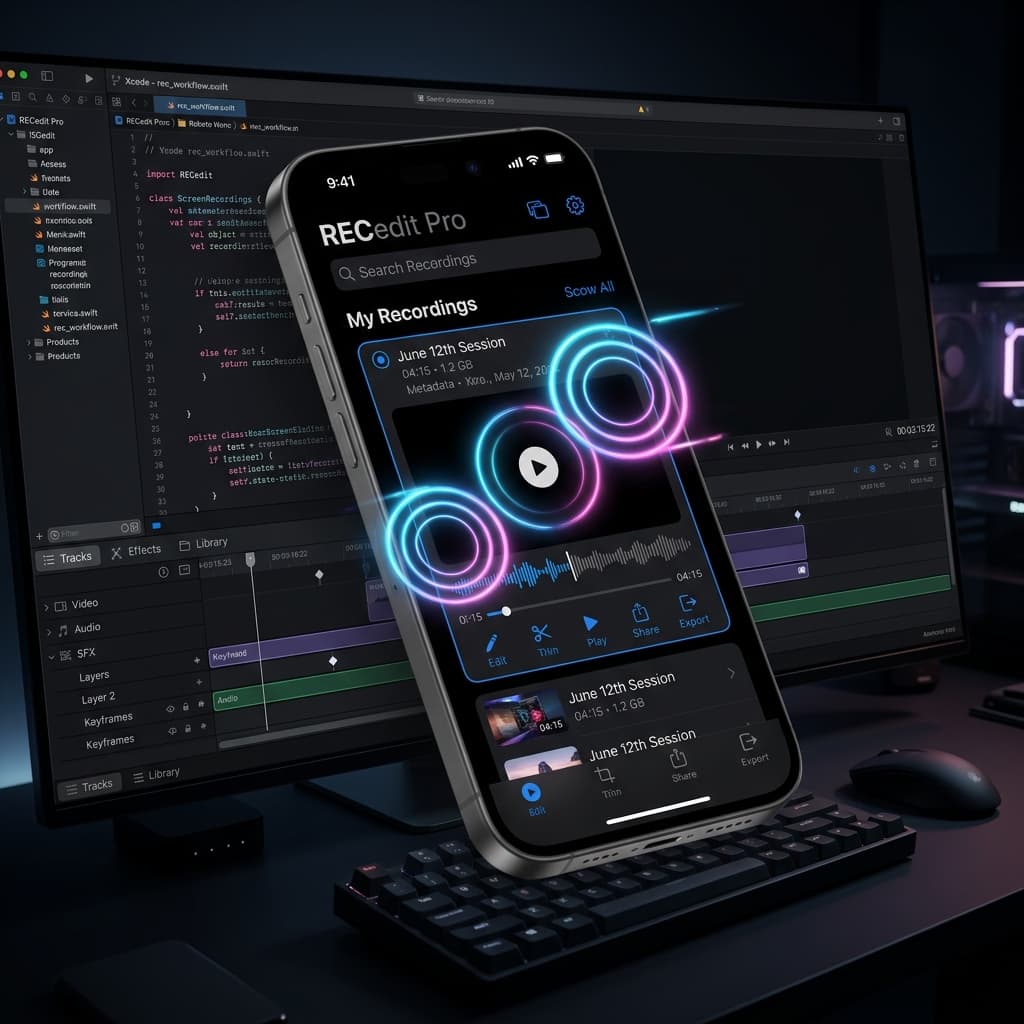
When it comes to showcasing mobile applications, first impressions are everything. Whether you are pitching a game-changing product to prospective investors, scaling the App Store charts, or launching on Product Hunt, a flat and static video presentation no longer cuts it. Today's users expect elite, dynamic, and physically grounded visual storytelling.
With the release of Sprint 103, Screenify Studio introduces Cinematic 3D Device Frames and Device Motion—a complete paradigm shift in mobile product marketing.
Screenify now enables you to place your mobile screen recordings directly inside beautifully rendered 3D device mockups, customize environmental lighting and shadows, and coordinate cinematic, multi-segment camera motions directly on your editing timeline. Here is how you can supercharge your product demos and create Apple-grade previews with ease.
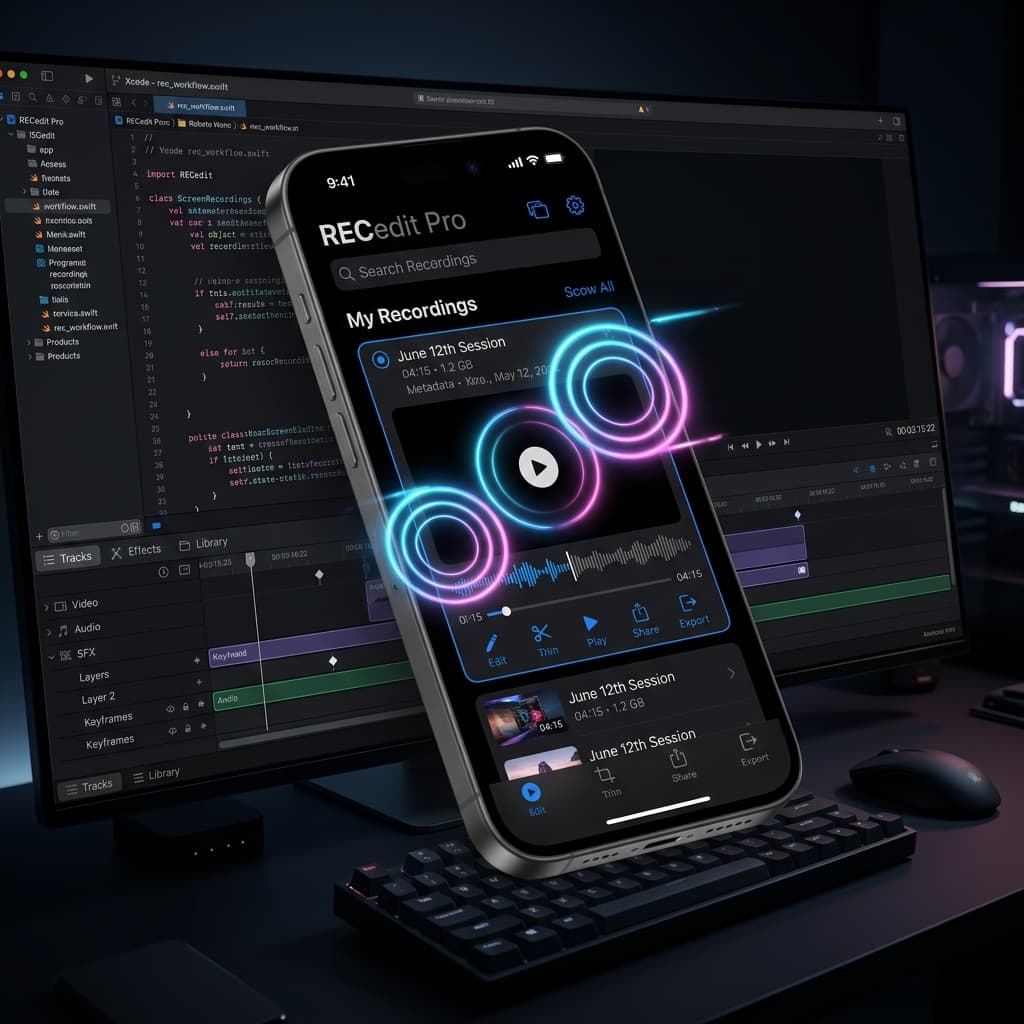
1. Entering the 3D Stage: Photo-Realism Meets Your App
Standard screen recorders simply place a static 2D vector bezel around your captured video. The result is often dry, artificial, and devoid of visual weight.
Screenify’s new 3D Stage puts an end to that. It renders a fully detailed, physically grounded 3D model of premium mobile hardware—starting with a beautifully engineered iPhone 17 Pro Max mockup—procedurally extruded and detailed directly within the graphics engine. Your application recording is dynamically mapped as a live, high-resolution texture onto the device’s screen mesh.
Every detail is crafted to simulate a real-world product showcase:
- Procedural Extrusions: Perfect bezels, ultra-precise titanium and aluminum side trims, and exact speaker plate and camera lens details.
- PBR Materials: Physically-Based Rendering ensures that materials respond to virtual light sources exactly like glass and metal do in real life.
- Unified Background System: You do not need to configure a separate backdrop. The 3D Stage automatically pulls your custom background wallpapers, gradients, or paddings from the Screen tab and projects them seamlessly behind your device.
2. Dynamic Atmosphere: Shadow and Glass Glare
A product showcase is only as believable as the environment it lives in. In Sprint 103, we introduced deep environmental scene effects that add incredible depth to your presentation:
Ground Shadows
Standard flat drop shadows look detached. Screenify’s 3D Stage projects a realistic Ground Shadow beneath the phone. You can customize the shadow's properties directly in the new Device sidebar panel:
- Opacity: Blends the shadow smoothly into the backdrop.
- Blur & Scale: Softens or sharpens the falloff, simulating a close or distant overhead spotlight.
- Offset Y: Shifts the shadow vertically, creating the illusion of the phone floating gracefully in mid-air.
Glass Glare
To make the display feel tactile and alive, you can toggle Glass Glare. This overlays a transparent glass quad with soft specular reflections. When the device rotates or tilts, virtual environment light sweeps realistically across the screen, mimicking the light catch of a real high-gloss touchscreen.
3. "Device Motion" (Shots Track) — Be the Director of Your App
The real flagship capability of Sprint 103 is Device Motion (internal code name: Shots).
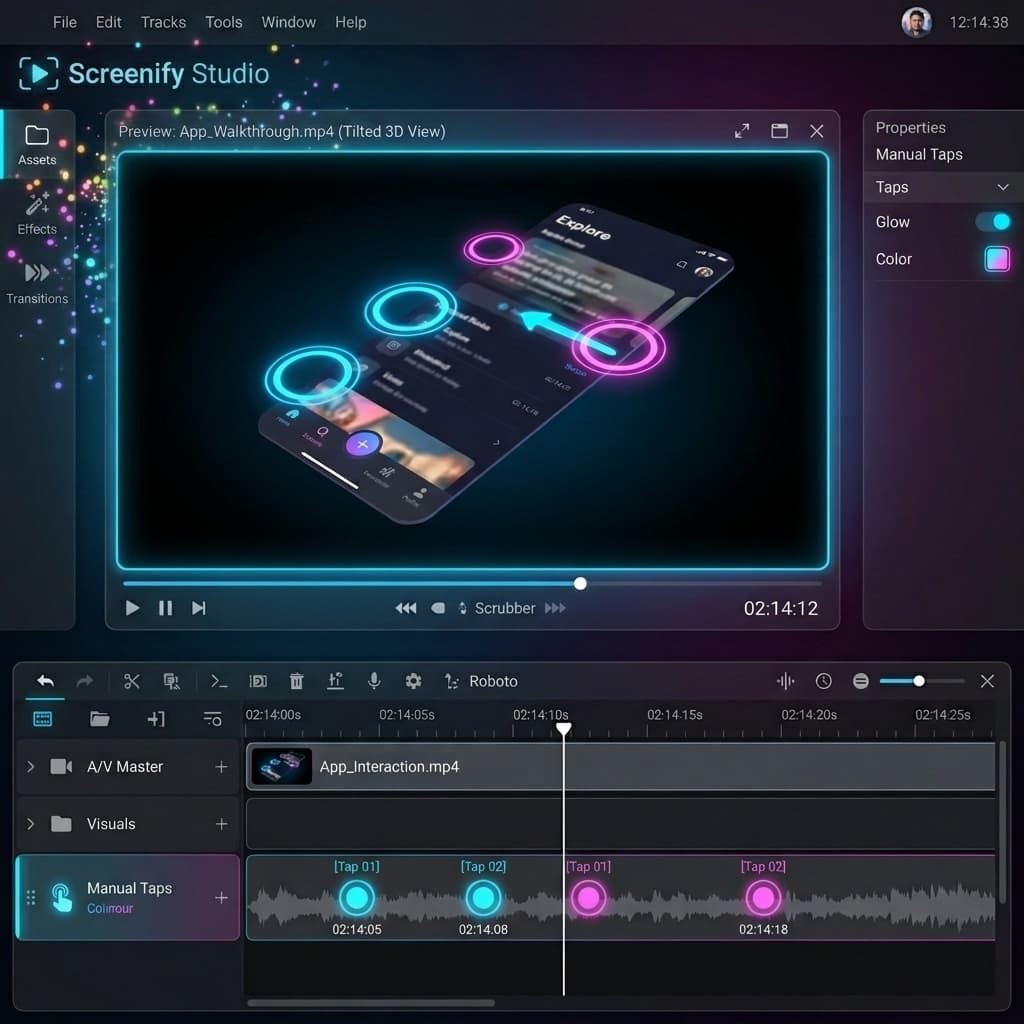
Instead of your device remaining rigidly in the center of the frame, Screenify introduces a dedicated Device Motion track directly on your editing timeline. This allows you to apply professional, cinematic camera sweeps that animate the 3D device mockup interactively:
- Turntable: A smooth, slow 360-degree rotation that shows off the premium physical design and side profiles of the hardware.
- Dolly Push-In: Slowly zooms the camera in to highlight a specific UI button or transition.
- Drama & Showcase: A sophisticated multi-axis tilt that orbits around the phone, adding elite cinematic energy.
- Dynamic Customization: You can adjust the Distance, Speed, and Reach multipliers for each movement segment to make the camera path as energetic or subtle as your brand demands.
Chronology and Timeline Envelope Transitions
The Device Motion track functions exactly like professional NLE timeline tracks. You can drag, resize, and chain multiple different motion segments together.
To prevent sudden, jarring camera cuts, each segment contains a transition envelope (defaulting to a 0.5-second curve). When the playhead crosses from one motion to another, the camera smoothly cross-fades its pitch, yaw, and zoom, ensuring a flawless, continuous cinematic flow.
4. The Unified Side Panel: Simple Controls, Pro Results
To make managing these advanced systems effortless, all parameters are consolidated into the new Device sidebar tab (represented by a sleek phone icon 📱).
The panel is highly context-aware: it only displays when your active project is an iOS Simulator recording (Sprint 101) or a USB Real Device capture (Sprint 102). It is organized into four intuitive configuration groups:
- Frame: Toggle the 3D stage, select your target device, switch between 3D and the lightweight flat 2D programmatic bezel styles, and select the virtual aluminum finish (Titanium Black, Space Gray, Silver, etc.).
- Lighting: Select from six distinct environmental lighting moods—Studio, Soft, Dramatic, Warm, Cool, or Bright—to instantly shift the emotional tone of your demo.
- Device Motion: (When editing a timeline segment) Instantly swap camera presets and adjust mechanical speed/distance multipliers.
- Scene: Fine-tune the ground shadow opacity, scale, and glass glare reflections to perfect the virtual stage.
5. Experience Apple-Grade Storytelling Today
The features introduced in Sprint 103 represent Screenify Studio's commitment to giving developers and creators the absolute best tools on the planet to showcase their mobile creations. You no longer need to spend thousands of dollars on professional 3D animators or struggle with complex, resource-heavy editor packages.
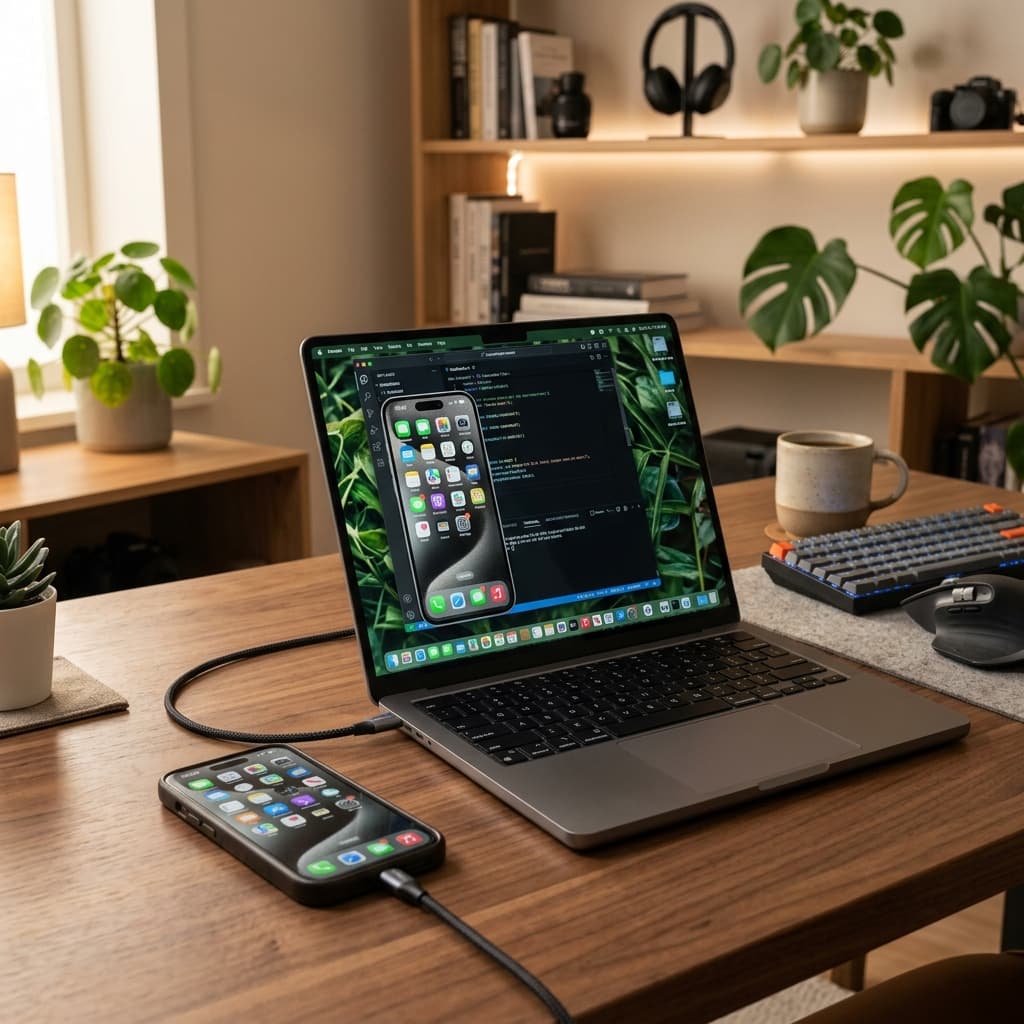
Plug in your physical device, boot up your simulator, and watch your mobile product come to life in gorgeous, cinematic 3D.

Try Screenify Studio
Record your screen with auto-zoom, AI captions, dynamic backgrounds, and Metal-accelerated export. Free plan, unlimited recordings.
Download Free



