Blog
News, updates, and guides from Screenify Studio.

Multi-Device Mockup Studio: Stage Your Product Across Screens
Screenify Studio 2.0 stages two or three devices in one cinematic 3D mockup — glide a single camera across them and record live, all in one app.
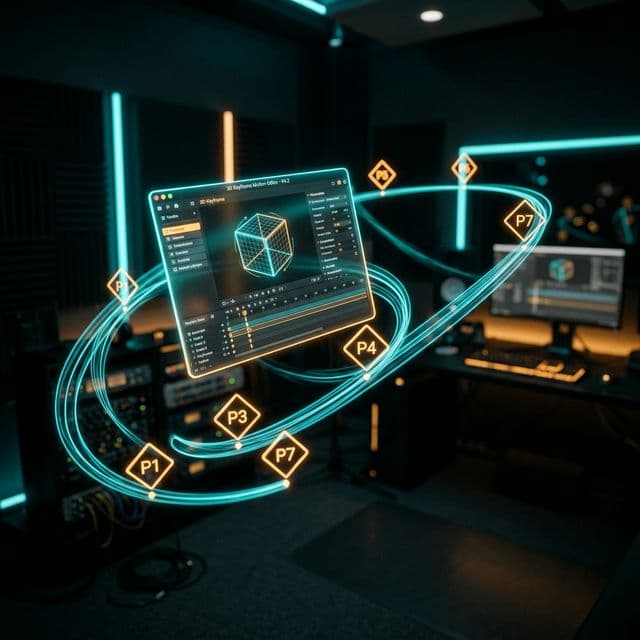
Advanced 3D Keyframing: Total Creative Control Over Your Camera Path
Move beyond simple A-to-B animations. Sprint 88 introduces multi-point keyframing for Transform3D, allowing you to design complex, multi-phase 3D camera movements.
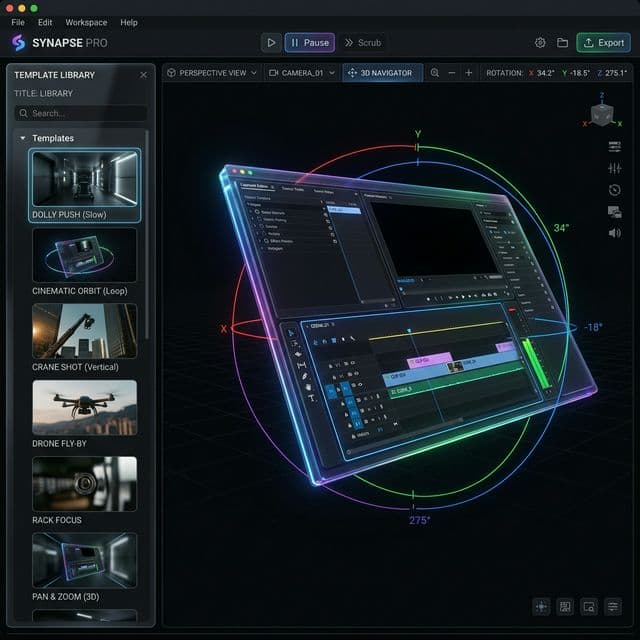
Cinematic 3D Motion Templates: Take Your Screen Recordings to the Next Level
Introducing 26 professional camera motion templates for Transform3D. Achieve cinematography-grade animations instantly with Dolly, Pan, and Orbit presets.
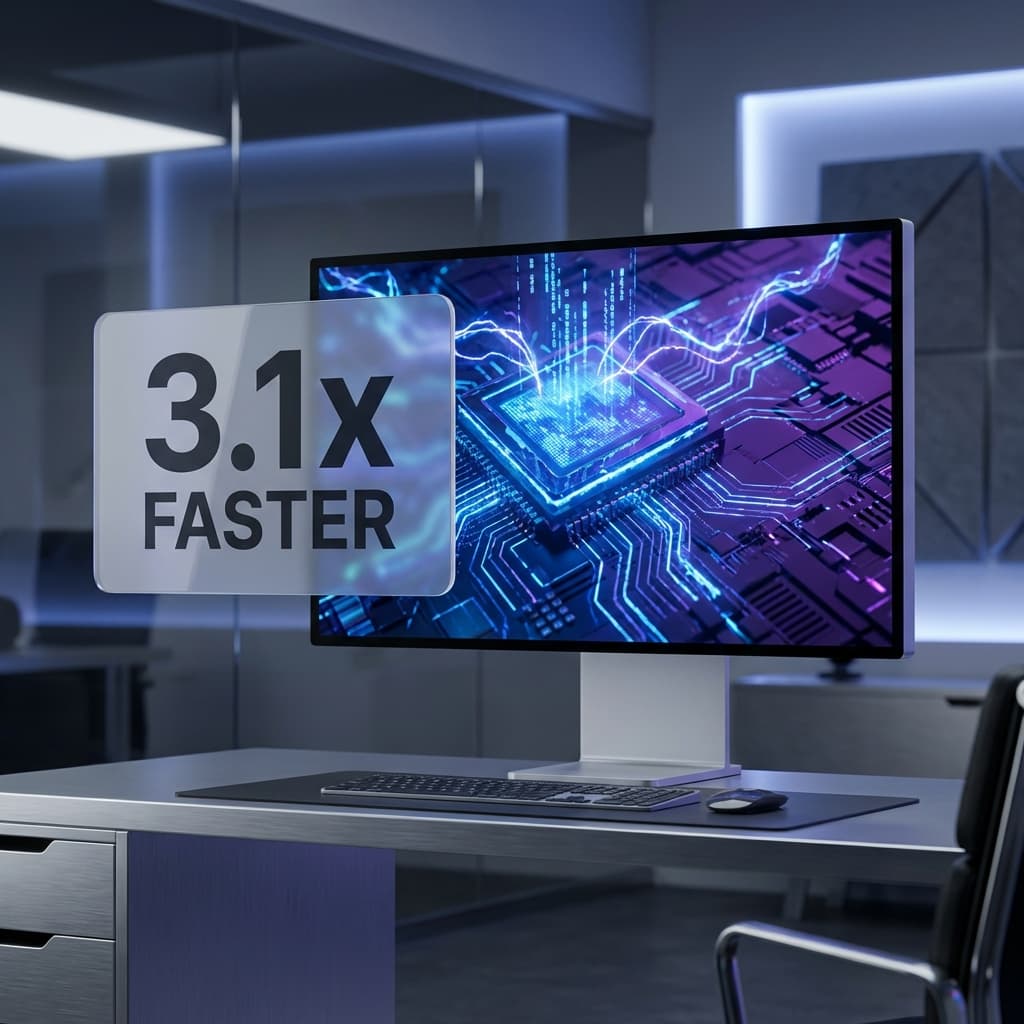
Under the Hood: Building a Non-Destructive 3D Device Rendering Pipeline
Dive deep into the graphics architecture of Screenify Studio. Learn how our engineering team built a high-performance, non-destructive 3D Device Rendering Stage (Path 3) using WebGL, Metal, and wgpu that seamlessly handles 2D post-production effects.
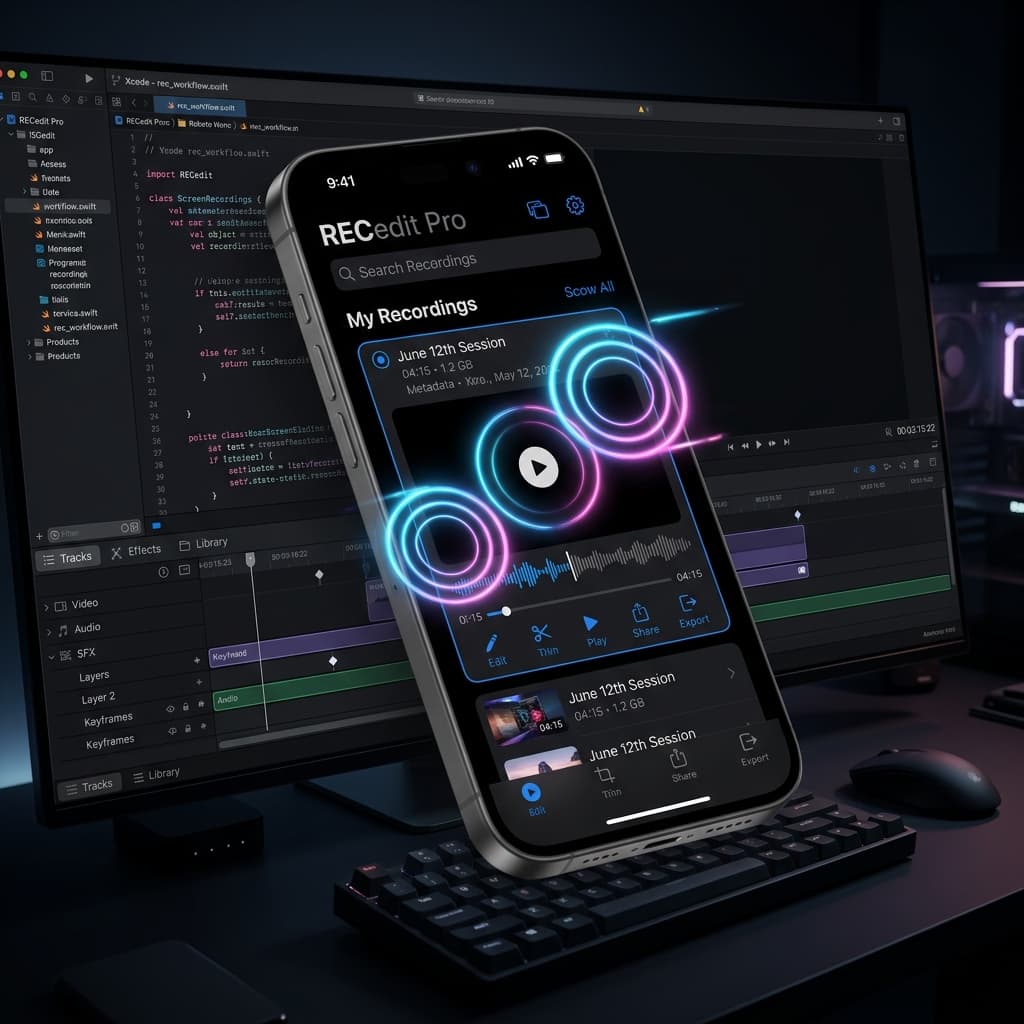
Cinematic 3D Device Motions: How to Create Apple-Grade Mobile App Previews
Elevate your mobile app presentations. Discover how Screenify Studio’s new 3D Device Stage, custom environment lighting, and cinematic Device Motion track (Sprint 103) turn standard screen captures into high-converting stories.
The Ultimate iOS Developer Studio: From Simulator to Physical Devices
Supercharge your mobile development workflow with Sprint 101 & 102. Achieve 1-click App Store Previews compliance, physical iOS USB recording, Live Mirror, and revolutionary Transform3D-powered Manual Taps.
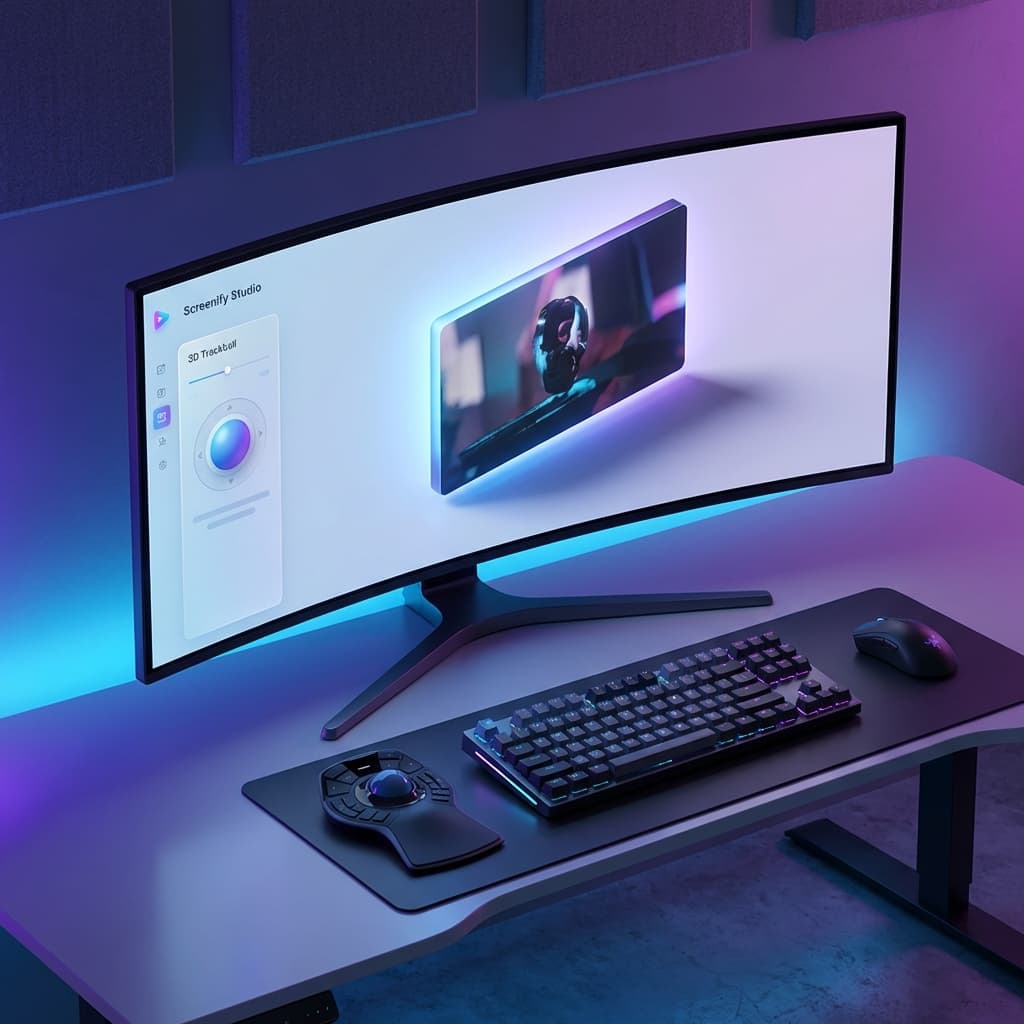
Transform3D: A New Dimension of Screen Storytelling
Bring depth to your recordings with professional 3D perspective effects. From static tilts to cinematic motion transitions.