Dynamic Camera Layouts: Master Your Presentation Flow
Switch seamlessly between PiP, Side-by-Side, and Speaker View with Screenify Studio's professional-grade camera layout system.
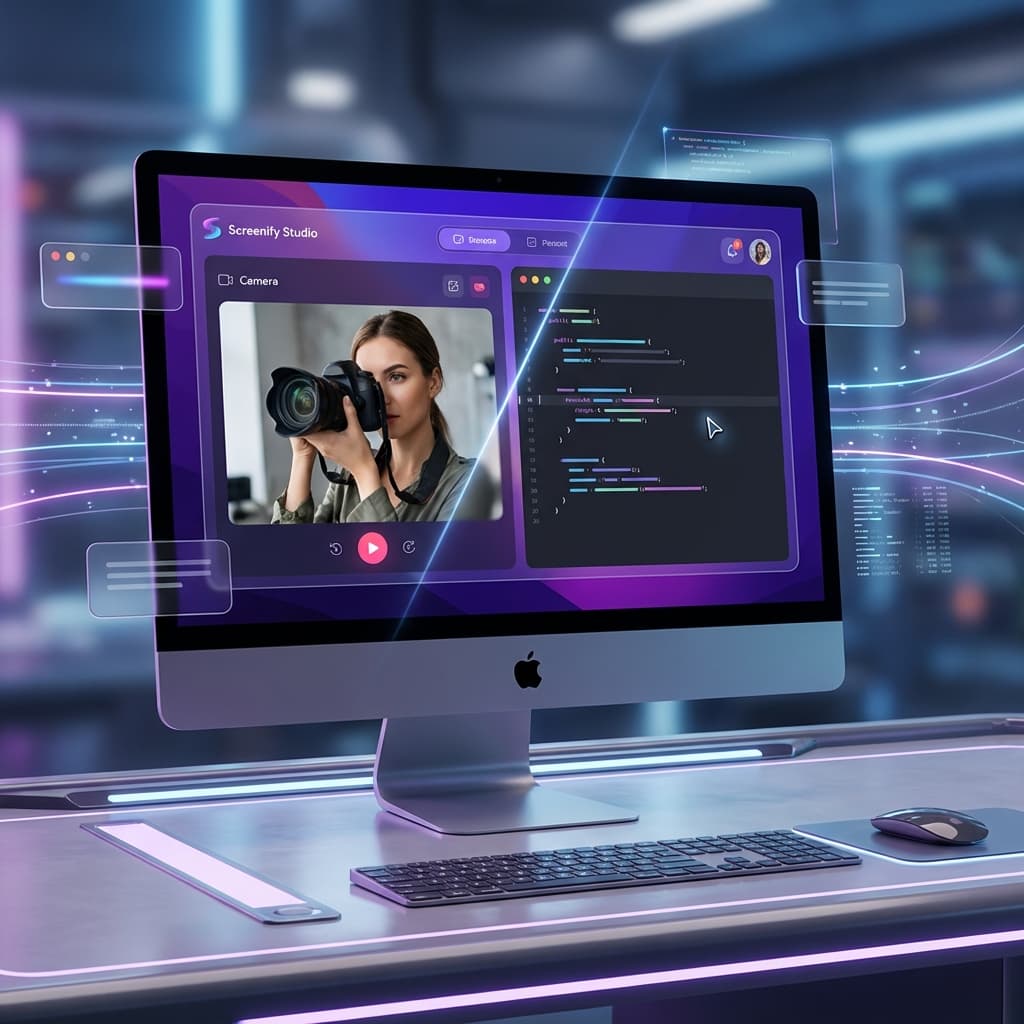
presentations are no longer static. Whether you're recording a software demo, a tutorial, or a keynote, the way you present yourself alongside your content defines your impact.
Today, we're diving deep into Dynamic Camera Layouts—one of the most powerful features in Screenify Studio that gives you NLE-level control over your camera presence directly on your timeline.
1. Six Layout Types for Every Scenario
One size doesn't fit all. We've built six distinct layout types to handle every possible recording scenario:
- PiP (Picture-in-Picture): The classic floating camera. Perfect for quick demos.
- Side-by-Side: Split the screen between your content and your camera. Ideal for interviews or paired coding.
- Focused (Speaker View): Make yourself the star with a full-screen camera and a small content overlay.
- Screen Only / Camera Only: Instantly toggle focus between your work and your personality.
- Custom: Total freedom to drag and resize both screen and camera to any position.
[!NOTE] All layouts are fully "morphable." When you switch between them on the timeline, Screenify Studio calculates the optimal path to animate the transition smoothly.
2. Professional Camera Styling
A professional look is about the details. Screenify Studio now offers advanced global and per-region camera styling:
- 15+ Border Presets: Choose from sleek macOS-style borders, vibrant neon gradients, or classic metallic frames.
- Advanced Shadows & Opacity: Control the depth and transparency of your camera feed to blend perfectly with your background.
- Shape & Roundness: Switch from a standard rectangle to a circular or rounded avatar with a single click.
3. Timeline-Based Transitions
The real magic happens on the Camera Track. You can now add multiple layout regions along your timeline:
- Enter/Exit Durations: Control exactly how long it takes for a layout transition to complete—from a snap-cut to a slow, cinematic zoom.
- Easing Curves: Choose from 4 unique easing presets (Linear, Ease-In, Ease-Out, Ease-In-Out) to make transitions feel natural.
- Region Overrides: Want a circular camera for the intro but a square one for the demo? Simply override the global settings for that specific timeline region.
4. Technical Excellence: Built for Performance
Behind the scenes, the Metal-accelerated pipeline ensures that these complex transitions happen with zero lag:
- GPU Morphing: Transitions aren't just fades; the actual UI elements morph their bounds on the GPU, ensuring 60fps smoothness even at 4K.
- Zero-Copy Preview: What you see while editing is exactly what gets rendered. No surprises during export.
- Timeline Precision: Frame-accurate layout switching ensures your camera moves exactly when your content does.
Best Practices for Professional Layouts
- Use Side-by-Side for paired work: It gives both the person and the screen equal importance.
- Transition to Focused for emphasizes: When you're making a key point, switch to Speaker View to connect with your audience.
- Keep PiP for "Background" activity: Use the 9-position grid to keep the camera away from critical UI elements of your app.
Ready to transform your recording flow? Dynamic Camera Layouts are available now in Screenify Studio.
Transform your screen recordings into professional videos. Get started with Screenify Studio.

Try Screenify Studio
Record your screen with auto-zoom, AI captions, dynamic backgrounds, and Metal-accelerated export. Free plan, unlimited recordings.
Download Free



