Why We're Building Another Screen Recording App
The screen recording market is crowded. Here's why we think there's still a massive gap — and what we're building to fill it.
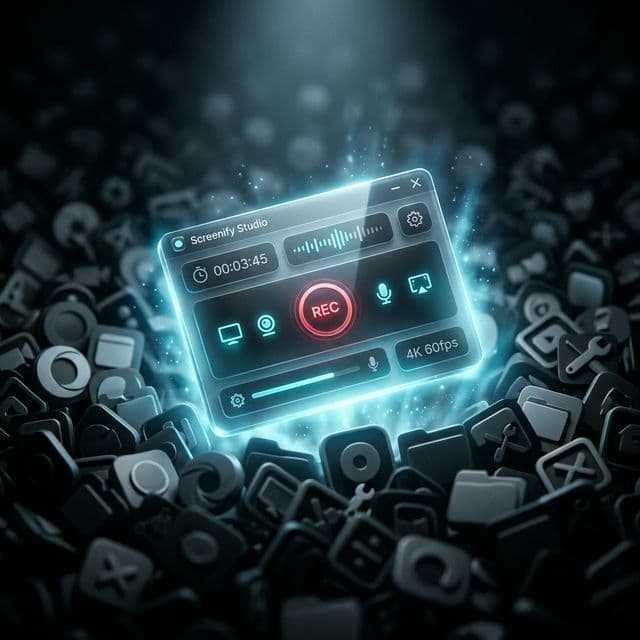
"The market is saturated."
That's what everyone says when you tell them you're building a screen recording app.
And honestly? They're not wrong. There are dozens of options. Loom, Screen Studio, Tella, OBS, Cap, CleanShot X, Kap — the list goes on.
But after using almost every screen recording tool on the market, I kept running into the same frustrations. And I kept hearing the same complaints from other creators.
So I started building.
The Three Problems Nobody Has Solved
1. Your recordings are being watched
Every "AI feature" in screen recording tools today works the same way: upload your footage to the cloud, process it on someone else's server, download the result.
Think about what's in your screen recordings. Slack DMs. API keys. Customer data. Private repos. Personal emails. Half-written documents.
You're sending all of that to a third-party server so it can add captions or remove silence.
Screenify Studio runs all AI processing on your device. Your recordings never leave your machine. Not for captions. Not for silence detection. Not for anything.
This isn't a premium feature. It's the default. Even on the free plan.
2. You either get effects OR an editor — never both
Screen Studio gives you beautiful zoom effects and 3D perspective, but the "editor" is basically a properties panel. You can't add multiple tracks, can't fine-tune timing, can't layer effects.
ScreenFlow and Camtasia give you powerful editors, but they look like they were designed in 2008 and have no modern AI features.
Loom gives you... a trimmer. That's it.
We wanted both. A real timeline editor with 10+ tracks AND cinematic 3D camera effects. So we built both.
3. Pricing is getting worse, not better
The industry trend is clear: prices are going up, free tiers are shrinking, and lifetime options are disappearing. Subscription fatigue is real.
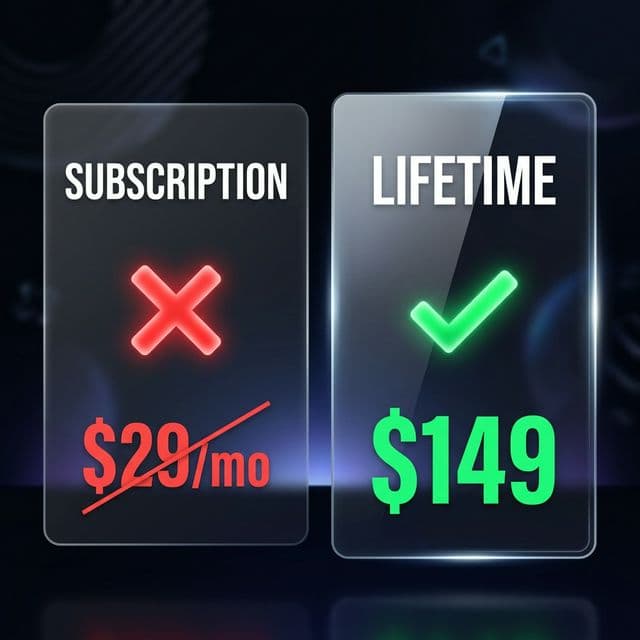
We're going the other direction:
- Free plan: No time limits on recording. The whole studio, not a crippled trial. Free forever — exports carry a watermark and cap at five minutes until you upgrade.
- Pro lifetime: $149, one-time. Own it permanently.
- Pro subscription: Available if you prefer monthly, but never the only option.
What We're Actually Building
Screenify Studio is a screen recording app with a full post-production studio built in.
Recording:
- Screen, window, or area capture
- Webcam overlay with configurable layout
- System audio + microphone
- iOS Simulator recording (for mobile app demos)
AI Features (all on-device):
- Auto-captions in 50+ languages
- Smart Clipping — AI detects and removes silence, inactivity, and dead time
- Auto-zoom on cursor activity
Editor:
- Full timeline with 10+ track types
- 30+ cinematic 3D camera movement templates
- Callout highlights with zoom, dim, and glow effects
- Built-in music library
- Cursor smoothing and effects
- Style presets — one-click professional looks
When?
Soon. We're in the final stretch of pre-launch.
If you want early access, sign up at screenify.studio.
Just record. We'll handle the rest.

Try Screenify Studio
Record your screen with auto-zoom, AI captions, dynamic backgrounds, and Metal-accelerated export. Free plan, unlimited recordings.
Download Free



