Blog
News, updates, and guides from Screenify Studio.
How to Screen Record with Clipchamp (Windows)
Step-by-step Clipchamp tutorial for Windows: install, record screen plus webcam, edit, and export 1080p free with no watermark.
How to Make Explainer Videos with Screen Recording
Script, record, and edit explainer videos using screen capture — from feature demos to concept walkthroughs to process documentation.
How to Zoom Into Clicks Automatically in Recordings
4 methods to auto-zoom into mouse clicks in screen recordings. Compare Screenify Studio, Screen Studio, OBS plugins, and manual keyframes.
How to Add Click Sounds to Screen Recordings
4 ways to add click sound effects to screen recordings on Mac. Built-in tools, standalone apps, and post-production methods compared.
How to Show Keyboard Shortcuts in Recordings
Display keystrokes on screen during recordings with KeyCastr, Screenify Studio, Keystroke Pro, or OBS. Step-by-step setup for each method.
How to Make Cursor Movements Smoother in Recordings
Smooth jerky cursor movements in screen recordings using Screenify Studio, Screen Studio, macOS settings, or After Effects post-production.
How to Add a Spotlight Effect Around Your Cursor
Add a spotlight or dimming effect around your cursor in screen recordings using Screenify Studio, Screen Studio, Cursor Pro, or DaVinci Resolve.
How to Add Cursor Effects to Screen Recordings
4 methods to add cursor effects (spotlight, trails, click rings, smoothing) to screen recordings on Mac. Free and paid options compared.
How to Highlight Mouse Clicks in Screen Recordings
Learn 4 ways to highlight mouse clicks in screen recordings so viewers never miss an action. Covers Screenify Studio, Screen Studio, Cursor Pro, and OBS.
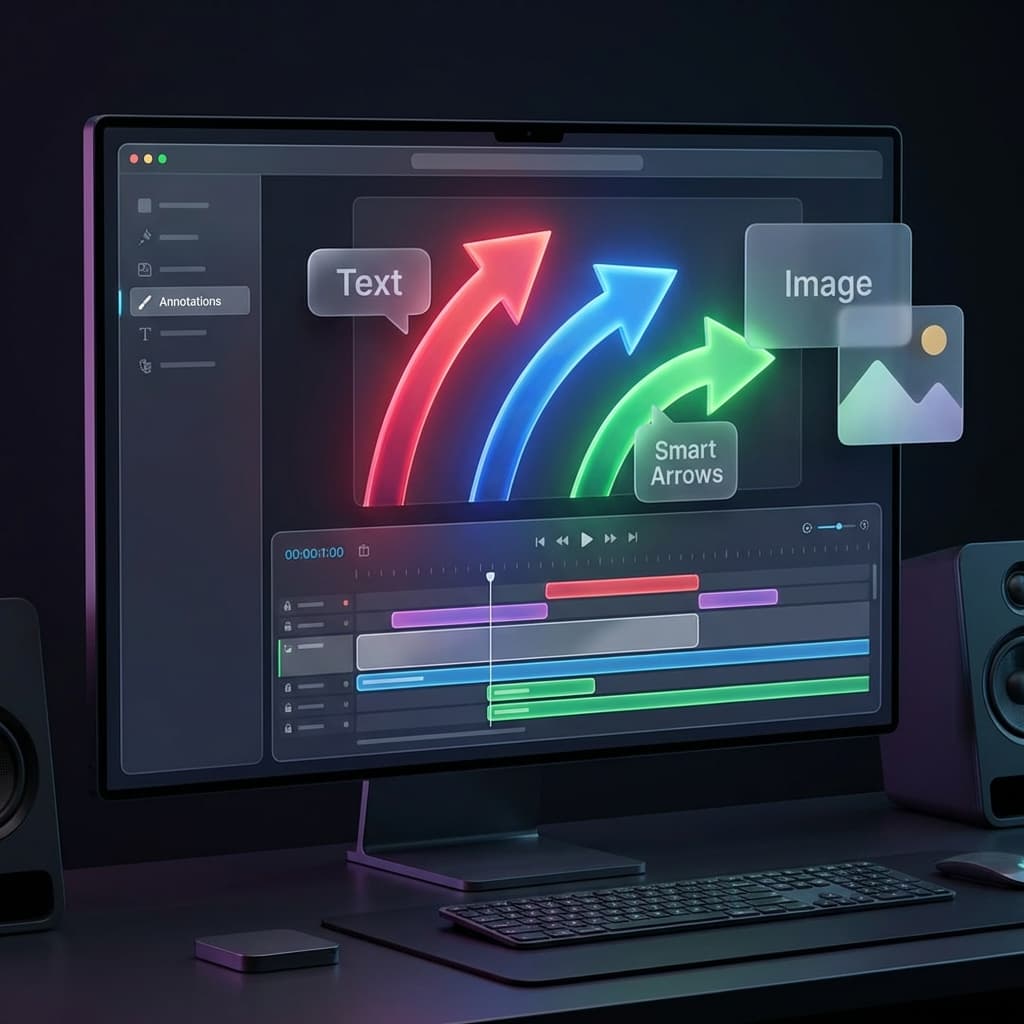
Beyond Text: The New Annotations Engine
Communicate clearly with the redesigned Annotations tab. From smart arrows to image overlays, highlighting your screen has never been easier.
How to Rotate a Video on Mac
Rotate a sideways or upside-down video on Mac using QuickTime, Screenify Studio, iMovie, or Final Cut Pro. Step-by-step walkthroughs.
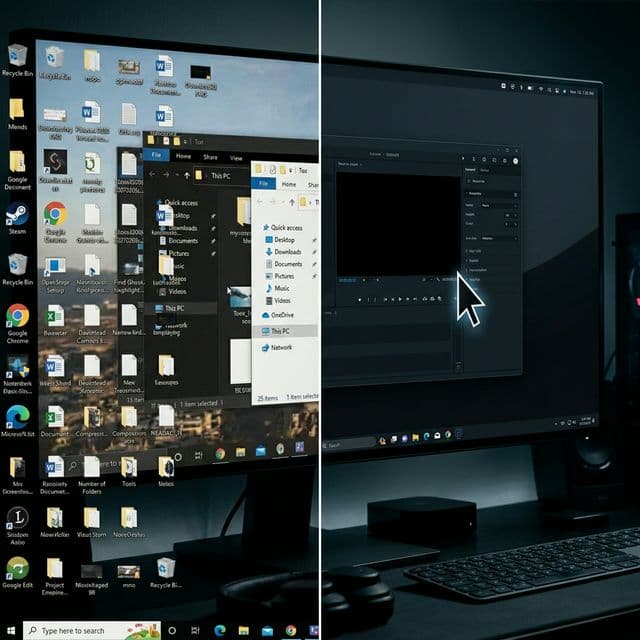
Why Your Screen Recordings Look Amateur (And How to Fix It in 5 Minutes)
The difference between an amateur screen recording and a professional one isn't talent — it's knowing these 7 specific things to avoid.