Elevate Your Videos with Dynamic Backgrounds
Discover the new Dynamic Backgrounds in Screenify Studio: From smooth animated gradients to a 4K video library, all optimized 100% on-device.
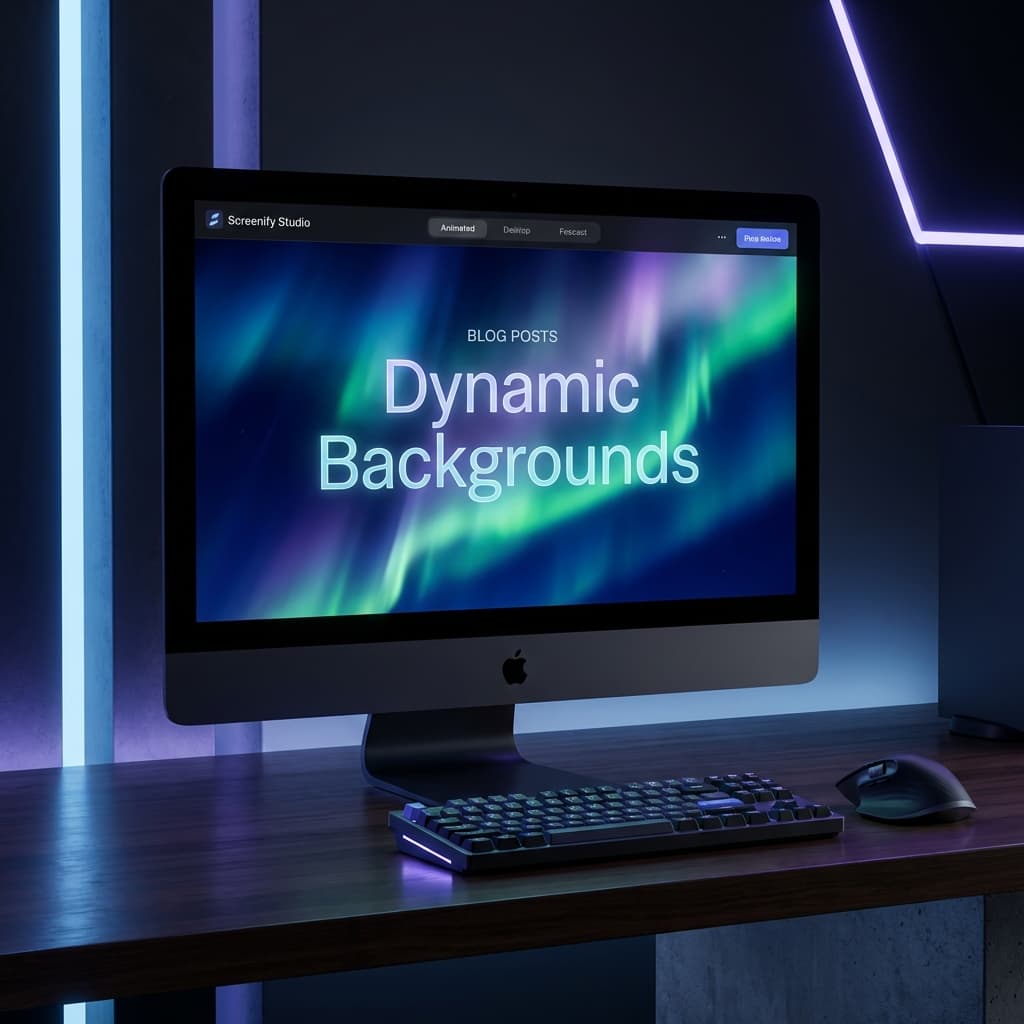
Hey Creators! We’re incredibly excited to introduce a major update to Screenify Studio: the all-new Dynamic Backgrounds system.
In the era of video tutorials, presentations, and product demos, your background is more than just a backdrop—it’s what defines the professionalism and engagement of your content. With Dynamic Backgrounds, we’re bringing the power of a professional studio directly to your Mac.
1. Animated Gradients: Life in Every Pixel
Say goodbye to static, flat backgrounds. Our Shader-based Animated Gradients leverage the full power of the Metal GPU to create silky-smooth transitions and flowing colors.
Choose from 6 meticulously designed presets:
- Aurora: Dreamy, flowing green waves inspired by the Northern Lights.
- Neon: A Cyberpunk-inspired blend of vibrant pinks and electric blues.
- Sunset: Warm and gentle gradients for a cozy, golden-hour feel.
- Ocean, Spotlight, and Breathing: Presets designed for calm focus or dramatic emphasis.
[!TIP] You can customize the animation speed from 0.5x to 2.0x to match the rhythm of your speech.
2. A Curated 4K Video Background Library
If gradients aren’t enough, dive into our integrated video background library. Built-in with over 15 high-quality videos across several categories:
- Particles: Shimmering bokeh and floating light effects.
- Nature: Ocean waves, drifting clouds, and misty forests.
- Abstract: Artistic and mesmerizing fluid motions.
All videos are hosted on our CDN and automatically cached locally when you first use them, ensuring your editing workflow remains lightning-fast even without an internet connection.
3. Stackable Overlay Effects: The Beauty is in the Details
The secret to a great video lies in the layers. Screenify Studio allows you to "stack" multiple overlay effects on top of your background to create a unique signature style:
- Vignette: Subtle edge-darkening to keep the viewer’s eyes centered on the main action.
- Color Grade: Apply Warm, Cool, or Cinema filters to change the mood of your video instantly.
- Scanlines: A nostalgic CRT-style effect, perfect for technical tutorials or gaming content.
4. High-Performance Architecture: What's Under the Hood?
At Screenify Studio, we don't believe in waiting. Every part of Dynamic Backgrounds is built with an AI-native & GPU-accelerated philosophy:
- Zero-copy Pipeline: Backgrounds are rendered directly via Metal, ensuring that what you see in the preview (4K 60fps) is exactly what you get in the final export.
- On-device Processing: No frames are ever sent to a server. Your privacy is absolute, and processing speed is unmatched.
- Smart Resource Management: The AI automatically resizes massive image backgrounds (>4K) before uploading to the GPU, keeping your Mac cool and preserving battery life.
Conclusion
Dynamic Backgrounds isn't just a feature; it's a new way to help you tell your story more effectively. Whether you’re a developer recording an app demo or a marketer crafting a brand video, Screenify Studio is here to elevate your work.
Update Screenify Studio today and start creating!
Ready to try it out? Download Screenify Studio for macOS

Try Screenify Studio
Record your screen with auto-zoom, AI captions, dynamic backgrounds, and Metal-accelerated export. Free plan, unlimited recordings.
Download Free



