AI Background Removal: Studio Quality Anywhere
Transform your workspace with AI-powered background removal. From professional blurs to creative gradients, look your best in every recording.
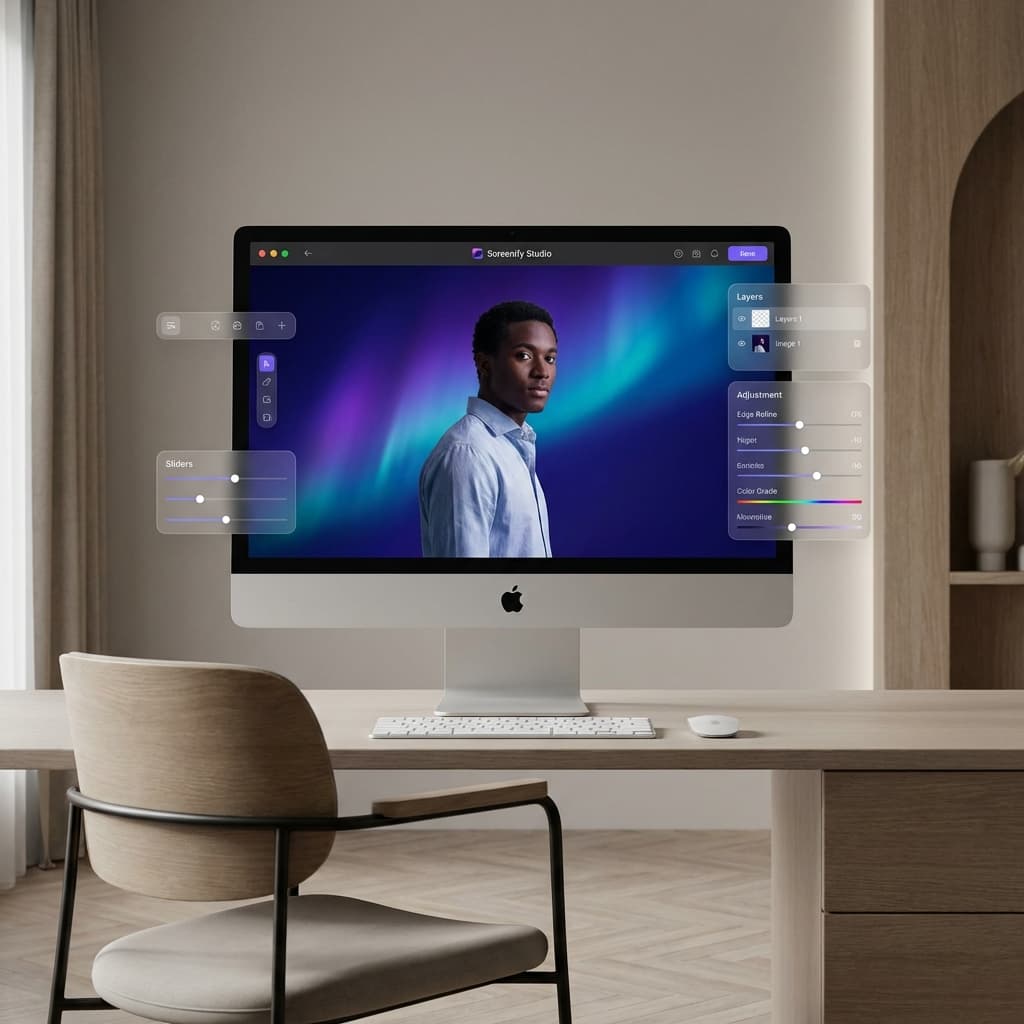
Your environment shouldn't limit your creativity. Whether you're recording from a busy home office or a shared workspace, AI Background Removal (AI Cutout) in Screenify Studio ensures you remain the focal point of every video.
Powered by the Apple Vision Framework and accelerated by the Neural Engine, our background removal is fast, precise, and completely on-device.
1. Professional Background Options
With one click, you can replace your background with several high-quality alternatives:
- Transparent: Perfect for overlaying yourself directly onto your screen content with zero distractions.
- Blur: Mimic the look of a high-end DSLR lens with a soft, adjustable bokeh effect.
- Solid Colors: Choose a clean, corporate color to match your brand or presentation deck.
- Preset Gradients: Access our Creative Preset Library featuring 16+ curated gradients like Aurora, Neon Dark, and Studio Gray.
2. Total Control with the Custom Background Panel
We believe in NLE-level control. The new Custom Background Panel is a floating, draggable interface that lets you fine-tune your look:
- Edge Feather: Adjust the softness of the cutout edges for a more natural blend with your new background.
- Focus Point Picker: When using image backgrounds, drag the crosshair to define the center of your shot, ensuring perfect framing regardless of your movement.
- Quality Tiers: Choose between Fast (for real-time previewing) and Accurate (for the highest-quality exports).
3. Technical Excellence: Neural Engine Accelerated
Unlike web-based tools that often struggle with choppy edges, Screenify Studio leverages the Apple Silicon Neural Engine.
- Latency-Free Preview: See your AI Cutout in real-time while recording, thanks to our hybrid MediaPipe + WebGL2 preview pipeline.
- Metal-Accelerated Compositing: During export, every frame is processed using hardware acceleration, maintaining 4K resolution and 60fps smoothness.
- Privacy First: All processing happens 100% on your machine. Your camera feed never leaves your Mac.
[!TIP] Pro Tip for Intel Mac Users: While AI Background Removal works on Intel Macs, the lack of a specialized Neural Engine means exports will be slower. We recommend using 'Fast' or 'Balanced' settings for a good balance of speed and quality.
Best Practices for AI Cutouts
- Good Lighting: Even the best AI performs better when you are well-lit. Avoid strong backlighting.
- Neutral Backgrounds: While our AI can handle clutter, a relatively stable background helps the segmenter produce sharper edges around hair and shoulders.
- Use Subtlety: A 20-30% blur often looks more "professional" than a 100% blur which can look artificial.
AI Background Removal is a game-changer for creators, educators, and professionals. Download the latest version of Screenify Studio today and try it for yourself.
Look professional, no matter where you are. Download Screenify Studio.

Try Screenify Studio
Record your screen with auto-zoom, AI captions, dynamic backgrounds, and Metal-accelerated export. Free plan, unlimited recordings.
Download Free



