AI Auto-Captions: Your Story, Transcribed Offline
Boost accessibility and engagement with AI-powered captions. 100% on-device, private, and lightning-fast with OpenAI Whisper.
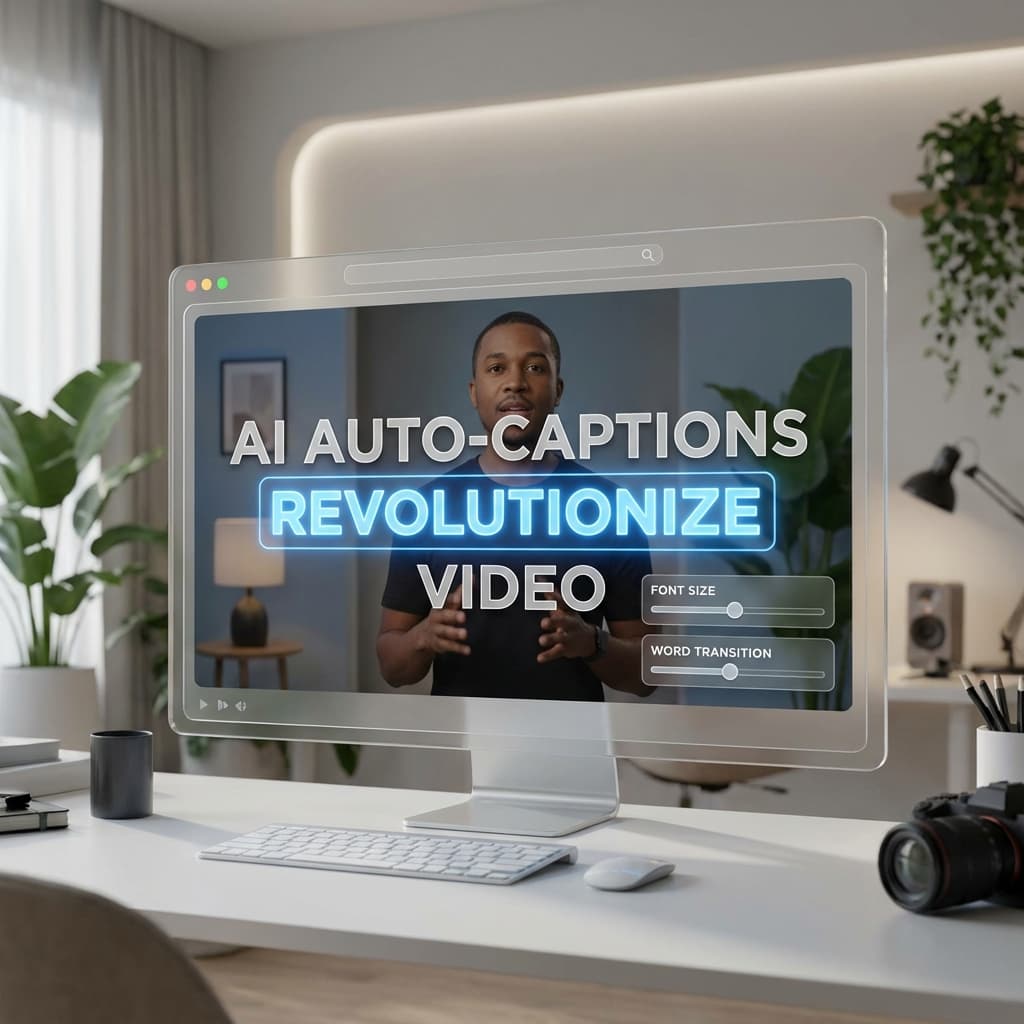
Captions are no longer optional. With more than 80% of social media videos watched on mute, your message needs to be seen as well as heard.
Today we're introducing AI Auto-Captions—a powerful, 100% on-device transcription engine built directly into Screenify Studio.
1. Powered by OpenAI Whisper
We've integrated the industry-standard Whisper model to provide world-class accuracy. Unlike cloud services, Screenify Studio processes everything locally on your Mac.
- 4 Model Tiers: Choose the right balance for your workflow. Use the Fast model for quick drafts or the Best model for professional-grade accuracy.
- 9+ Languages Supported: Automatically detect and transcribe multiple languages, including English, Vietnamese, Spanish, French, and more.
- Contextual Prompts: Use the Initial Prompt feature to help the AI recognize specialized terminology, company names, or complex industry jargon.
2. Professional Karaoke Styling
Captions in Screenify Studio aren't just plain text. We've built a professional rendering engine to make them pop:
- Karaoke Highlighting: Engage your viewers with word-level highlighting that syncs perfectly with your speech.
- Drag-to-Position: Don't let captions cover important UI. Simply drag the caption overlay on the preview to place it exactly where it belongs.
- 15+ Styling Presets: From "Netflix-style" minimal looks to vibrant, high-contrast borders, customize every detail including font size, bold/italic, and opacity.
3. Seamless Timeline Integration
Managing captions is as easy as editing video.
- Caption Track: When you generate captions, a new track appears on your timeline. You can drag to move segments or resize their edges to perfect the timing.
- Per-Segment Editing: Found a typo? Just click the segment in the sidebar or on the timeline and edit the text instantly.
- SRT/VTT Support: Import existing caption files or export your generated transcripts for use on YouTube, LinkedIn, or other platforms.
4. Hardware Accelerated Rendering
Leveraging our Metal-accelerated pipeline, Screenify Studio handles text rendering with zero impact on your editing performance:
- GPU Text Rendering: High-fidelity text with sub-pixel anti-aliasing.
- Smart Scaling: Whether you're exporting in 1080p or 4K, your captions scale perfectly to maintain razor-sharp clarity.
- Zero-Wait Previews: Changes to text or styles appear instantly in the video preview—no rendering required.
[!IMPORTANT] Privacy First: Because all transcription models are stored and run locally, your audio data never leaves your device. This makes Screenify Studio the ideal choice for corporate presentations and sensitive internal communications.
Ready to make your videos more accessible? Update Screenify Studio today and start generating captions in seconds.
Transcribe with confidence. Get Screenify Studio.

Try Screenify Studio
Record your screen with auto-zoom, AI captions, dynamic backgrounds, and Metal-accelerated export. Free plan, unlimited recordings.
Download Free



