Blog
News, updates, and guides from Screenify Studio.
Update
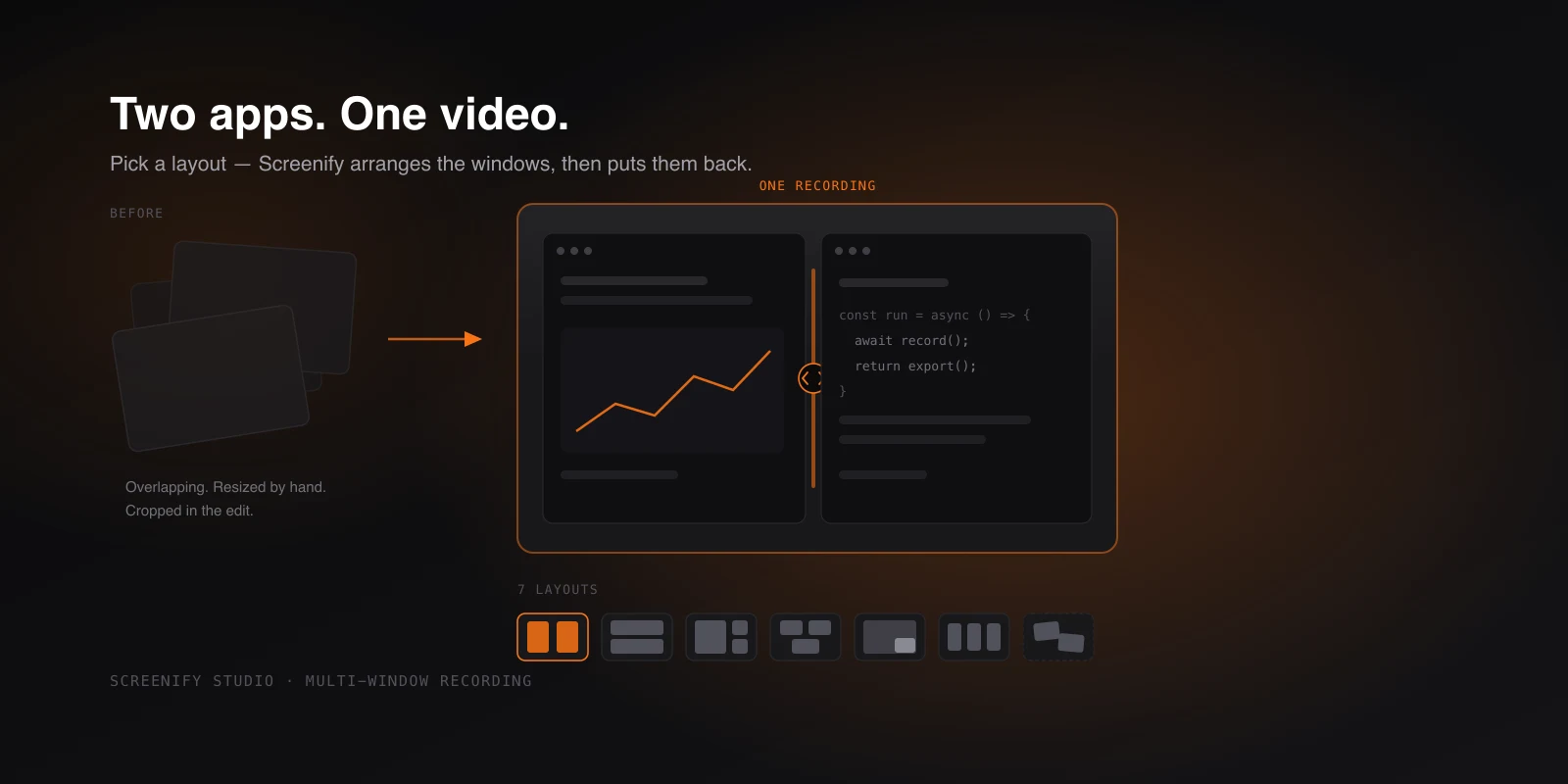
Record Two Apps Side by Side, in One Video
Capture several app windows as one video — pick a layout, drop your windows in, and Screenify arranges them on screen, then puts them back after.
Guide
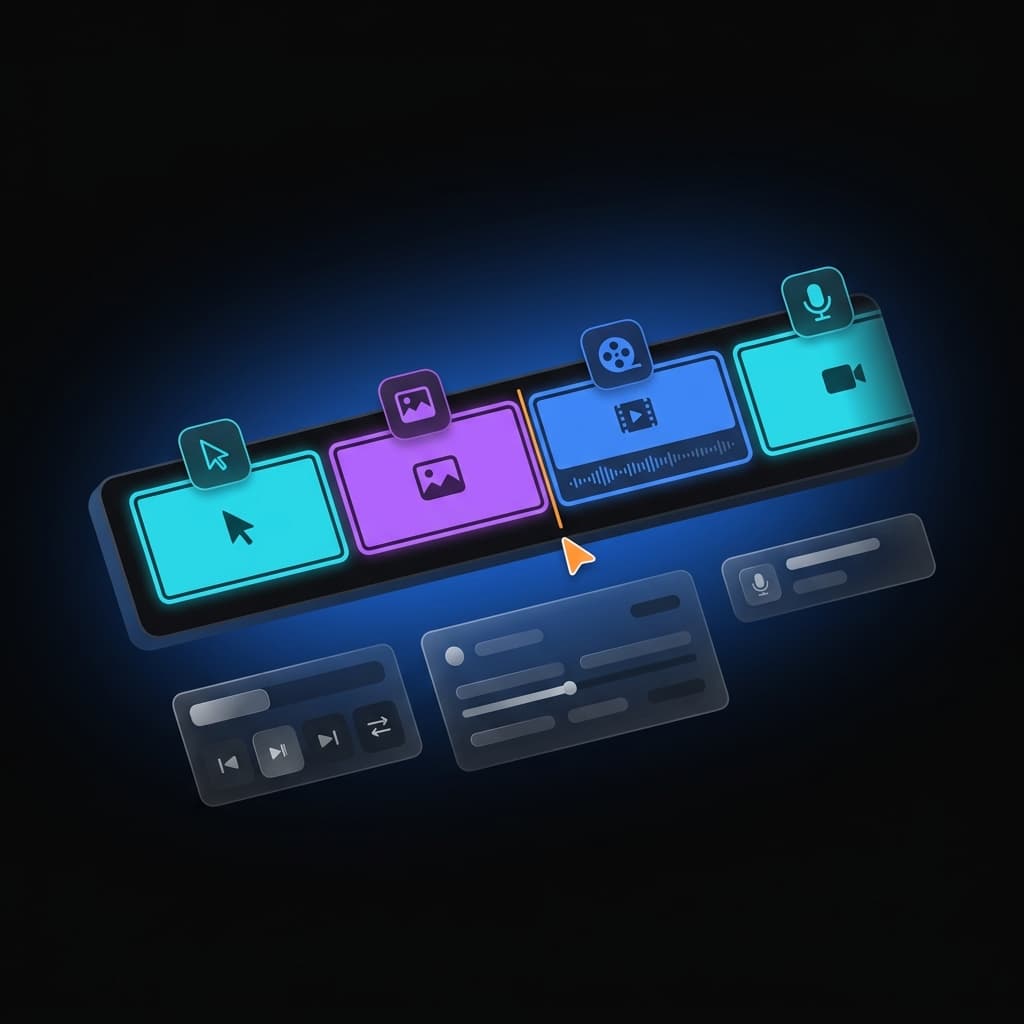
How to Combine Multiple Screen Recordings into One
Five ways to record a walkthrough in several takes and combine them into one clean video — from iMovie stitching to native multi-clip recording.
Update
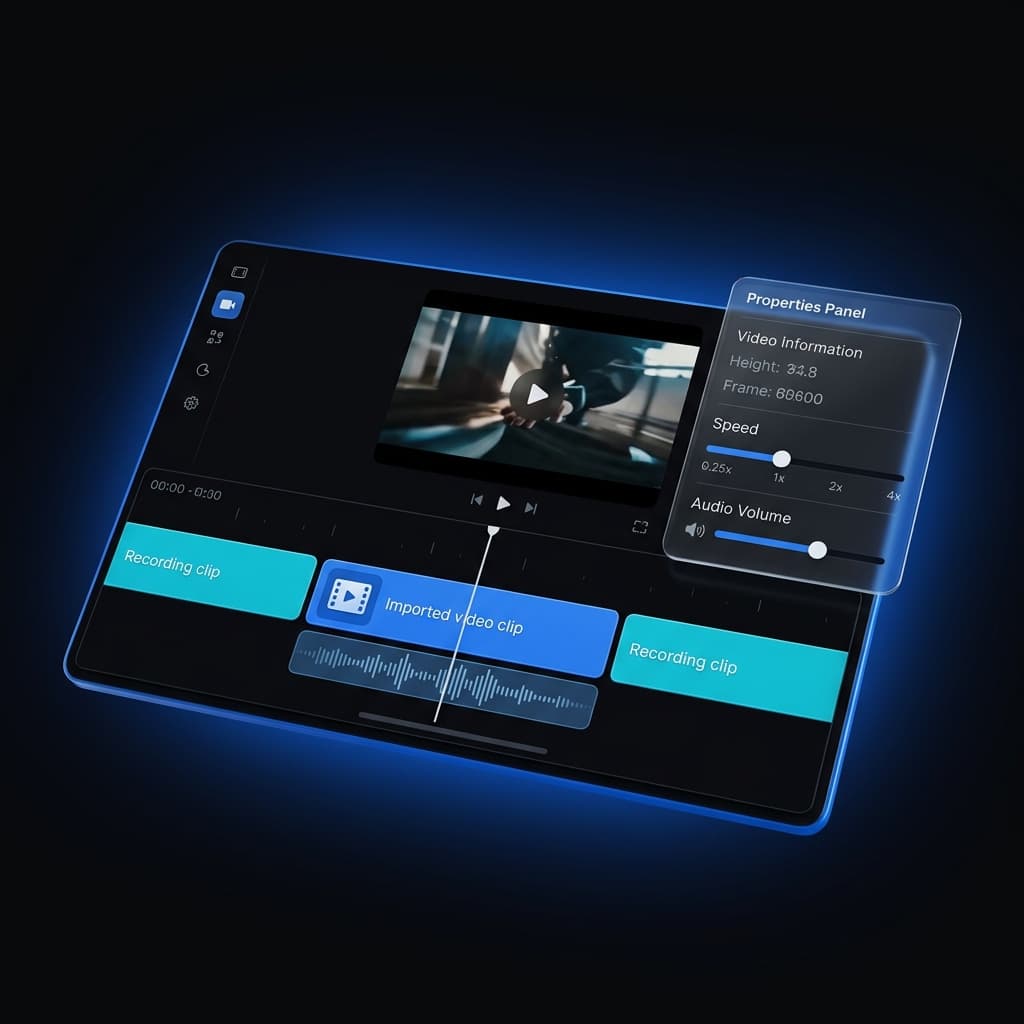
Multi-Clip Recording, Fully Editable
Record your screen, simulator, or device in several takes and append them into one project — then fine-tune every clip on its own.
Update
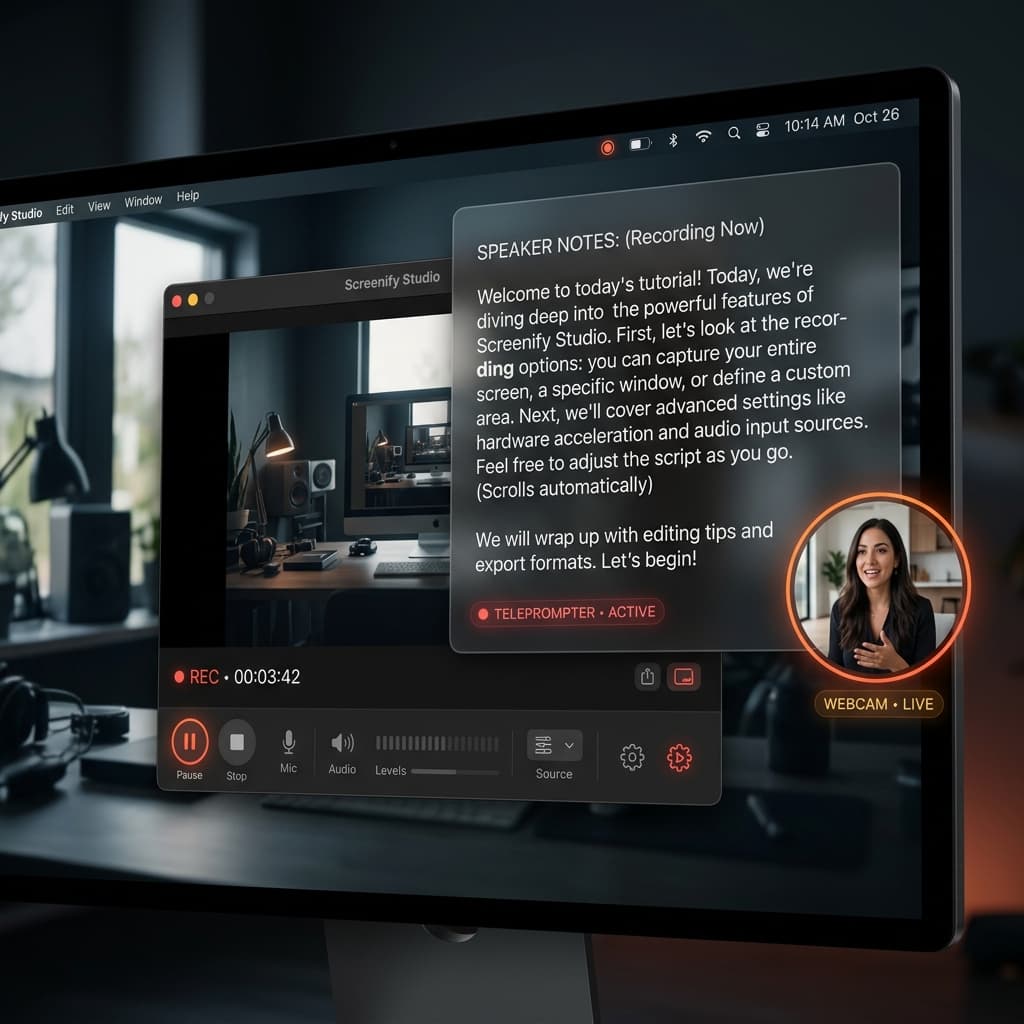
Speaker Notes: A Built-In Teleprompter for Recordings
Never forget a script. Screenify Studio's Speaker Notes gives you a floating, invisible teleprompter that stays hidden from your final video.
Update
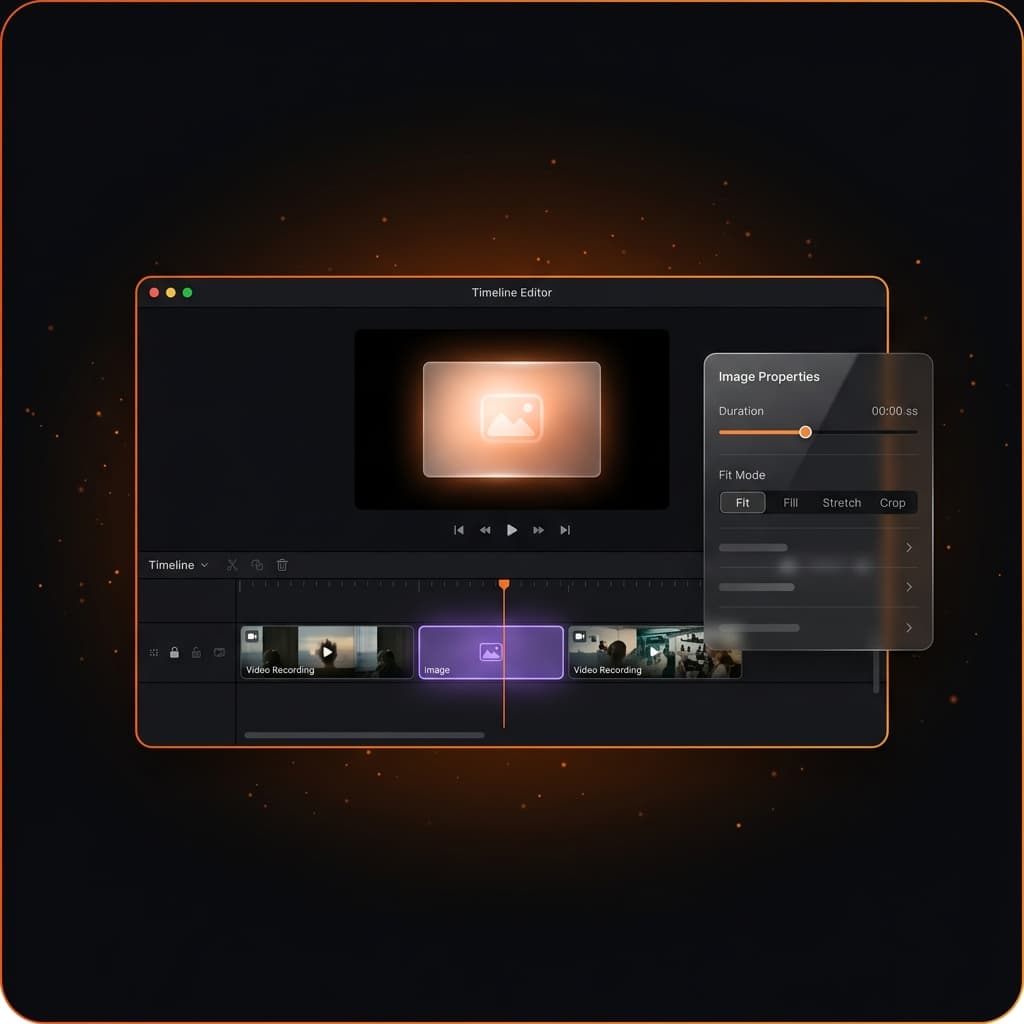
Record a New Clip Directly Into Your Existing Project
Append brand-new screen recordings directly to your open project. Record, stop, and see your new clip appear instantly on the timeline.