Professional Branding: Advanced Watermark Controls
Protect your content and elevate your brand. Discover the new free-form positioning, adaptive portrait mode, and smart auto-hide watermark features.
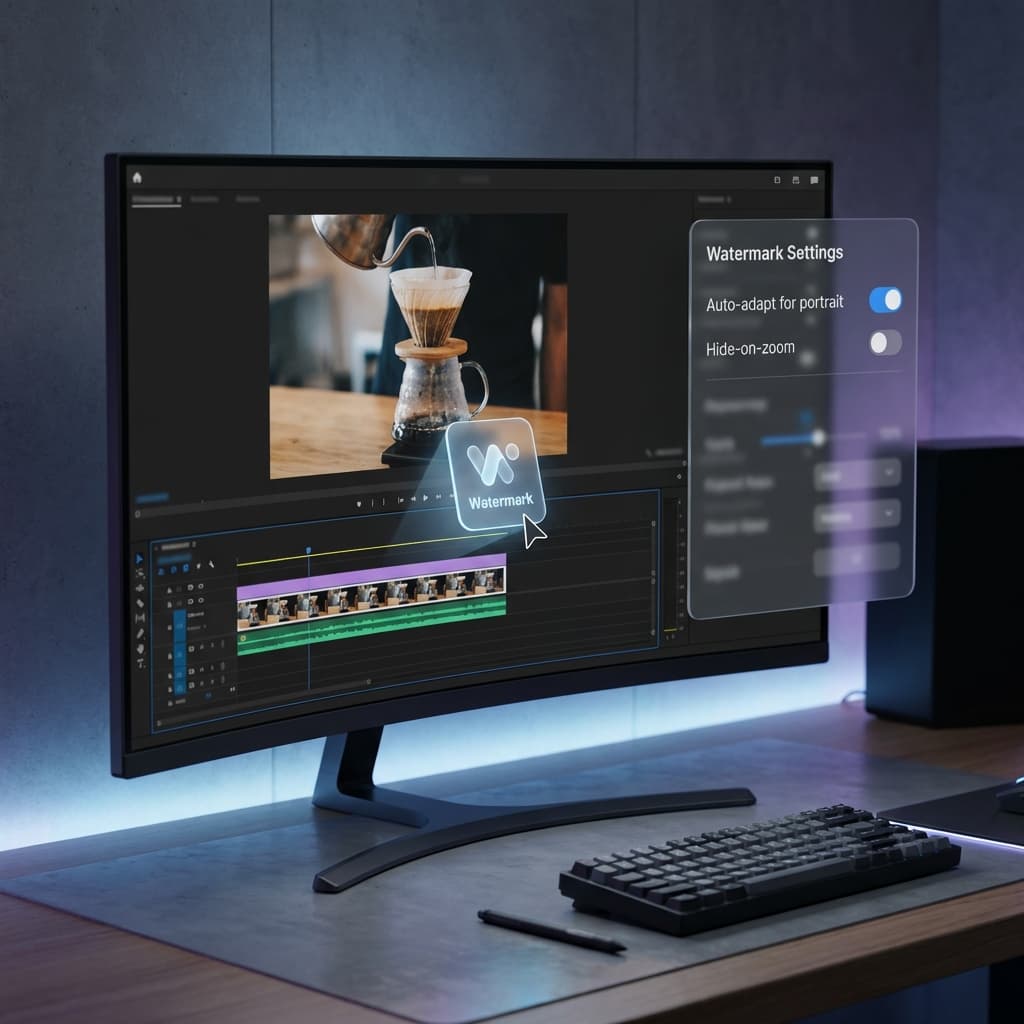
In a world where video content is shared across multiple platforms, your brand identity is your most valuable asset. Whether you're a content creator, a solo developer, or part of a corporate team, how you present your mark matters.
Today we're introducing a significant upgrade to Watermark & Branding in Screenify Studio, giving you total control over how your logo lives on your video.
1. Free-Form Canvas Positioning
We've moved beyond the grid. While we still offer the classic 9-preset positions for speed, you now have the freedom to place your watermark anywhere on the canvas:
- Precision Dragging: Simply click and drag your watermark directly on the video preview during editing.
- Outside-the-Box: Our expanded coordinate system allows you to position your watermark even outside the main video area (on the background canvas)—perfect for 9:16 vertical videos.
- X/Y Sliders: For those who need pixel-perfect consistency, use our fine-tuned sliders to set the exact percentage position.
2. Smart Auto-Adapt for Portrait Mode
Recording vertical video shouldn't mean a messy brand experience. Screenify Studio now features Smart Auto-Adaption for vertical (9:16) aspect ratios:
- Intelligent Rotation: The engine can automatically rotate your watermark -90° or 90°, turning it into a sleek vertical sidebar.
- Side Selection: Choose whether your vertical watermark should live on the left or right side of your content.
- Centered Alignment: The engine ensures your mark is perfectly centered within the background bars for a symmetrical, professional look.
3. Hide-on-Zoom: Focus When It Matters
Nothing breaks the flow of a software demo like a watermark covering a critical UI element during a zoom-in. Our new Hide-on-Zoom feature solves this intelligently:
- Automatic Detection: When you activate a zoom region on your timeline, the watermark automatically fades out.
- Instant Restore: As soon as the camera pans back out to your full screen, your branding reappears seamlessly.
- Customizable: Want to keep your brand visible even during zooms? Simply toggle the setting off in the Watermark panel.
4. Hardware-Accelerated Rendering Parity
Branding is only effective if it looks sharp. We've optimized our rendering pipeline to ensure your watermark looks as good in the final export as it does in your editor:
- Offscreen Composite Shaders: We use a specialized offscreen rendering pass to handle rotated watermarks with high-fidelity anti-aliasing.
- Metal & WGSL Optimization: Both export engines share identical positioning logic, ensuring what you see on the canvas in Screenify Studio is exactly what your viewers will see.
- Transparent PNG Support: High-bitrate alpha channel support ensures your transparent logos have zero fringing or jagged edges.
Best Practices for Brand Watermarking
- Contrast is Key: Use the watermark opacity slider (recommend 30-60%) to ensure it’s visible without being distracting.
- Use Vertical for Mobile: If you know your content is for mobile viewers, try the
-90°vertical rotation on the right side for a modern aesthetic. - Match Your Accent: Use a watermark color that complements your video's color grade or your brand's primary color.
Elevate your professional identity. The refined Watermark controls are available now in Screenify Studio.
Your brand, your rules. Explore Screenify Studio.

Try Screenify Studio
Record your screen with auto-zoom, AI captions, dynamic backgrounds, and Metal-accelerated export. Free plan, unlimited recordings.
Download Free



