Next-Gen 3D Device Stages & 18 Cinematic Motion Presets: Create Apple-Grade App Previews
Transform your screen recordings into high-converting stories. Discover Screenify Studio's photo-realistic 3D stages, ambient hover physics, and 18 cinema-grade motion presets.
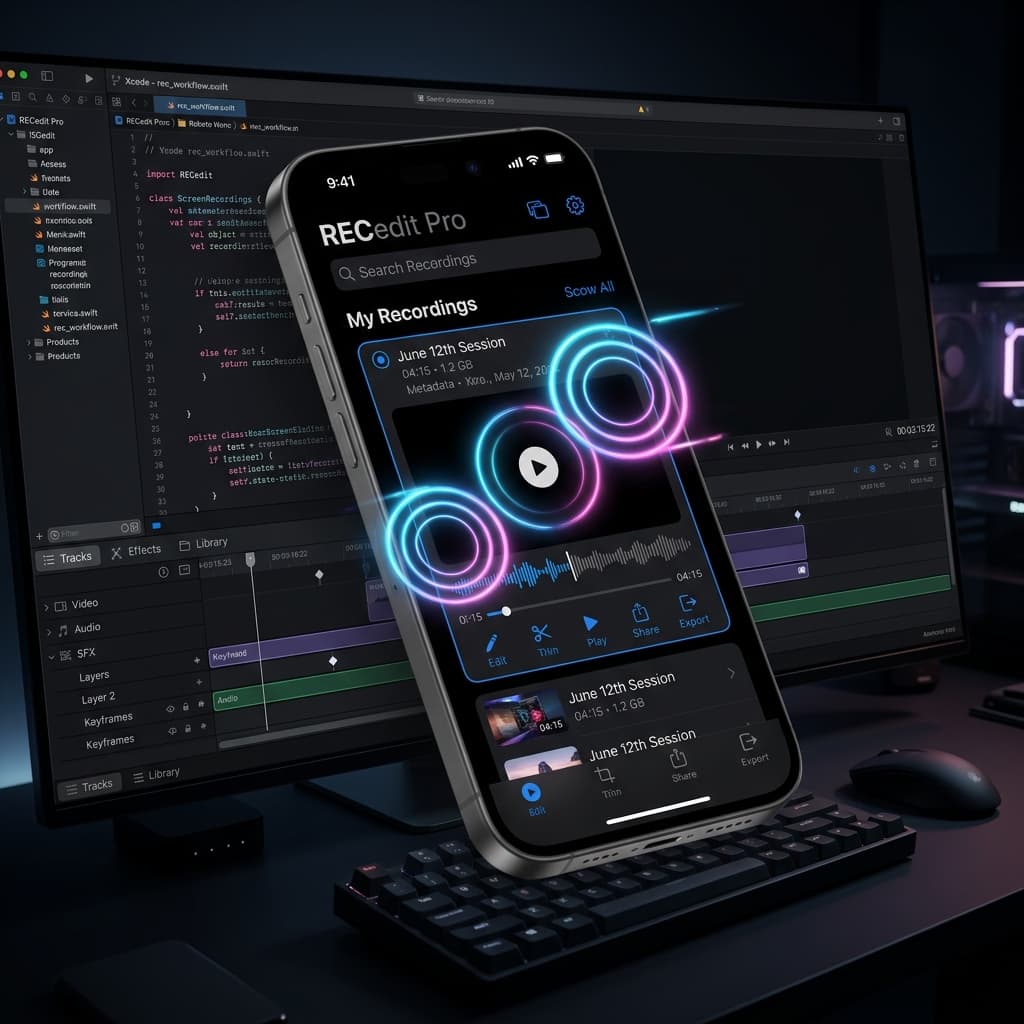
In the competitive world of mobile app development, a compelling presentation is your most powerful growth engine. Whether you are launching on Product Hunt, pitching to top-tier investors, or crafting promotional videos for the App Store, static screen recordings are no longer enough. Your audience expects high-fidelity, physically grounded, and visually arresting storytelling.
Today, we are thrilled to introduce our biggest design and camera system overhaul yet: Next-Gen 3D Device Stages and the 18 Cinematic Motion Presets Library.
This update gives you the tools to automatically transform standard screen recordings into Apple-grade product presentations in seconds. Let's dive into the major features that are redefining product-led marketing for mobile developers.
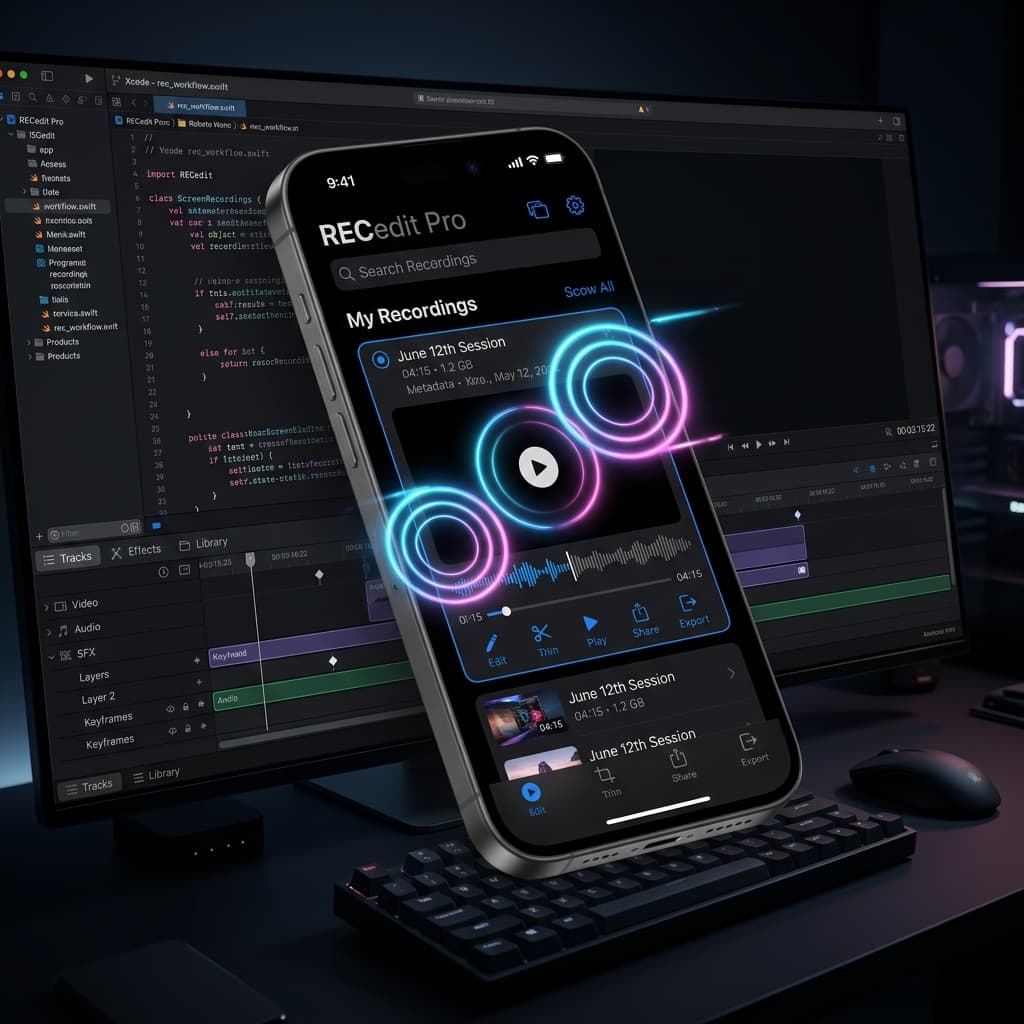
1. The Flagship 3D Stage: Photo-Realism Reimagined
Standard screen recorders frame your work in basic 2D vector bezels. The result feels flat, artificial, and detached from the physical premium hardware your users love.
Our new Photo-Realistic 3D Stage changes everything. By transitioning to a professional, physical asset-based 3D hardware pipeline, Screenify now renders flagship mobile devices with astonishing graphical fidelity. Your application screen capture is mapped directly onto the high-gloss screen display texture in real-time.
To debut this premium experience, we are launching with the beautifully detailed iPhone 17 Pro Max mockup as our initial pilot flagship. We've spent weeks perfecting its physical representation, featuring:
- Precision Hardware Details: Perfectly curved titanium bezels, exact camera lens optics, speaker grills, and physical side trims that reflect light exactly like the real device.
- Dynamic Island Physical Toggle: Choose whether to render the physical Dynamic Island cutout depending on your app's layout, allowing for flawless, uninterrupted display real-estate.
- Physical Body Color Swapping: Instantly customize the virtual aluminum finish (Cosmic Orange, Deep Blue, Space Gray, Silver, or Black) to match your brand identity or app palette.
[!NOTE] The iPhone 17 Pro Max is just the first step in our hardware roadmap. The complete family of physical 3D models—including older iPhone generations, iPad, Android smartphones, and premium Mac/Windows desktop models—is currently in active development and will be rolled out incrementally in our upcoming updates.
2. 18 Cinema-Grade Motion Presets: Be the Director
The camera is no longer stuck in the center of the screen. We have completely rebuilt our camera engine to support dynamic, multi-axis paths, and we are introducing the Cinematic Motion Preset Library—a collection of 18 hand-crafted camera sweeps modeled after high-end commercial videography.
Instead of manual, frame-by-frame keyframe adjustments, you can now apply cinema-grade paths directly to your timeline:
- Vertigo (The Hitchcock Dolly-Zoom): A breathtaking shot that dynamically scales the camera lens field-of-view inversely with distance. The device floats in space while the perspective stretches, creating an elite cinematic vibe.
- Reveal (3-Phase Sequence): A majestic sweep that dollies in close to the screen, sweeps across the bezel to showcase UI details, and gracefully pulls back for the big picture.
- Top closeup & Bottom Closeup: Camera angles specifically designed to focus on the upper status bar (Dynamic Island) or lower navigation dock, allowing you to spotlight micro-interactions.
- Breathe & Anthem: Extremely slow, elegant zoom pulses that keep the device in motion without distracting from long walk-throughs or tutorials.
- Turntable & Whip: Continuous, smooth 360-degree spins and high-energy sweeps that add immense kinetic energy to product reels.
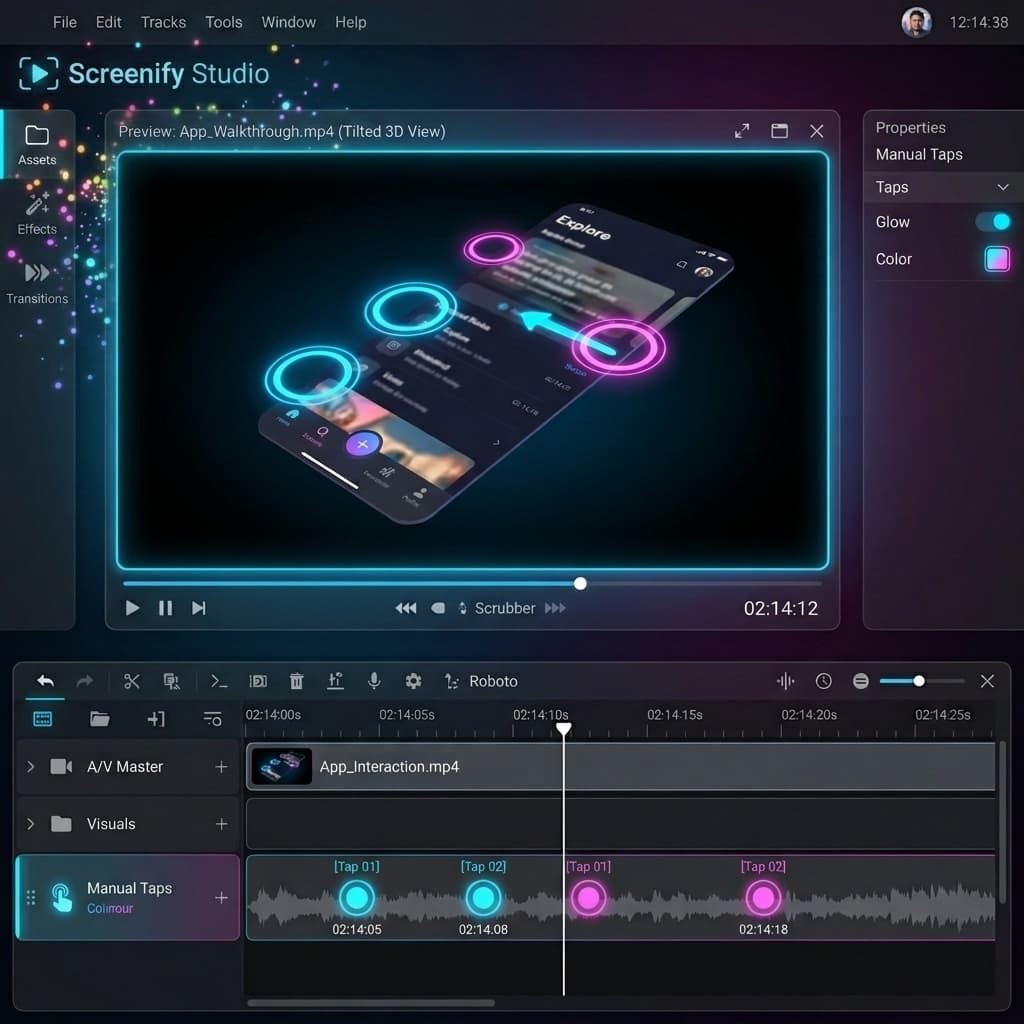
Every preset can be customized with our Distance, Speed, and Reach multipliers. Simply drag the sliders to scale the frequencies and amplitudes, tailoring the camera paths from subtle, professional bobs to high-energy social media teasers.
3. Ambient Hover Physics: Keeping the App Alive
Even when no active motion preset is applied, your device should never feel static or dead.
We have introduced Ambient Hover Physics, a global environmental setting that introduces soft, organic movement. When enabled, your 3D device floats gracefully with a gentle vertical bobbing motion and sub-degree rotational swaying.
This breathing quality mimics natural hand-held camera work, keeping your audience engaged and ensuring your presentation feels premium from the very first frame to the last. You can easily adjust the global Speed and Range sliders in the sidebar to make this ambient hover as subtle or pronounced as you desire.
4. Interactive Canvas Dragging: Tilt & Turn at Your Fingertips
We believe that editing should be as tactile as possible. You no longer need to rely purely on slider knobs to rotate your device.
With our new Interactive Canvas Dragging, you can grab the 3D device mockup directly with your mouse or trackpad inside the preview viewport. As you drag, the device tilts and turns instantly, letting you intuitively set the perfect angle.
To make the editing flow seamless, we implemented Pause-on-Drag physics:
- As soon as you click and drag the device, the automated cinematic camera path temporarily pauses to prioritize your manual adjustments.
- Once you release the mouse, the camera smoothly resumes its cinematic motion from the new orientation, preventing any jarring jumps or snap-backs.
5. Instant properties Preview: Frictionless Editing
Lastly, we have eliminated editing friction with a redesigned Instant properties Preview pipeline.
In previous versions, timeline slider adjustments and preset changes only updated the viewport if the playhead was located directly inside that specific segment. Adjusting motion properties felt like editing blind.
Now, modifying any property—whether swapping presets, dragging the camera distance, or tweaking the hover speed—instantly updates the live 3D preview, regardless of where your playhead sits on the timeline. This real-time feedback loop makes styling your product video incredibly fast and satisfying.
Create Apple-Grade Demos Today
With photo-realistic 3D stages, ambient physics, and a rich library of 18 cinematic presets, Screenify Studio gives you the tools of a professional 3D design agency directly inside a lightweight, lightning-fast macOS screen recorder.
Plug in your device, select a motion preset, and elevate your product showcase to the elite standard it deserves.

Try Screenify Studio
Record your screen with auto-zoom, AI captions, dynamic backgrounds, and Metal-accelerated export. Free plan, unlimited recordings.
Download Free



