Blog
News, updates, and guides from Screenify Studio.
Polish a Zoom or Teams Recording Before You Share It
Meeting recordings are long, unflattering and full of dead air. Four ways to cut one into something worth sending.
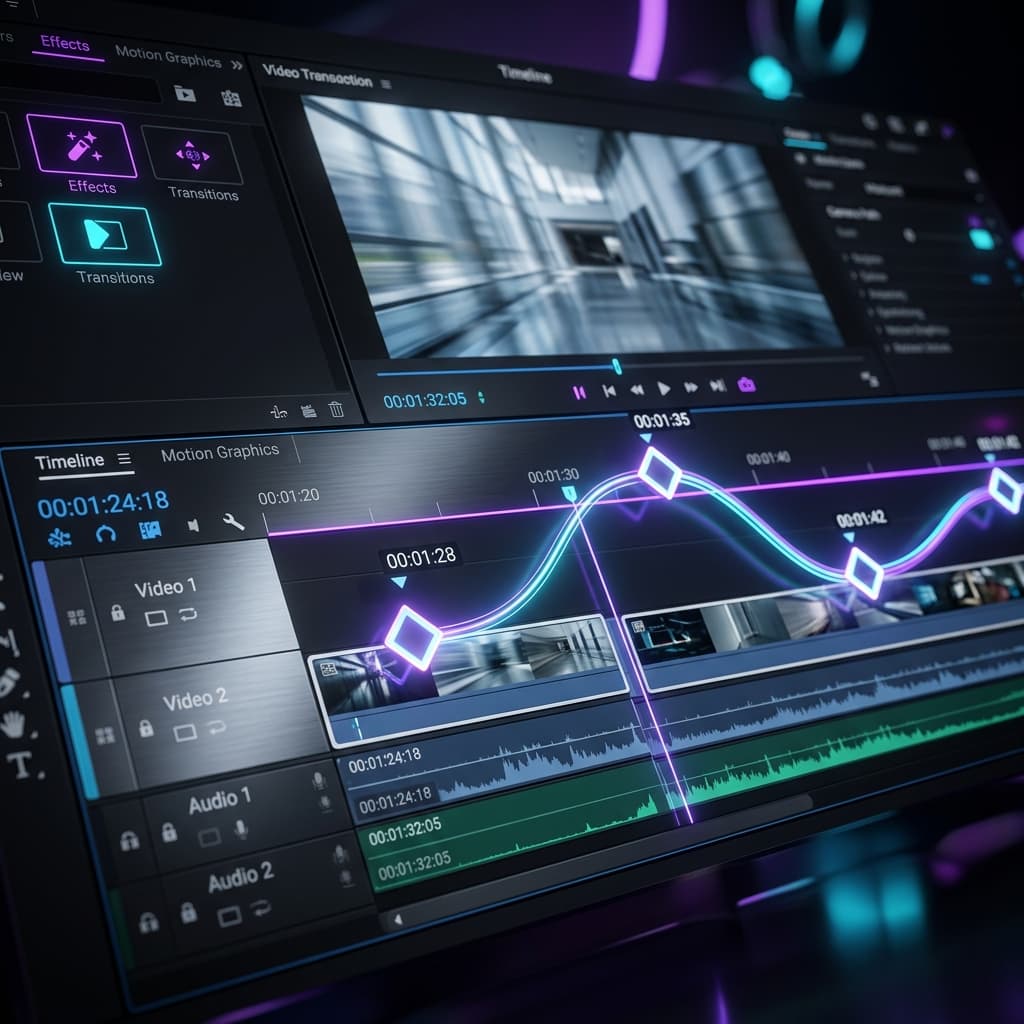
Mastering Camera Paths: Advanced Zoom Keyframes are Here
Take total control of your screen recordings with multi-point zoom keyframes. Precision timing, custom easing, and professional camera paths are now at your fingertips.

Draw to Zoom: Introducing Storyboard Mode and AI Smart Suggest
Creating professional zoom animations is now as easy as drawing a rectangle. Experience the new Storyboard mode with AI-powered Smart Suggestions.

Smart Auto-Zoom: Let Your Cursor Tell the Story
Screenify Studio analyzes your cursor movement, clicks, and keystrokes to automatically create a cinematic zoom timeline — complete with spring easing, live cursor tracking, and 3D perspective effects.
How to Edit Zoom Recordings (Trim, Caption, Polish)
Four methods to edit Zoom recordings on Mac — trim dead air, add captions, cut filler, and export a polished video with free and paid tools.
How to Record a Zoom Meeting on Mac
4 ways to record Zoom meetings on Mac — built-in local recording, Screenify Studio, OBS, and Screen Studio compared.
How to Share Zoom Recordings Professionally
4 methods to share Zoom recordings with trimming, captions, and viewer tracking — from Zoom's portal to dedicated sharing platforms.
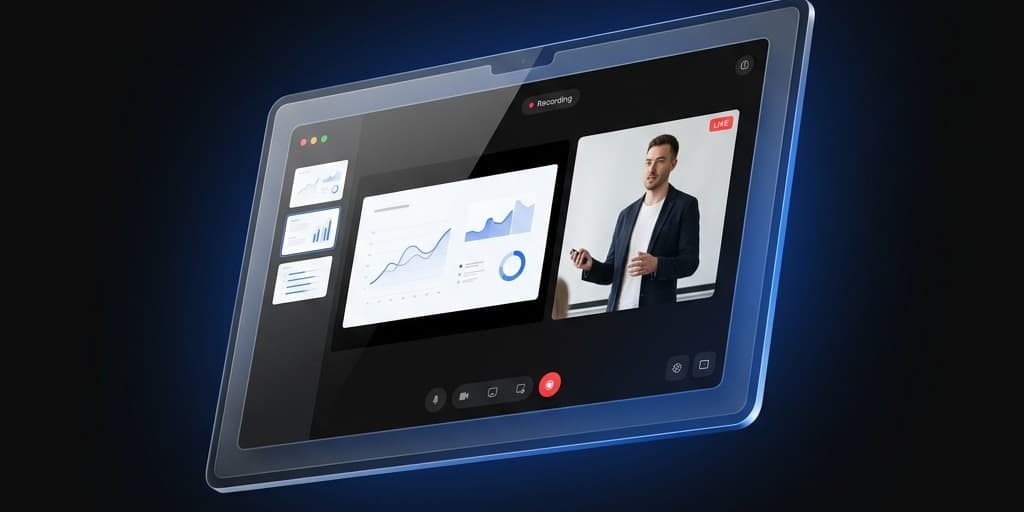
How to Record a Webinar on Mac
Capture webinars on Mac — Zoom, GoToWebinar, Webex, and browser-based — with audio, slides, and Q&A intact.