Blog
News, updates, and guides from Screenify Studio.
iPhone Screen Recording Shows Black? DRM Explained
Why Netflix, Disney+, Apple TV+, and Spotify record as black on iPhone — DRM, FairPlay, HDCP, and what you can legally capture instead.
QuickTime Error While Recording Your Screen? Fixes
QuickTime Player encountered an error while recording your screen — what causes it, plus fixes for greyed-out buttons, missing audio and crashes.
DRM Black Screen When Screen Recording: Why It Happens
Netflix, Disney+ and Spotify go black when you record. The DRM tech behind it, what it means legally, and what you can record instead.
How to Fix Screen Recording Audio Out of Sync
Diagnose and fix audio sync drift in screen recordings caused by VFR, sample rate mismatches, CPU overload, and Bluetooth latency.
Screen Recording Black Screen? 6 Causes and Fixes
Black screen in a recording comes from DRM, GPU switching, missing permissions or hardware acceleration. Find which one it is in under a minute.
Why Is My Screen Recording Blurry? Mac and iPhone
Blurry recordings come from Retina scaling, low bitrate, wrong export settings or upload compression. How to tell which one, and the fix for each.
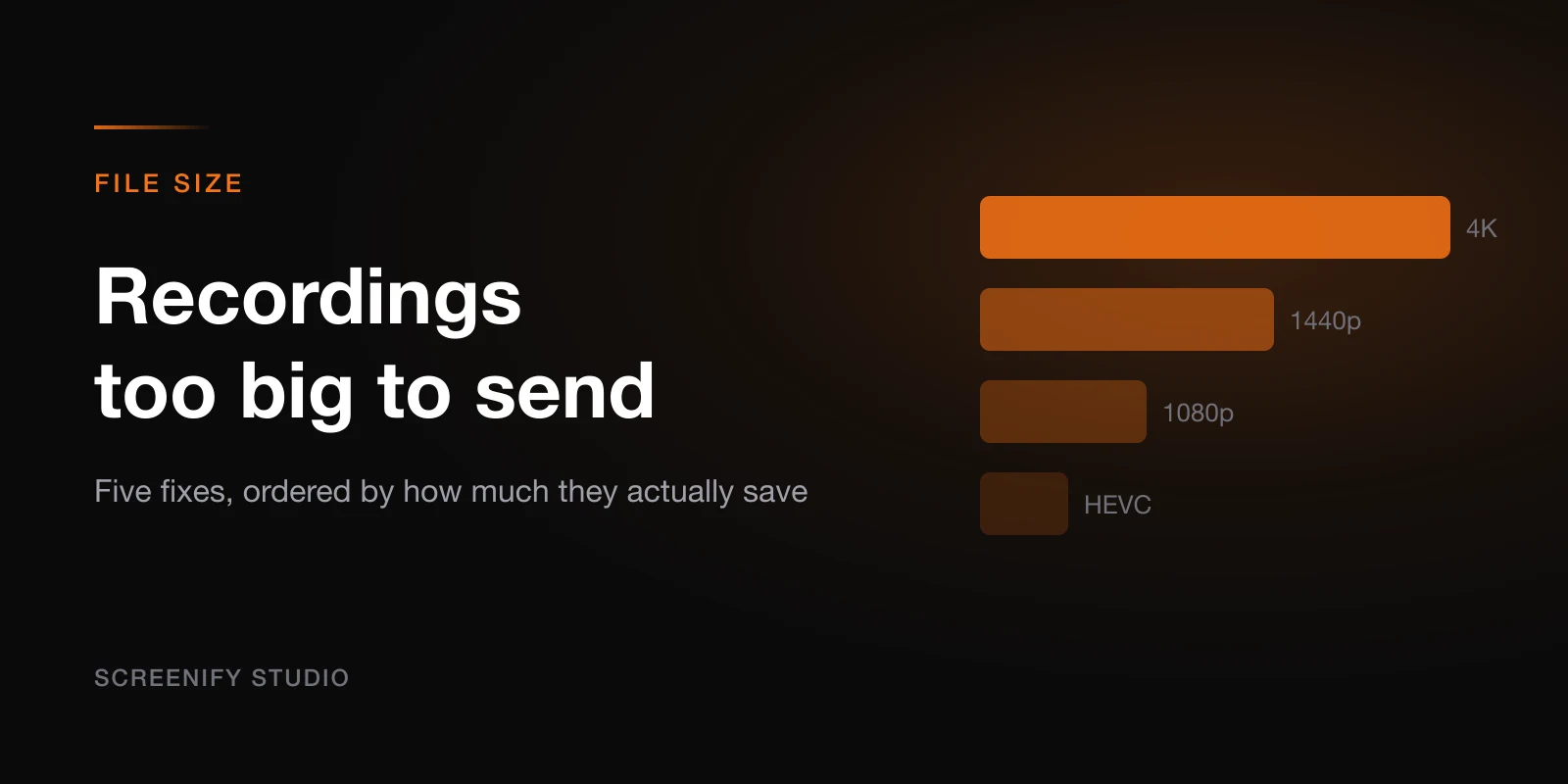
Why Are Screen Recordings So Big? 5 Ways to Shrink
A one-minute recording can hit 100 MB. Why that happens, plus five fixes: lower resolution, cut fps, switch to HEVC, trim, or compress with HandBrake.
Screen Recording Laggy or Choppy? How to Fix
Fix laggy screen recordings on Mac. Covers CPU vs GPU encoding, thermal throttling, background processes, and hardware encoder settings.
Mac Screen Recording No Audio? Here's the Fix
Fix missing audio in Mac screen recordings. Covers system audio routing, BlackHole setup, permission fixes, and per-app solutions.
Mac Screen Recording Keeps Stopping? 5 Fixes
Recording quits on its own mid-session? Disk space, thermal throttling, app crashes, power management and background jobs — the five causes, ranked.