Beyond Text: The New Annotations Engine
Communicate clearly with the redesigned Annotations tab. From smart arrows to image overlays, highlighting your screen has never been easier.
Effective communication often requires more than just speech. Sometimes, you need to point, highlight, or add external context to your screen.
Today we're excited to introduce the completely redesigned Annotations Tab in Screenify Studio—a more powerful, intuitive way to guide your audience's eyes.
1. Three Pillars of Clarity
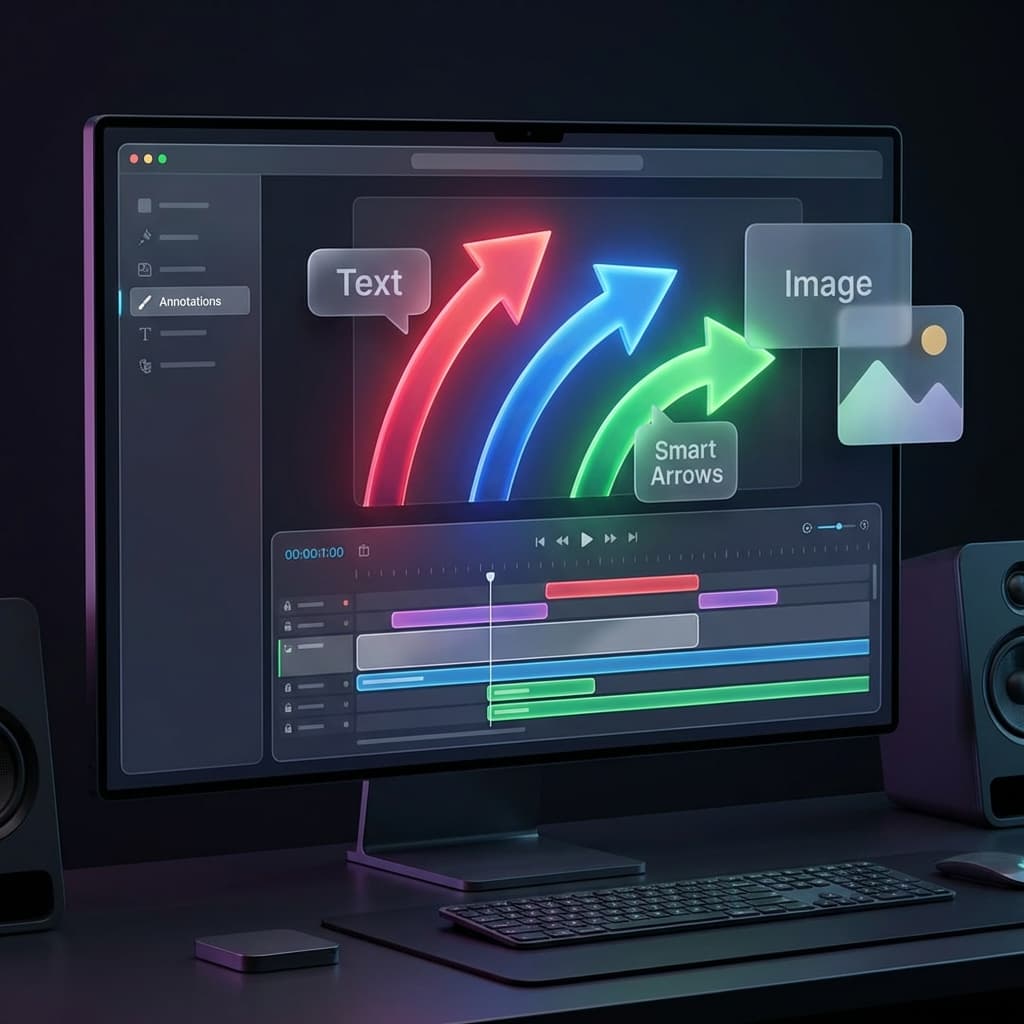
Annotations are no longer just "Text." We've restructured the engine into three distinct pillar types:
- Text: From simple labels to prominent titles. Customize every detail including font choice, background colors, and professional formatting.
- Image: Overlay external assets like icons, logos, or screenshots. Includes support for rounded corners, drop shadows, and adjustable opacity.
- Smart Arrows: Point with precision. Our new arrow system supports 8 directions with a single click and adjustable stroke widths to fit any design style.
2. Global Defaults vs. Local Control
Editing efficiency is at the heart of this redesign. We've introduced a hybrid settings model:
- Global Defaults: Set your preferred font, color, and arrow style once in the sidebar. Every new annotation you add will automatically inherit these styles.
- Per-Region Properties: Want one specific arrow to be bright red? No problem. Each annotation on your timeline has its own property panel for fine-grained overrides.
- Quick Add Buttons: Located right in the sidebar, these buttons allow you to drop a default Text, Image, or Arrow exactly at your playhead with a single click.
3. Interactive Preview UX
We've removed the barrier between the editor and the video.
- Click-to-Select: You no longer need to find the right track on the timeline. Simply click any annotation directly on the video preview to select it.
- Canvas Dragging: Move, resize, and reposition your annotations with pixel-perfect accuracy using standard handles directly on the canvas.
- Time-Aware Visibility: Annotations only appear in the preview when the playhead is within their specific timeline range, making it easy to sync your visual cues with your audio.
4. Hardware-Accelerated Rendering
Precision shouldn't come at the cost of performance. Our rendering engine has been upgraded to ensure your annotations look flawless in every export:
- WGSL Custom Shaders: Every image overlay and arrow is rendered using custom shaders, providing sub-pixel anti-aliasing and smooth shadow transitions.
- Vector-Level Arrows: Smart Arrows aren't static images—they are rendered dynamically on the GPU to ensure they remain sharp at any scale.
- Depth Ordering: Annotations are rendered with intelligent layering, sitting perfectly between your background content and your captions.
[!TIP] Pro Tip: Use the
selectedAnnotationIdto quickly cycle through multiple annotations on your screen. The floating property panel will update instantly to show the settings for whatever you've selected.
Transform your screen recordings into guided experiences. The new Annotations engine is available now in the latest update.
Point, highlight, and explain. Get the update.

Try Screenify Studio
Record your screen with auto-zoom, AI captions, dynamic backgrounds, and Metal-accelerated export. Free plan, unlimited recordings.
Download Free



