Blog
News, updates, and guides from Screenify Studio.
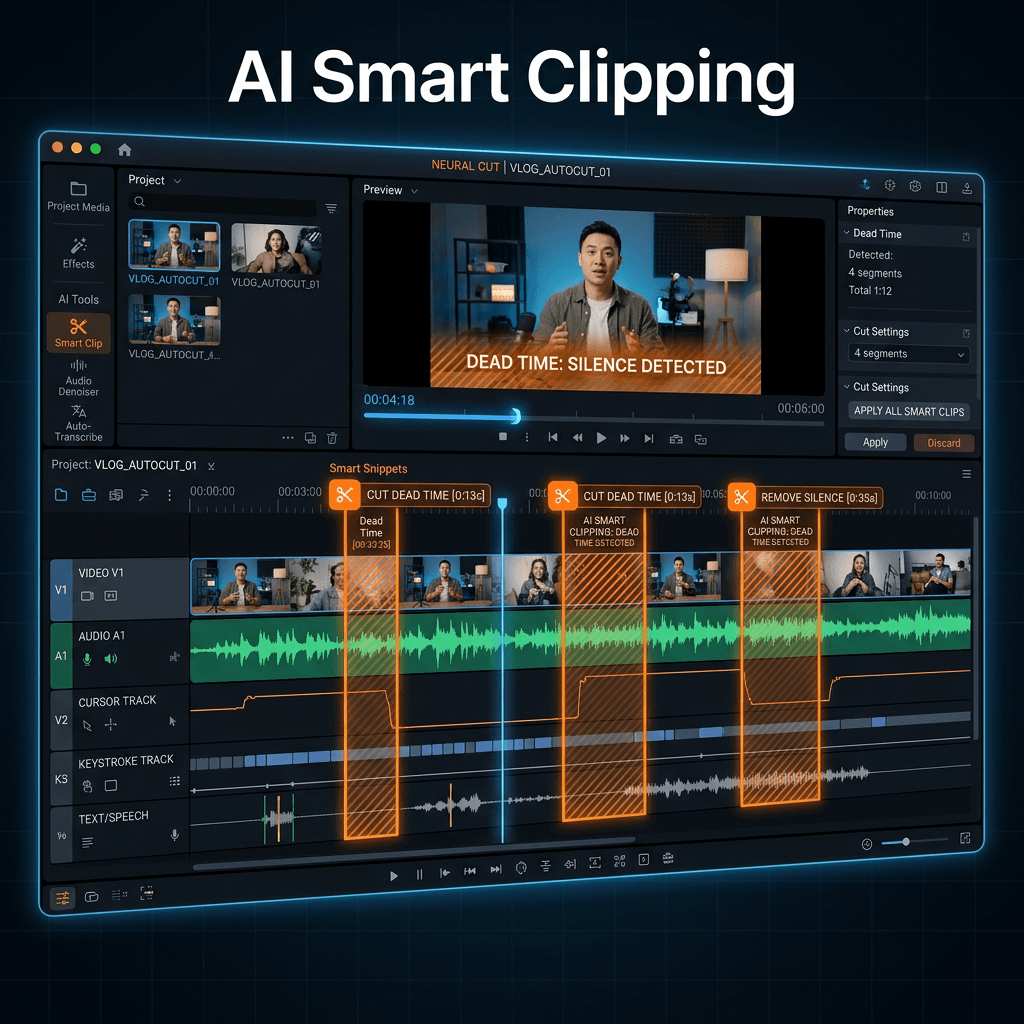
AI Smart Clipping: Auto-Remove Dead Time From Recordings
Cut silence, hesitations, and cursor-idle moments from screen recordings in seconds. Multi-signal AI analysis, three presets, runs 100% on-device.
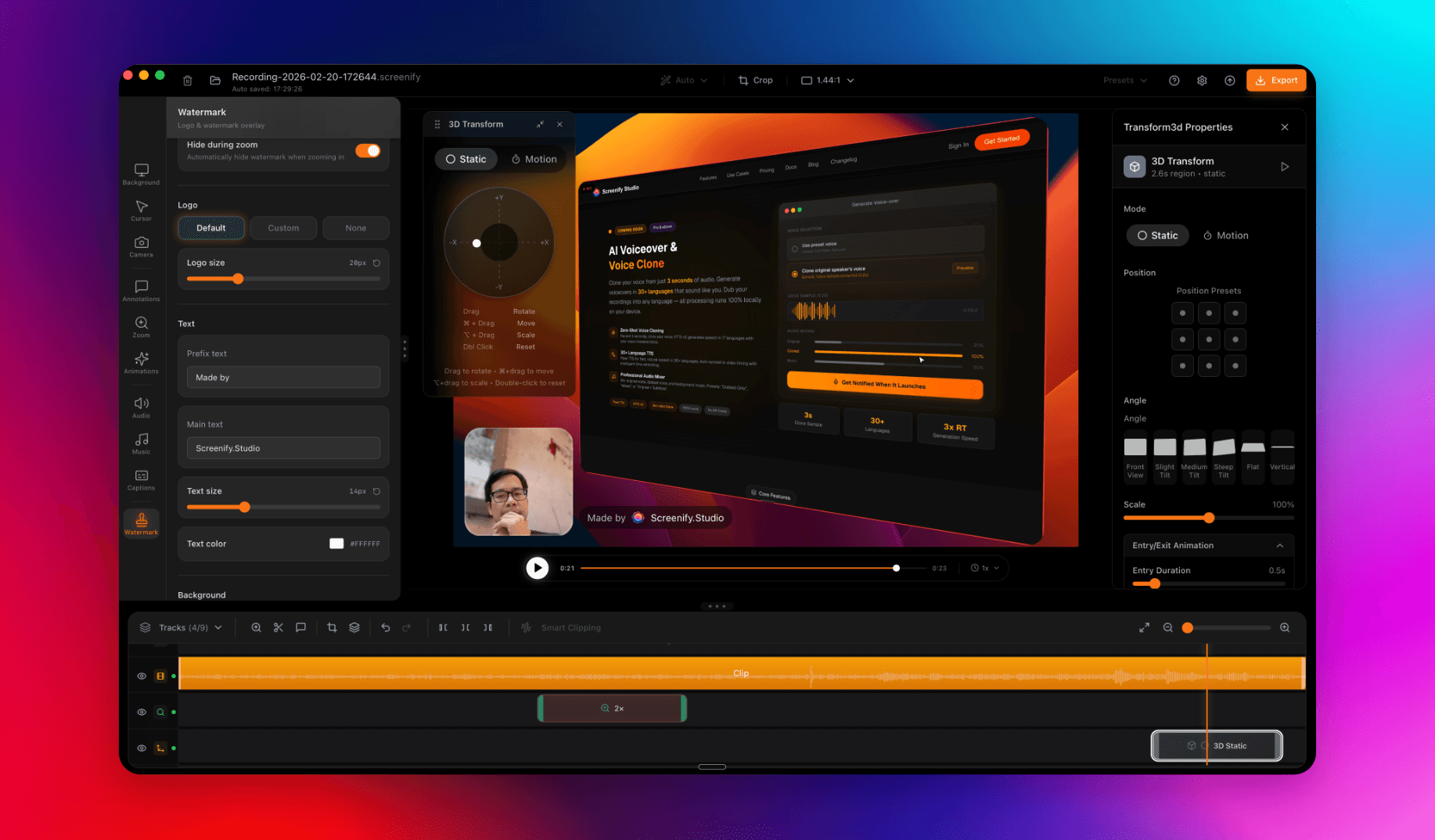
Welcome to Screenify Studio: Polished Product Demos for Mac
Why we built another screen recorder, what makes Screenify different, and how to make the most of it as a developer, creator, or product team.
How to Record Arc Browser Tabs
Record Arc Browser tabs on Mac — Spaces, Boost, Easels, AI features — using macOS toolbar, Screenify, Loom, OBS. For design and productivity demos.
How to Record Chrome Tab with Audio (2026)
Record a Chrome tab with audio in 2026 — Share Tab Audio, Loom, Screenify, OBS Browser Source, Awesome Screenshot, Vidyard, hardware acceleration tips.
How to Record Vercel Deployment Walkthroughs
Record Vercel deployment walkthroughs, Edge Function setups, and v0.dev demos with four Mac methods, plus env-var redaction practices.
Screen Recorders With Annotation
Arrows, highlights and callouts on a screen recording — five tools compared on whether you draw live, in post, or not at all.
Screen Recorders That Zoom In
Zooming into the part that matters is what makes a demo readable. Five tools compared on how they zoom — automatically, manually, or not at all.
How to Hide the Mouse Cursor in a Mac Recording
Four ways to remove the pointer from a screen recording on macOS — before recording, after recording, and the trick that works when nothing else does.
How to Reduce GIF File Size: What Actually Works (Tested)
We compressed four real screen-recording GIFs with every common setting. Here's what cut the most — scale, frames, colours or lossy — with the numbers.
Screen Recording for Product Managers
How product managers use screen recording for PRD walkthroughs, async stakeholder updates, user research synthesis, and faster decisions.
How to Screen Record with Clipchamp (Windows)
Step-by-step Clipchamp tutorial for Windows: install, record screen plus webcam, edit, and export 1080p free with no watermark.
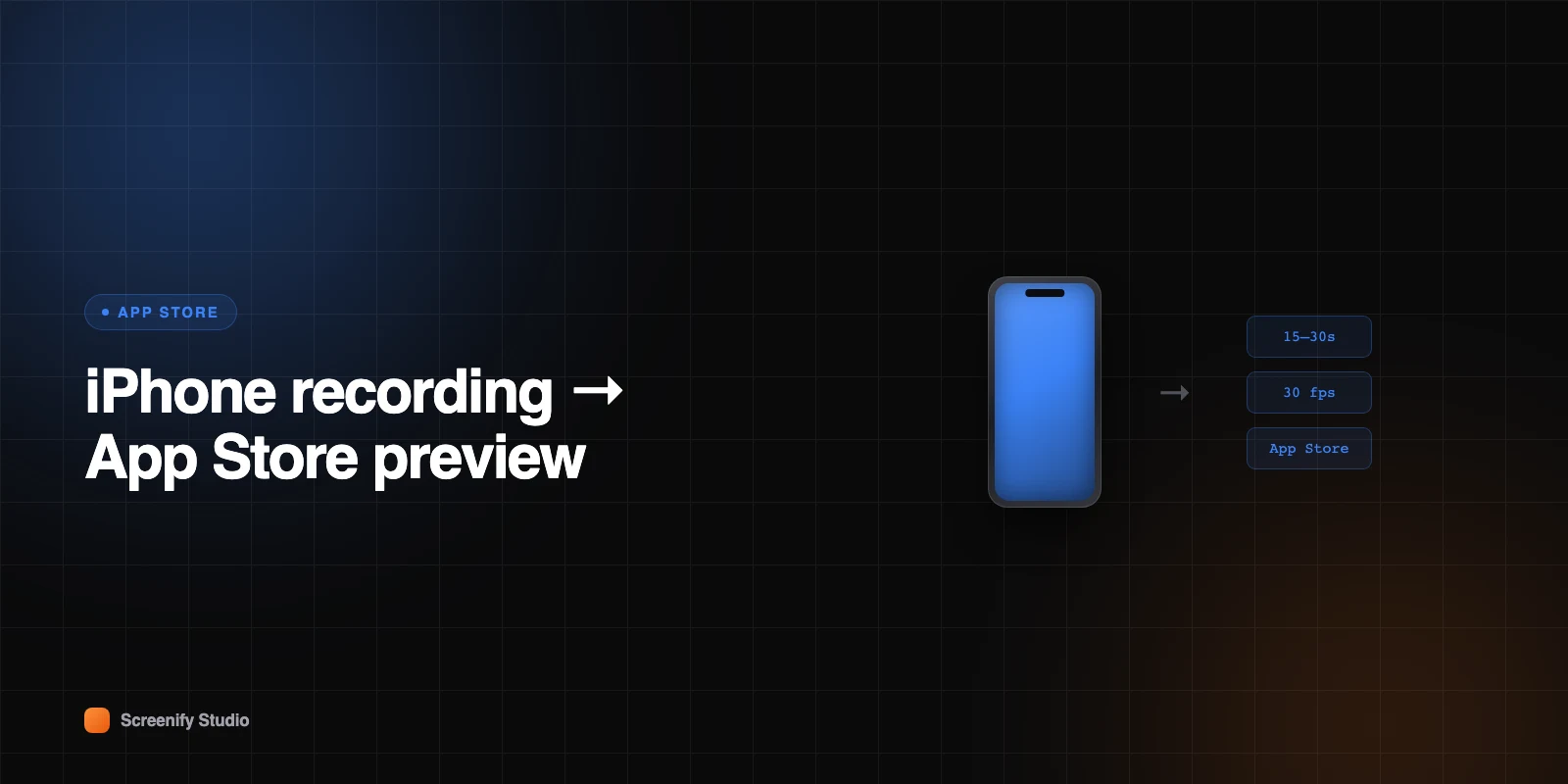
Turn an iPhone Recording into an App Store Preview
You have a screen recording from your iPhone. Four ways to get it to Apple's preview spec on a Mac — and the traps that cause rejections.