Blog
News, updates, and guides from Screenify Studio.
QuickTime Error While Recording Your Screen? Fixes
QuickTime Player encountered an error while recording your screen — what causes it, plus fixes for greyed-out buttons, missing audio and crashes.
OBS vs QuickTime: Mac Screen Recording Compared
A practical comparison of OBS Studio and QuickTime Player for screen recording on Mac — features, audio, output, and which fits your workflow.
How to Change Video Resolution on Mac
Downscale or upscale video resolution on Mac with QuickTime, Screenify Studio, HandBrake, or Compressor. Step-by-step for 4K, 1080p, and 720p.
How to Export Video as MP4 from QuickTime
Four ways to get MP4 output from QuickTime recordings on Mac. Step-by-step with QuickTime, Screenify Studio, HandBrake, and Compressor.
How to Remove Audio from a Video on Mac
Strip audio from MP4 or MOV files on Mac — four methods using QuickTime, Screenify Studio, iMovie, and FFmpeg with step-by-step instructions.
How to Rotate a Video on Mac
Rotate a sideways or upside-down video on Mac using QuickTime, Screenify Studio, iMovie, or Final Cut Pro. Step-by-step walkthroughs.
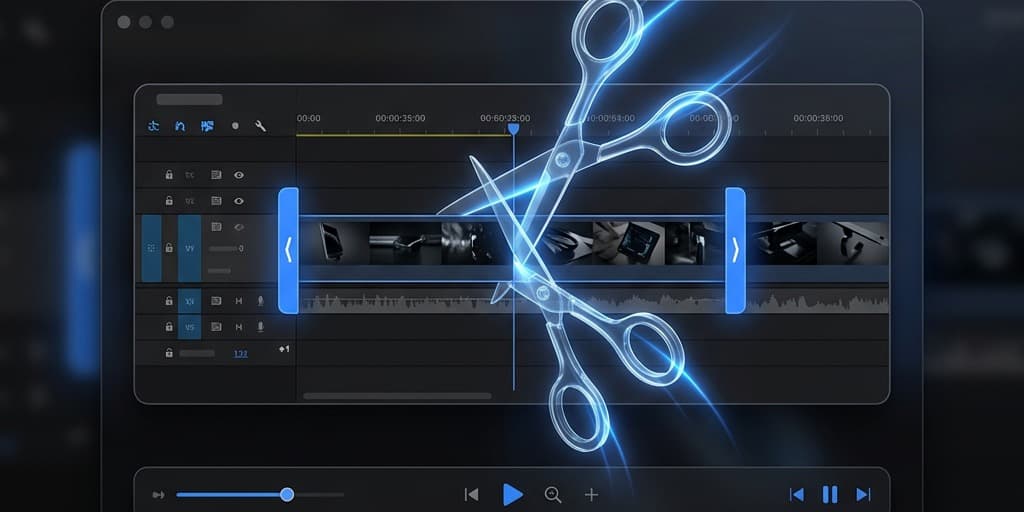
How to Trim a Video on Mac (Free)
Four ways to trim videos on Mac for free. Step-by-step with QuickTime, Screenify Studio, iMovie, and FFmpeg.

How to Screen Record with QuickTime Player
Record your Mac screen with QuickTime Player — step-by-step setup, trim editing, export options, and what to do when you need more.