Blog
News, updates, and guides from Screenify Studio.
How to Record Arc Browser Tabs
Record Arc Browser tabs on Mac — Spaces, Boost, Easels, AI features — using macOS toolbar, Screenify, Loom, OBS. For design and productivity demos.
How to Record Vercel Deployment Walkthroughs
Record Vercel deployment walkthroughs, Edge Function setups, and v0.dev demos with four Mac methods, plus env-var redaction practices.
Screen Recorders That Zoom In
Zooming into the part that matters is what makes a demo readable. Five tools compared on how they zoom — automatically, manually, or not at all.
Programs Like OBS for Mac
OBS is free and does everything, which is also its problem. Five Mac alternatives compared by what you are actually trying to do.
How to Change Image DPI on Mac (Without Losing Quality)
Set a PNG or JPEG to 300 DPI on Mac with Preview, sips in Terminal, a free browser tool, or Photoshop — and learn when DPI actually matters.
Rotato Alternative: Record and Stage in One App
Rotato makes beautiful 3D mockups but can't record. Here's how Screenify Studio and three other tools compare when you need both.
How to Put a Screenshot in an iPhone Mockup (Mac)
Four ways to drop a screenshot into a photoreal iPhone frame on macOS — free browser tools, native apps, and a scriptable route.
Shots.so Alternative for Mac
Shots.so is a fast browser mockup tool. Here's when a native Mac app beats it, and when it doesn't — compared against three alternatives.
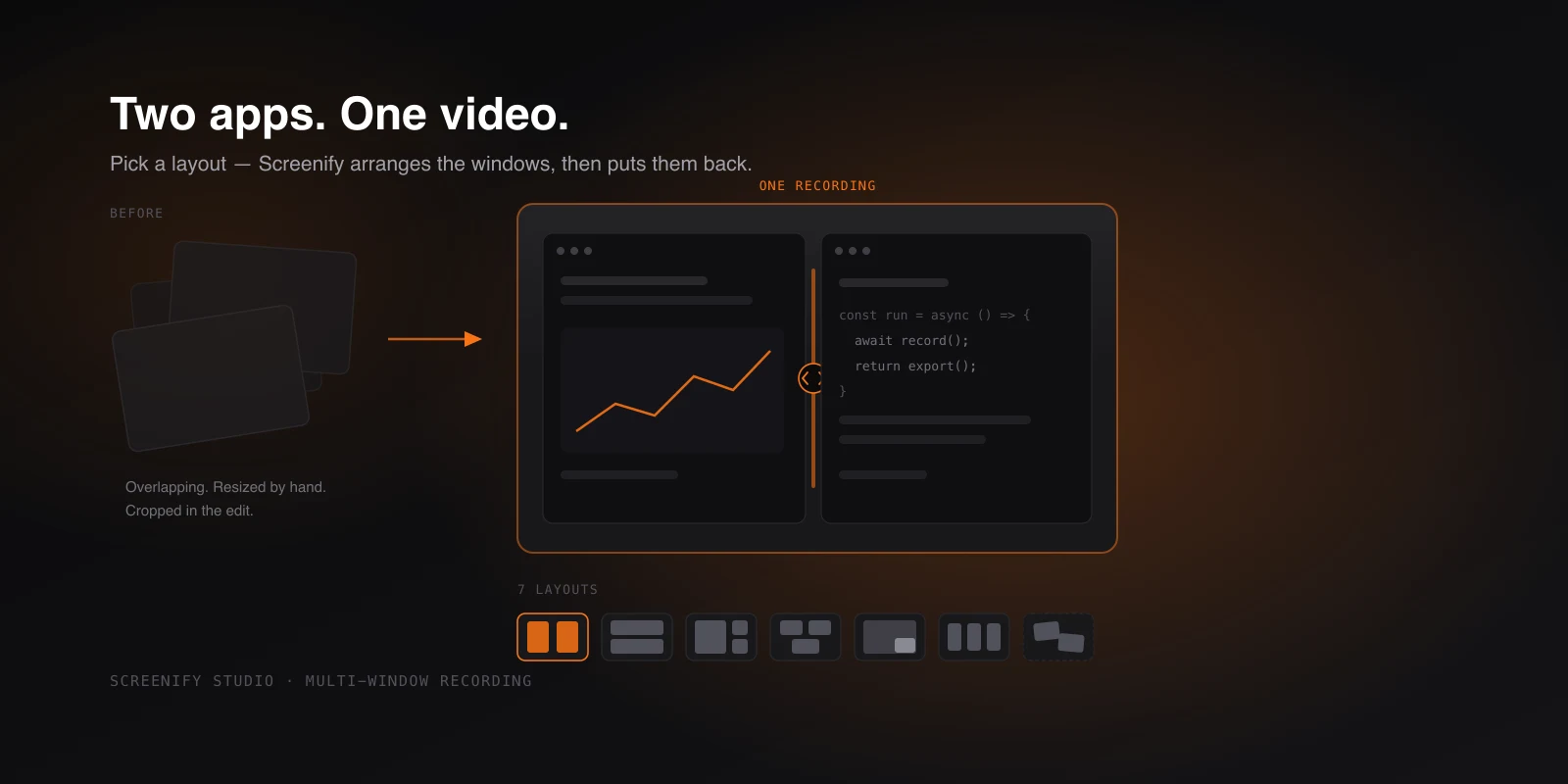
Record Two Apps Side by Side, in One Video
Capture several app windows as one video — pick a layout, drop your windows in, and Screenify arranges them on screen, then puts them back after.
Loom vs CleanShot X: Mac Comparison (2026)
Loom is async video messaging. CleanShot X is screenshot annotation. A Mac-focused comparison of where each tool actually fits in your workflow.
Mac-Native Loom Alternatives (2026)
Mac-native Loom alternatives for Apple Silicon users in 2026. Screenify, Screen Studio, CleanShot X, Kap, QuickTime compared.
QuickTime Error While Recording Your Screen? Fixes
QuickTime Player encountered an error while recording your screen — what causes it, plus fixes for greyed-out buttons, missing audio and crashes.