Smart Clipping: How AI Saves You 30 Minutes Per Video
Stop manually cutting silence from your screen recordings. Smart Clipping uses on-device AI to detect and remove dead time automatically.
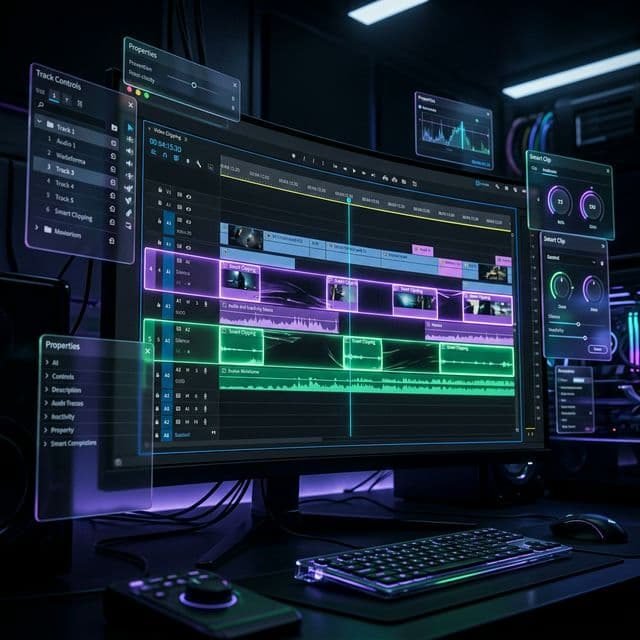
The dirty secret of screen recording: the recording part takes 3 minutes. The editing takes 30.
Most of that editing time? Cutting out silence. Removing the moments where you're waiting for a page to load. Trimming the "umm"s and the pauses where you lost your train of thought.
It's tedious. It's repetitive. And it's exactly the kind of work AI should be doing.
Meet Smart Clipping
Smart Clipping is our answer to the editing bottleneck. It transforms your raw footage into a polished demo in seconds.
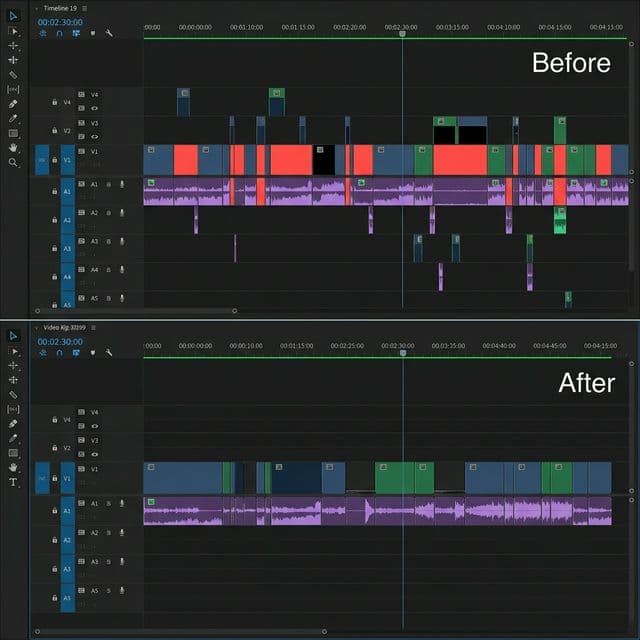
How it works:
- Record normally — Don't worry about pauses or mistakes.
- One click to analyze — AI scans for silence, cursor inactivity, and dead time.
- Review suggestions — Keep what you want, dismiss what you don't.
- Apply — One click to cut and smooth all transitions.
Three Presets for Different Styles
Not everyone wants the same level of aggressiveness:
| Preset | What it does | Best for |
|---|---|---|
| Light | Removes only obvious dead time (2+ seconds) | Tutorials with natural pauses |
| Balanced | Removes silence > 1s and inactivity > 1.5s | Standard product demos |
| Aggressive | Removes all detectable dead time | Fast-paced social clips |
100% On-Device & Privacy-First
This is the part we're most proud of: Smart Clipping runs entirely on your machine.
Your audio is analyzed locally. Your screen activity is analyzed locally. Nothing is uploaded anywhere. Your recordings often contain sensitive information like API keys or private messages, and we believe "AI-powered" shouldn't mean sacrificing your privacy.
The Math
If you make 5 screen recordings per week, each taking 20 minutes of manual editing to cut dead time, that's 100 minutes of your life wasted every week.
Smart Clipping does that same work in about 30 seconds. Over a month, that's nearly 6 hours of your time recovered.
Ready to stop scrubbing timelines and start creating?

Try Screenify Studio
Record your screen with auto-zoom, AI captions, dynamic backgrounds, and Metal-accelerated export. Free plan, unlimited recordings.
Download Free



