Metal Export: How We Made Video Export 3x Faster
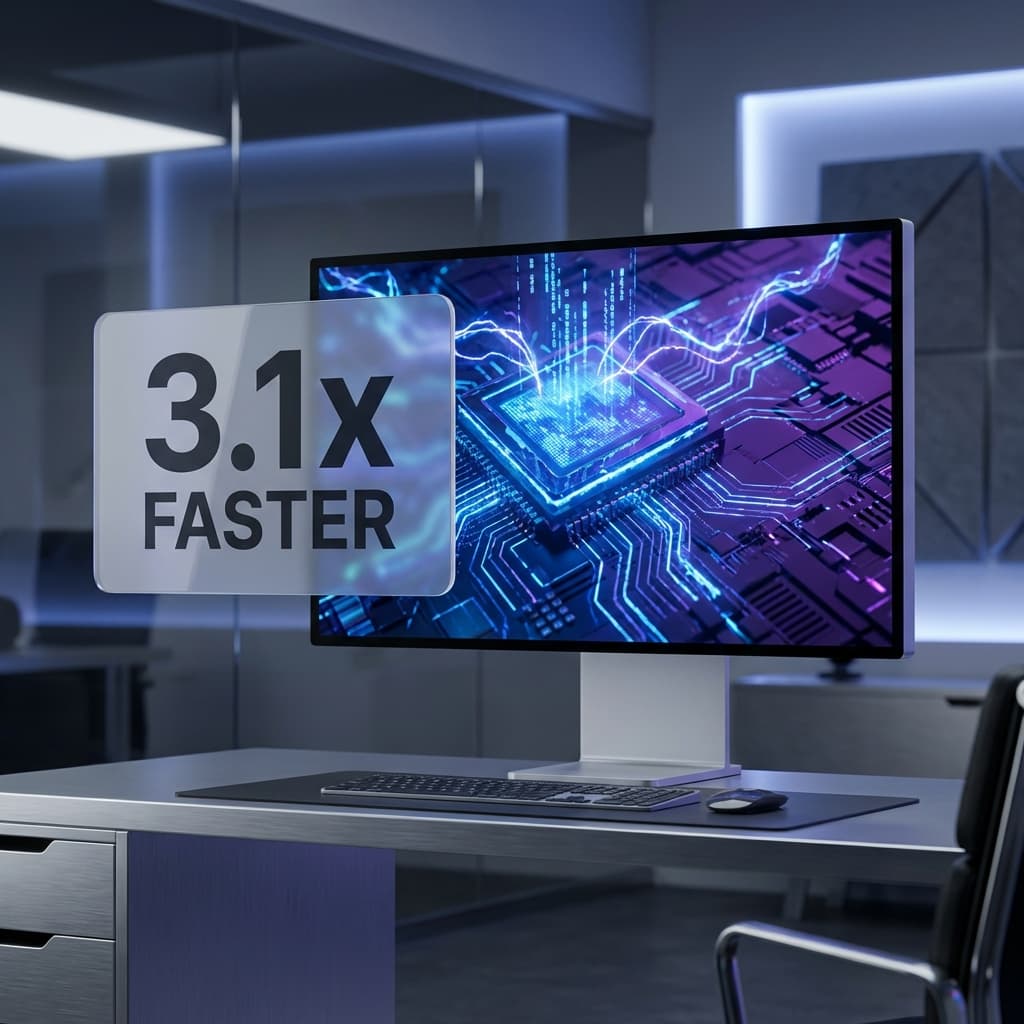
Screenify Studio's Metal export engine bypasses the CPU bottleneck entirely with a zero-copy GPU pipeline — delivering export speeds 3.1x faster than conventional software renderers.
Standard video export pipelines have a structural problem: the CPU does too much work.
A conventional export loop reads compressed video from disk, decodes it on the CPU, copies frames into system RAM buffers, composites each layer in sequence, then re-encodes the result — all while the GPU sits mostly idle. On a modern Apple Silicon Mac, this approach wastes the most powerful resource you have.
Metal Export in Screenify Studio replaces this pipeline entirely.
1. The Zero-Copy Pipeline
The core change is keeping video frames on the GPU from the moment they're decoded to the moment they're re-encoded — never touching system RAM as an intermediate step.
On macOS, AVAssetReader outputs frames as CVPixelBuffer objects backed by IOSurface. These surfaces are hardware-resident: they live in GPU-accessible memory. Screenify's Metal engine imports them directly as Metal textures via CVMetalTextureCacheCreateTextureFromImage — no copy, no conversion, no round-trip through the CPU.
The compositing pipeline then runs entirely on the GPU. Background rendering, camera PiP, cursor overlays, privacy masks, captions, annotations, and zoom effects are all applied as Metal shaders. The final composited texture goes straight to AVAssetWriter, which encodes it using Apple's hardware H.264/H.265 encoder.
The result: 3.1x faster export than the Standard (wgpu) engine.
2. Every Effect, Rendered in Metal
A faster pipeline is only useful if it supports the full feature set. Metal export handles every visual layer available in the editor:
- Backgrounds: Solid, gradient, blur, wallpaper, and transparent
- Camera PiP: All shapes (circle, rounded rectangle, square), borders, and drop shadows
- Cursor: Size, color, click highlights, and cursor hiding
- Zoom Regions: Pan easing, spring physics, and 3D perspective tilt on entry
- Annotations: Highlights, arrows, text callouts, and shapes
- Privacy Masks: Blur and pixel regions, fully animated over time
- Watermarks: Logo overlay with opacity and position control
- Audio: Background music, mic volume adjustment, and global fade in/out
Metal export is not a "fast mode with fewer features." It is the default engine on macOS.
3. Spring Easing in a Compute Shader
The zoom system ships four easing curves — Linear, Ease Out, Ease In-Out, and Spring — all implemented as Metal compute functions running per-frame on the GPU.
Spring easing deserves specific mention. The formula used is a true damped oscillation:
2^(-10t) × sin((10t − 0.75) × 2π/3) + 1The camera overshoots the target zoom position by roughly 8%, then settles — mimicking the physical momentum of a lens moving toward a subject. This is not a bezier curve approximation. The same floating-point coefficients appear in both the Metal shader and the Standard wgpu shader, so the spring animation looks identical in the editor preview and the final export.
4. Why macOS Gets a Dedicated Engine
The IOSurface zero-copy path, CVMetalTextureCache, and hardware-accelerated AVAssetWriter are Apple platform primitives. There are no direct equivalents on Windows or Linux.
For other platforms, Screenify uses a wgpu-based Standard engine — GPU-accelerated via WebGPU, cross-platform, and feature-complete. The performance gap exists specifically because macOS allows the entire frame path to stay inside GPU memory, while wgpu must operate through a more general abstraction layer.
5. Accurate Progress from Frame One
A fast engine with an inaccurate progress bar is frustrating in a different way. Metal export reads its total frame count from a segment index cached in recording-meta.json at the time the recording stops — it does not probe the source file at export time.
This means the progress percentage is calculated correctly from the first frame, with no I/O stall or estimation phase at startup.
Export time is one of the few places where a few extra minutes genuinely disrupts your workflow. At 3.1x the speed of software rendering, a 12-minute export becomes a 4-minute export — the difference between stepping away and waiting at your desk.
Download Screenify Studio and export at Metal speed.
Zero-copy GPU pipeline. Every visual effect. 3.1x faster on macOS. Get started free.

Try Screenify Studio
Record your screen with auto-zoom, AI captions, dynamic backgrounds, and Metal-accelerated export. Free plan, unlimited recordings.
Download Free



